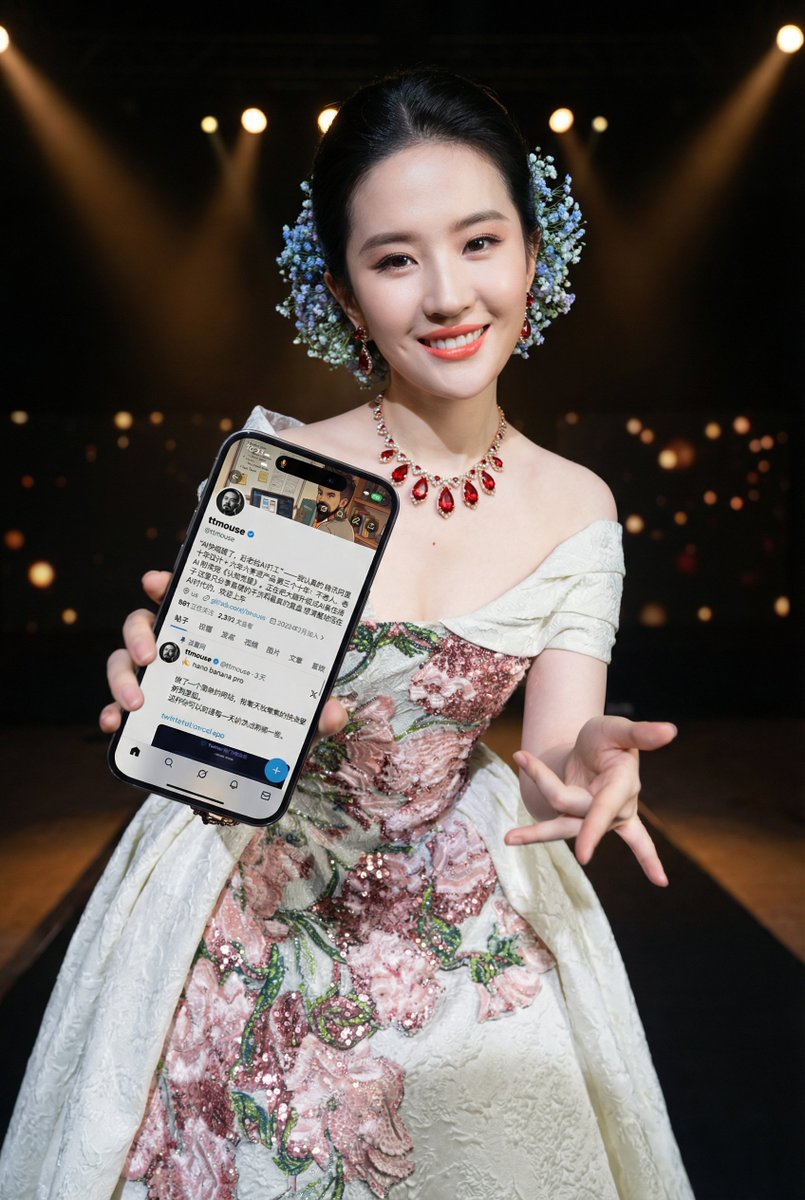
Image-to-Image Prompt for Character and UI Generation
1. Prepare the character prototype 2. Prepare the mobile interface screenshot 3. Send along with the prompt text
提示词库
汇集全球创作者的精选图像、视频与建站提示词。复制任意一条,替换主体或风格,即可用最新模型生成。
15,630 条提示词 · 每日更新 · 完全免费
共 240 条
1. Prepare the character prototype 2. Prepare the mobile interface screenshot 3. Send along with the prompt text
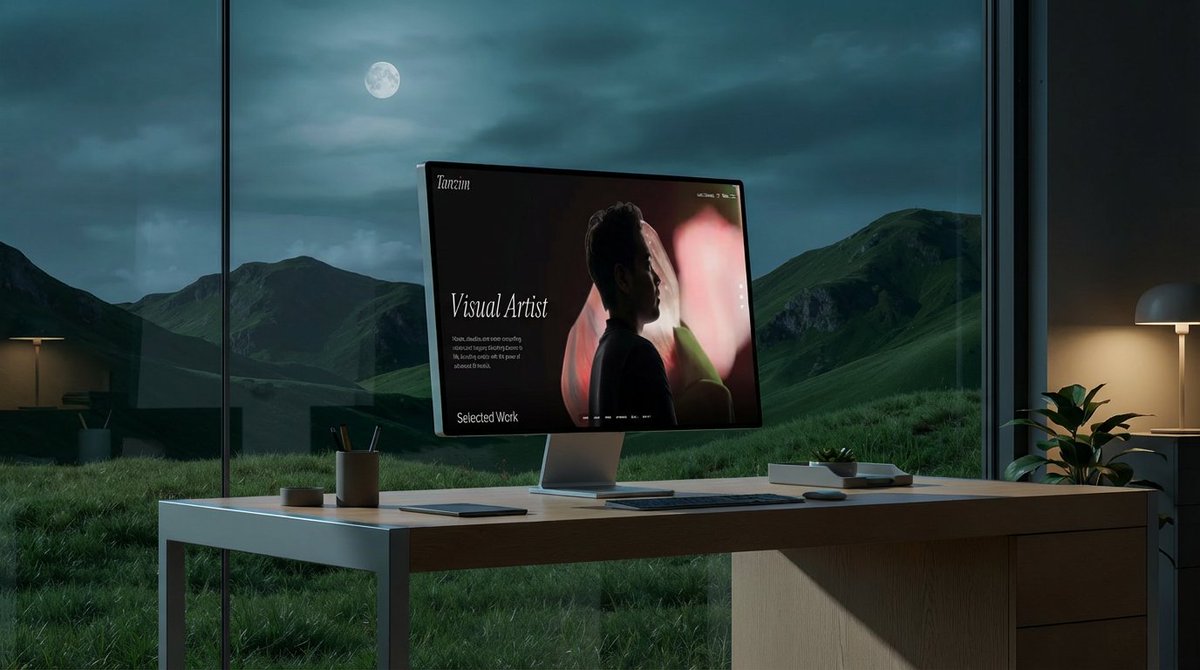
"Place the website in the second photo onto the screen of the computer in the first photo. Replace the background with something that fits the aesthetic and style of the website. Maybe an office looking out at grassy mountains and hills. Change the table to something more like white oak or aluminum."
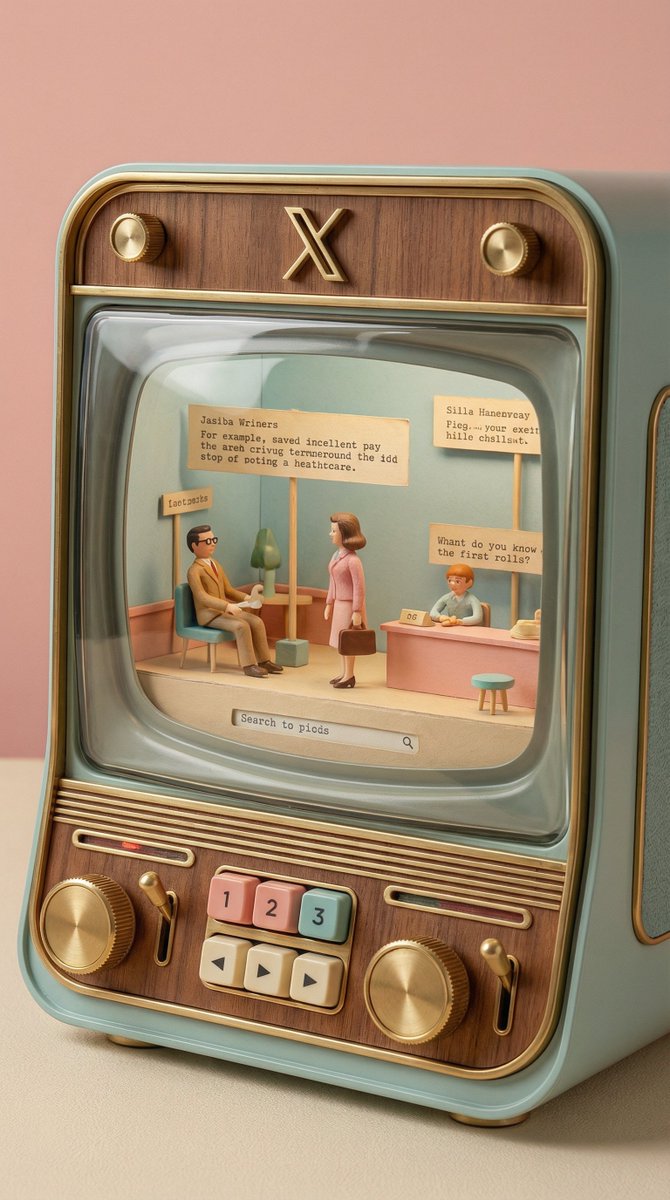
The X app mobile interface if it was designed by {argument name="designer" default="Wes Anderson"}. Make the style hyper realistic skeuomorphism
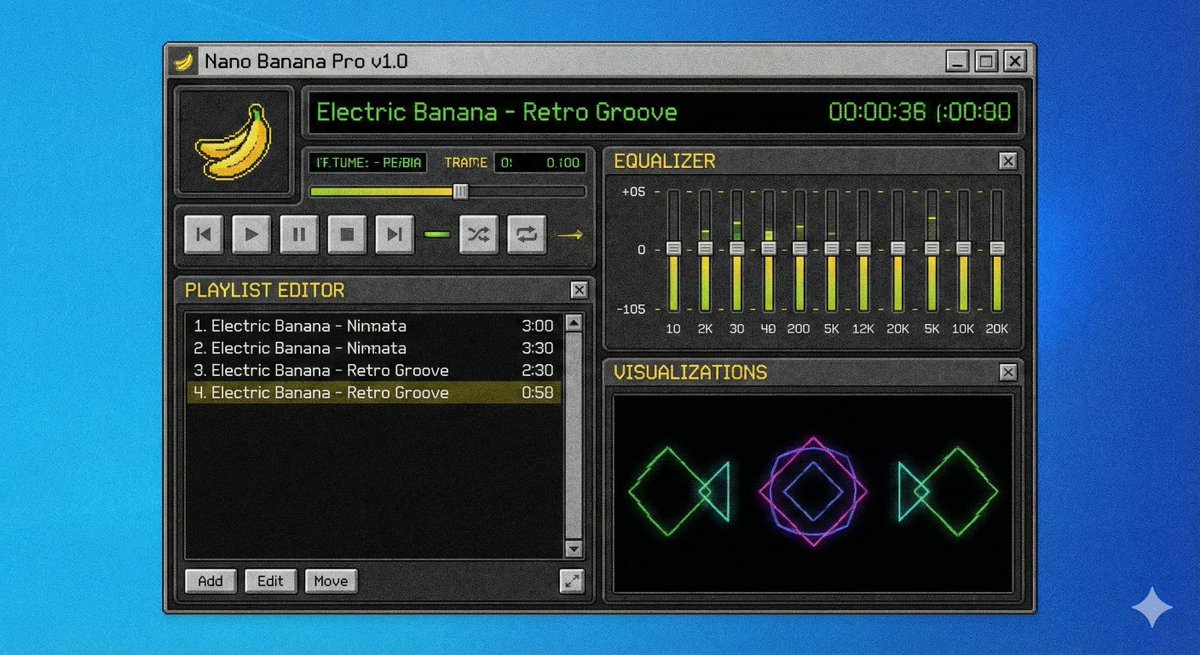
A screenshot of a winamp style software called {argument name="software name" default="Nano Banana Pro"}
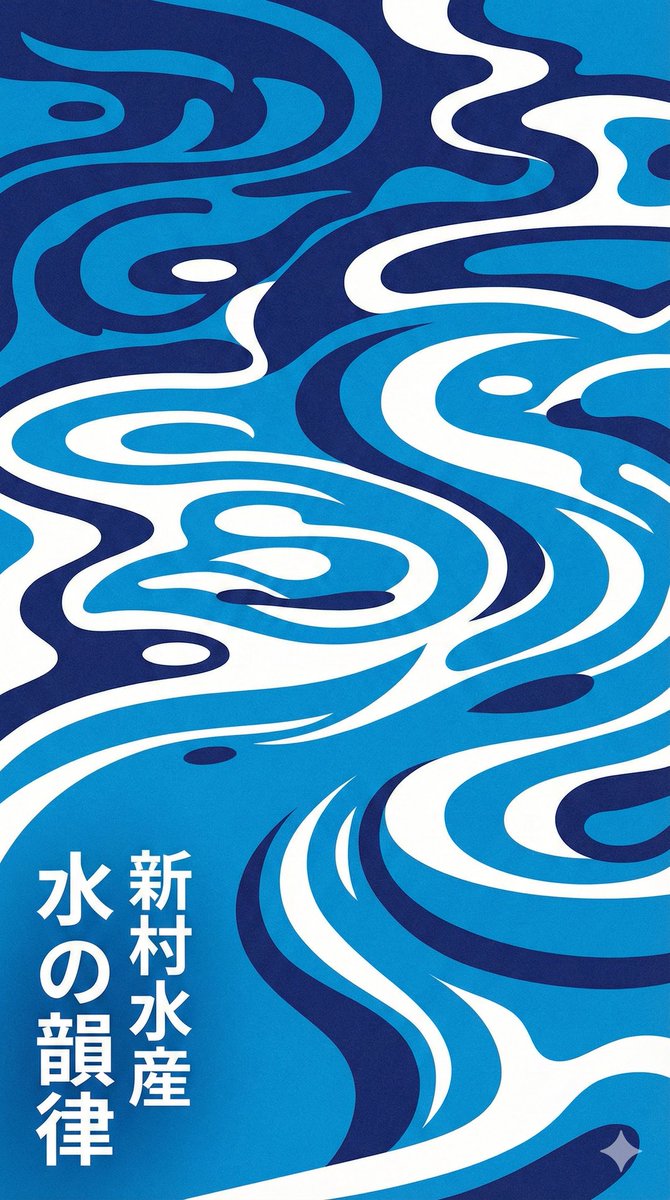
Modern Japanese graphic design poster of stylized water ripples, abstract water surface pattern, organic biomorphic shapes, flat design, vector art style. Monochromatic {argument name="color palette" default="blue"} color palette, {argument name="color 1" default="indigo"} and {argument name="color 2" default="azure"} and white, high contrast, clean hard edges, no gradients. Rhythmic flowing composition, screen print texture, minimalist aesthetic, typography elements in Japanese kanji. {argument name="style reference" default="Shinmura Suisan"} style, fresh and cool atmosphere
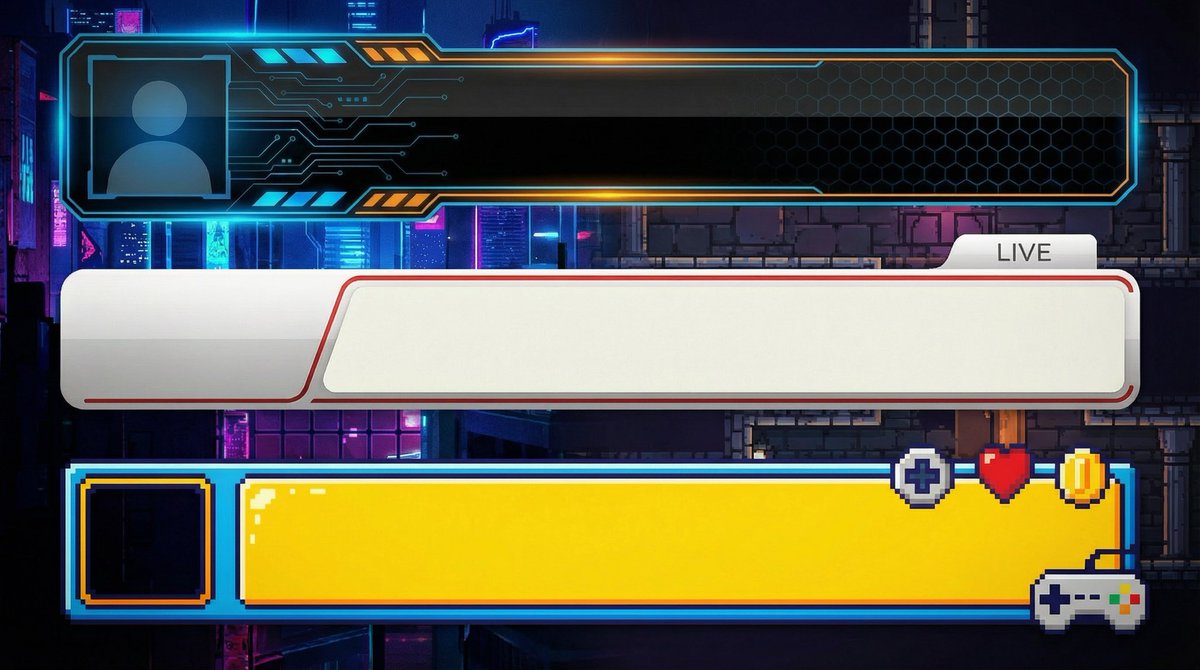
【Create Subtitle Bases for YouTube】 ●Basic Information ・Do not input text; only create the subtitle base (lower third) ・Opaque ・Horizontal ・Solid green background for easy transparency ・Create three different design patterns stacked vertically ・Aspect ratio is "16:9" ・Resolution is "2K" ---------------- ●Design Information ({argument name="genre" default="Business"}) ・Clean and simple design ・Design easy to use for {argument name="genre" default="Business"} videos ・{argument name="genre" default="Design that conveys reliability"} ---------------- ●Design Information (Game Commentary) ・Clean and simple design ・Design easy to use for game commentary ---------------- ●Design Information (Entertainment) ・Clean and simple design ・Design similar to those used by Japanese entertainment YouTubers ---------------- ●Design Information (Vlog/Daily Life) ・Clean and simple design ・Calm design easy to use for stylish Vlog videos
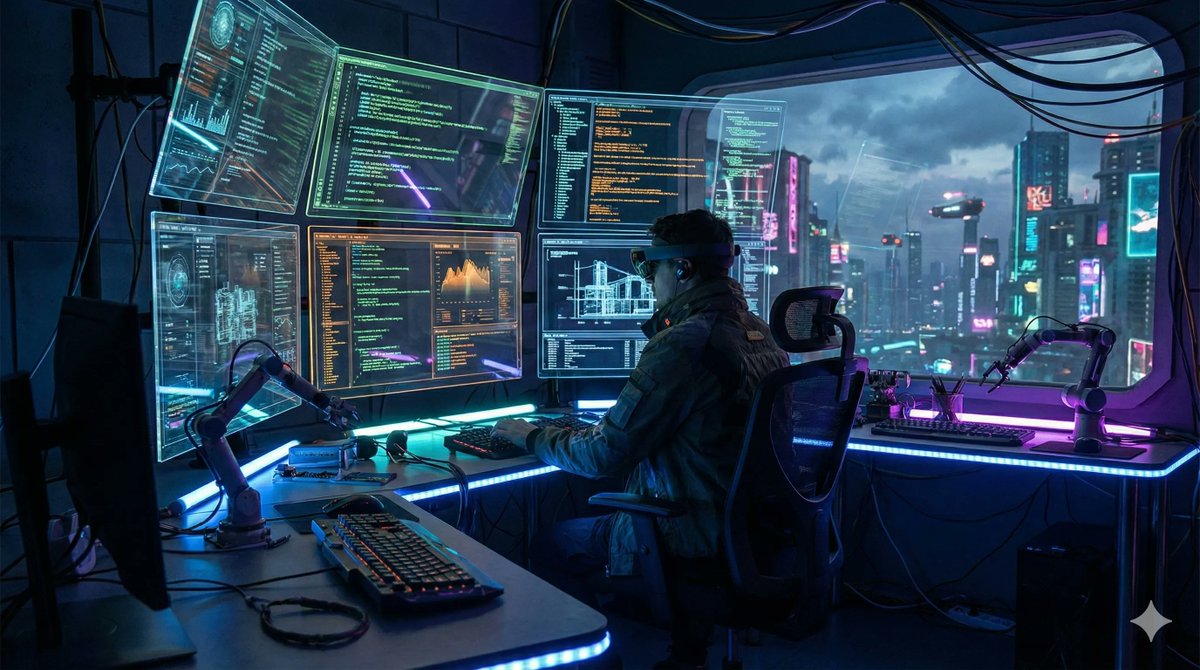
{ "scene": "{argument name="scene description" default="futuristic AI workspace with holographic screens showing code"}", "resolution": "{argument name="resolution" default="4K"}", "aspect_ratio": "{argument name="aspect ratio" default="16:9"}", "style": "{argument name="visual style" default="cinematic lighting, cyberpunk aesthetic, ultra-detailed"}" }
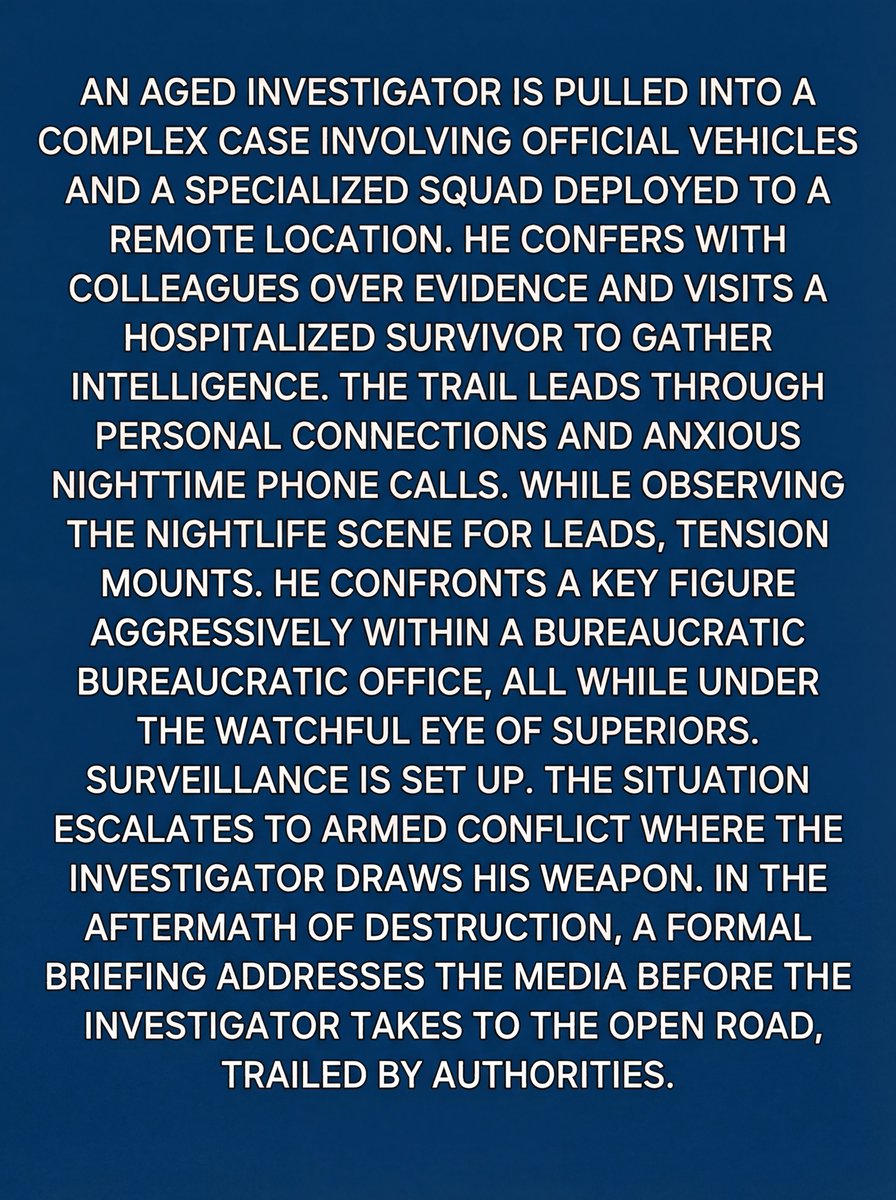
interpret the video thumbnail that is @ img1 print your detailed story derived your interpretation of @ img1 as the text only image output. expected output format: small easy to read white sans serif block format text on a blue background
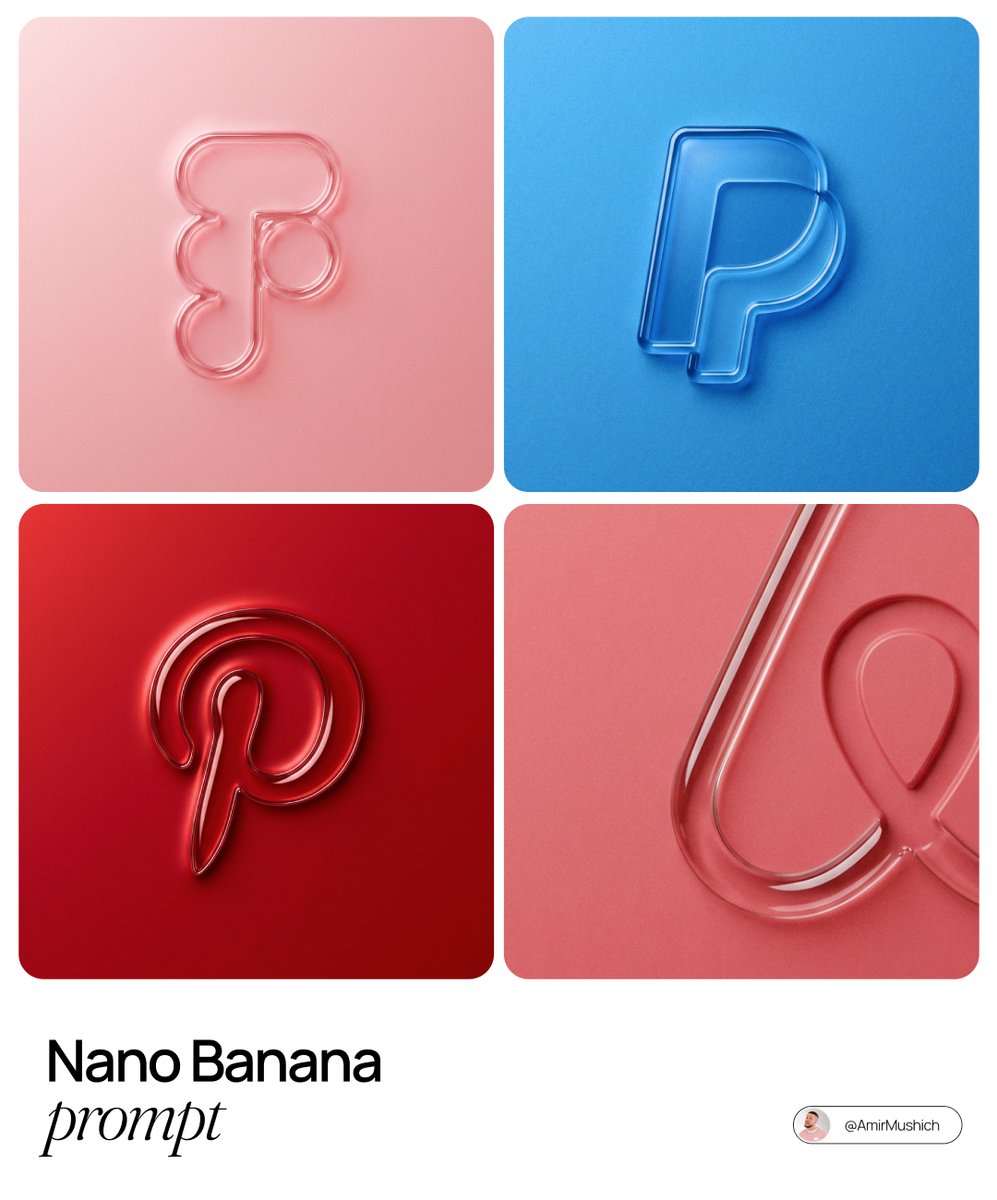
The centrally aligned {argument name="brand name" default="[brand name]"} on a flat surface is rendered with a 3D embossed glossy outline, perfectly centered in the composition with ample surrounding white space, creating a high-end minimal aesthetic. A monochrome {argument name="main color" default="[color]"} palette with a soft gradient in tone. The object is defined by raised, liquid-smooth glass borders or chrome edges, blending seamlessly with the background to form an integrated embossed effect. A matte surface overlaid with subtle film grain or noise texture. Soft diffused lighting with strong specular highlights at the rounded corners, viewed from a top-down perspective.
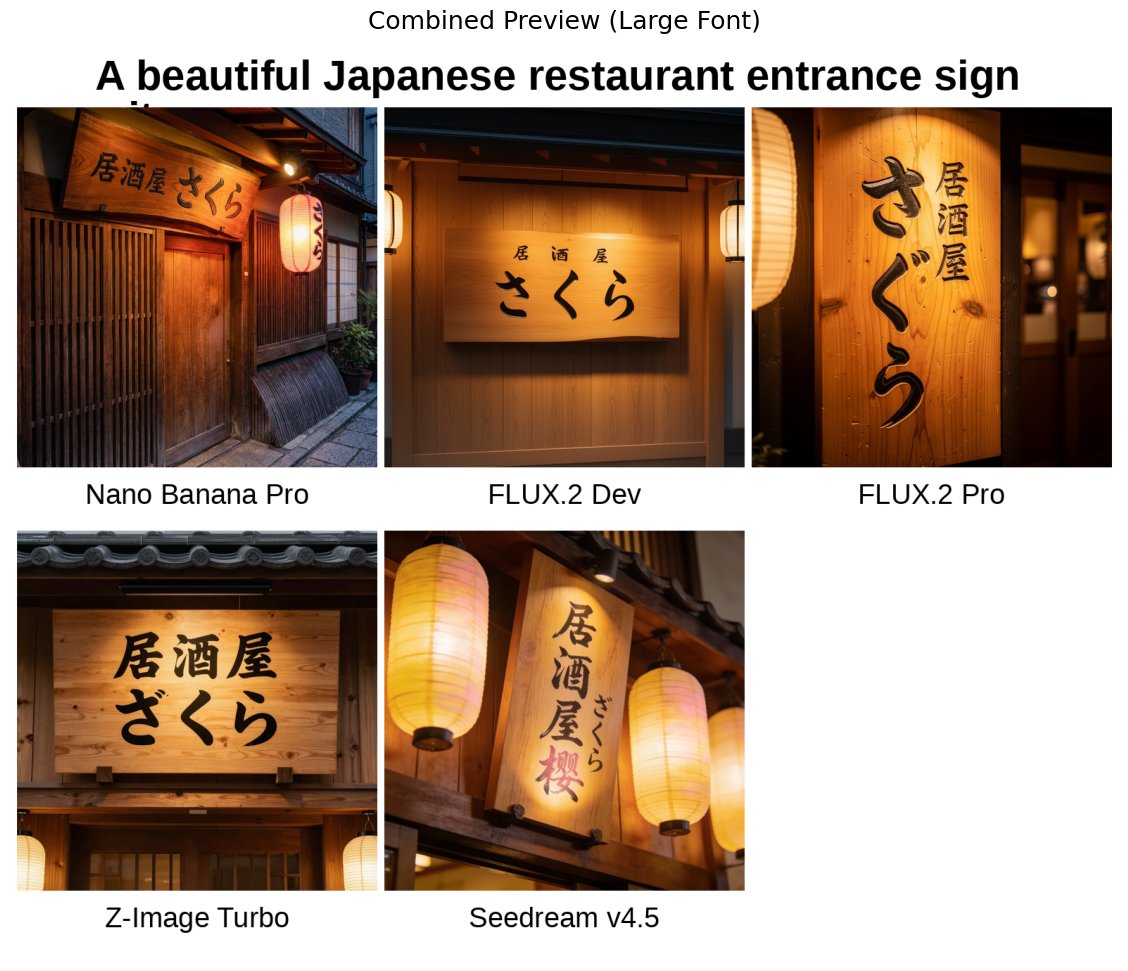
A beautiful Japanese restaurant entrance sign with the text "{argument name="sign text" default="Izakaya Sakura"}" written in a traditional calligraphy style, a warm wooden background, soft lantern lighting, photorealistic quality
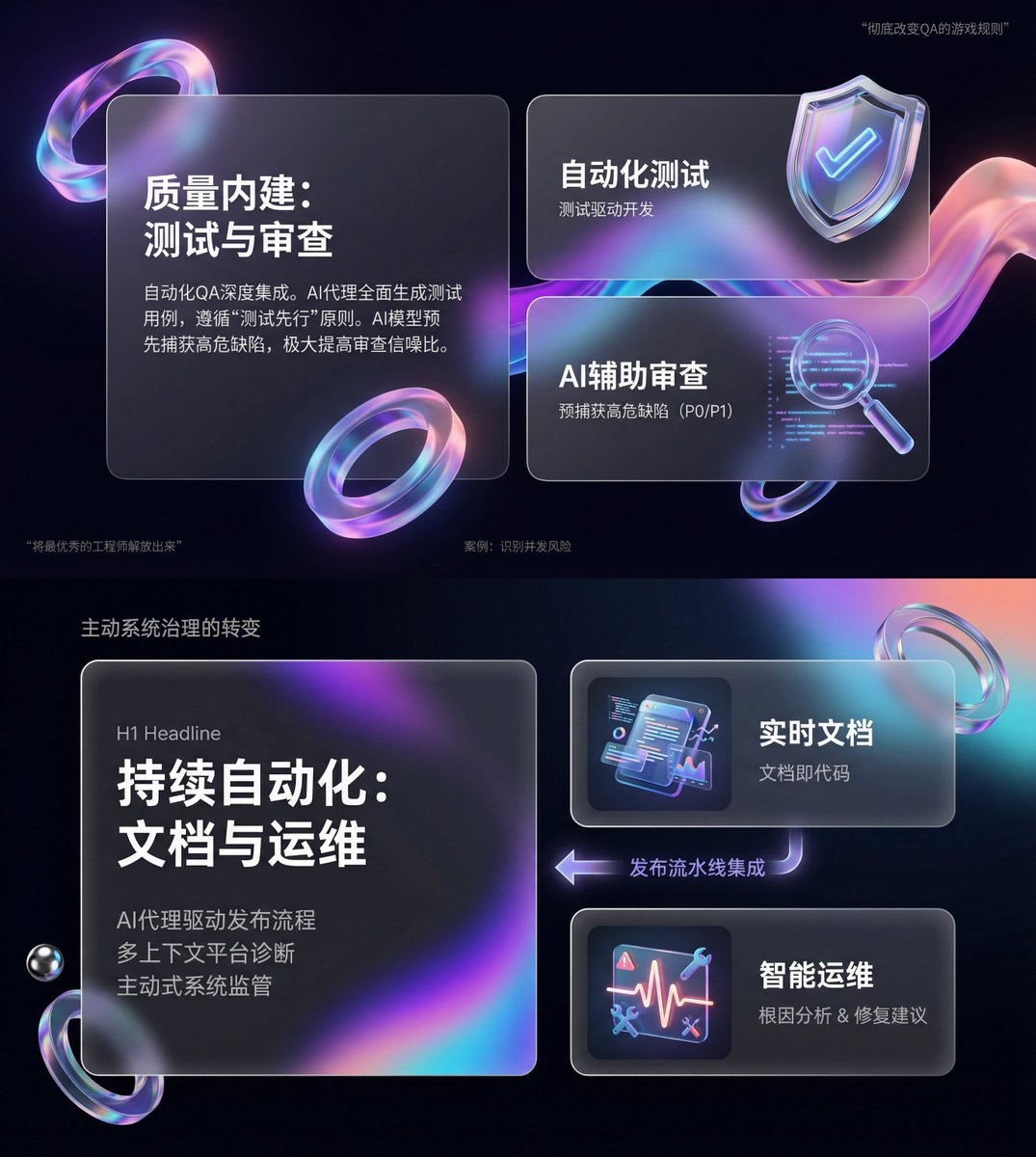
You are an expert-level UI/UX presentation designer. Generate high-fidelity, futuristic 16:9 presentation slides. Based on visual balance aesthetics, automatically choose the most perfect composition among a cover, grid layout, or data visualization. For the global visual language, the style should seamlessly blend Apple Keynote minimalism, modern SaaS product design, and glassmorphism. The overall mood should feel premium, immersive, clean, and breathable. Use cinematic volumetric lighting, soft ray-traced reflections, and ambient occlusion. For the color scheme, choose either deep void black or pure ceramic white as the base, accented with flowing aurora gradients such as neon purple, electric blue, soft coral orange, and cyan for the background and UI highlights. For the content modules on each slide, intelligently integrate the following elements: 1. Use a bento grid system as the layout engine, organizing content inside modular rounded-rectangle containers. The containers must be frosted glass with blur, featuring delicate white edges and soft shadows, and strictly preserve generous internal whitespace to avoid crowding. 2. Insert gift-like 3D objects, rendering unique, high-end abstract 3D artifacts as visual anchors. They should look like tangible, expensive gifts or collectibles, with materials such as polished metal, iridescent acrylic, transparent glass, or soft silicone, and shapes like floating capsules, spheres, shields, Möbius strips, or fluid waves. 3. For typography and data, use clean sans-serif fonts with high contrast. If there are charts, use glowing 3D donut charts, capsule-shaped progress bars, or floating numbers; the charts should look like glowing neon toys. Composition logic reference: If generating a cover, place a huge, complex 3D glass object in the center with bold large text over it and aurora waves stretching in the background. If generating a content slide, use the bento grid layout with 3D icons on small cards and text on large cards. If generating a data slide, use a split-screen design: typography on the left, and a large, glowing 3D data visualization chart floating on the right. Rendering quality requirements: Unreal Engine 5 rendering, 8K resolution, ultra-detailed textures, strong UI design sense, UX interface, Dribbble trending style, award-winning design quality.
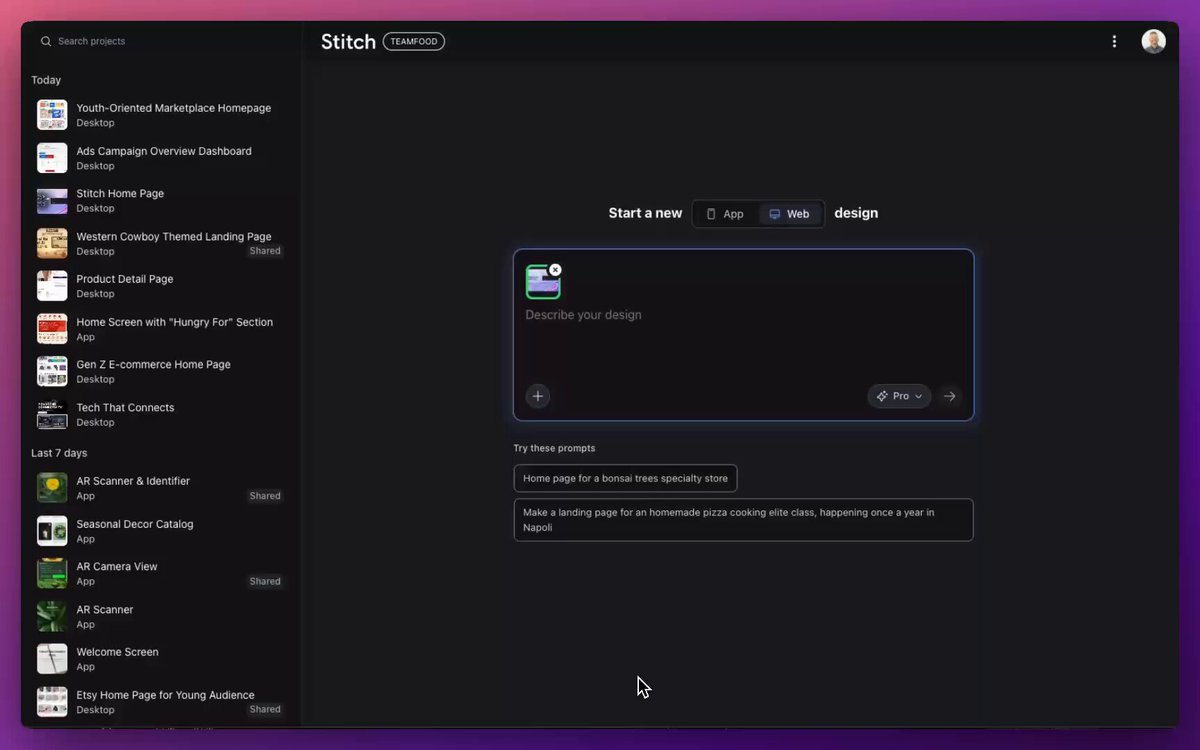
젊은 세대를 위해 이 페이지를 재설계하세요 다음에 나올 가능성이 가장 높은 페이지를 만들어 보세요 카트에 추가하는 사용자 수를 늘리세요 버튼을 10픽셀 아래로 이동

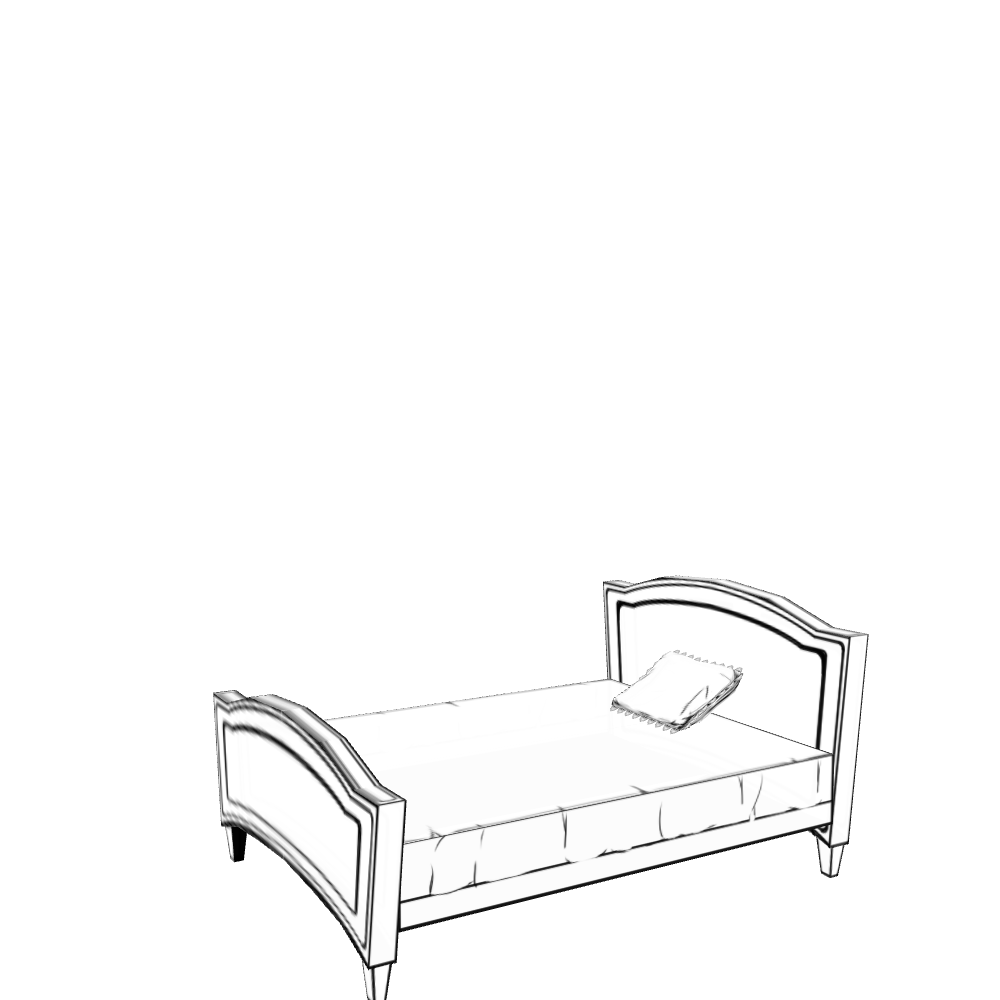
Create a living room layout that suits this sofa. Make it a room in a single-story house in the city where a married couple lives. Show the entire room as an isometric bird’s-eye view. Use an anime-style illustration.
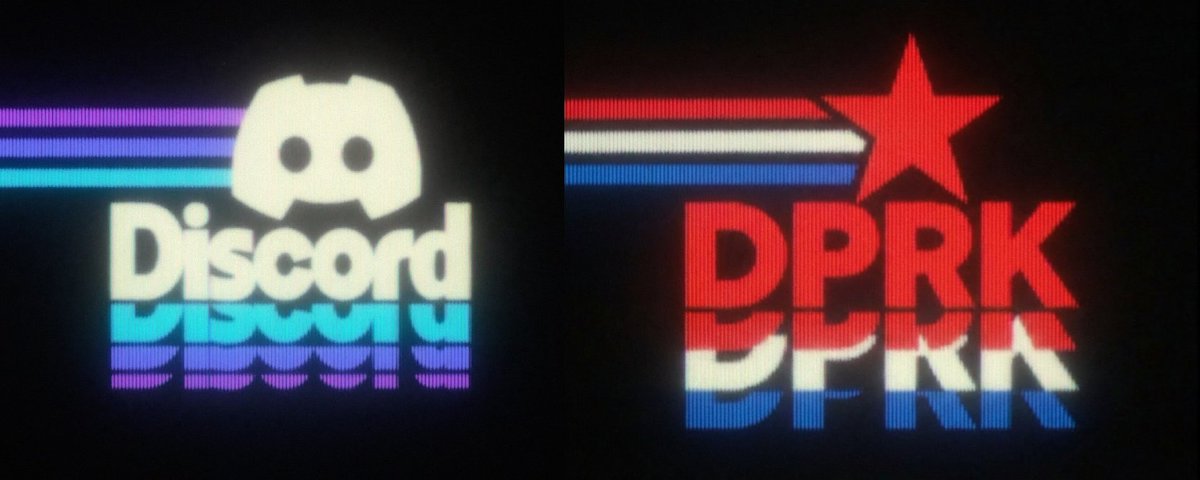
make this a blue glowing 3D wireframe over a black background. Add red wireframe tanks if you want.
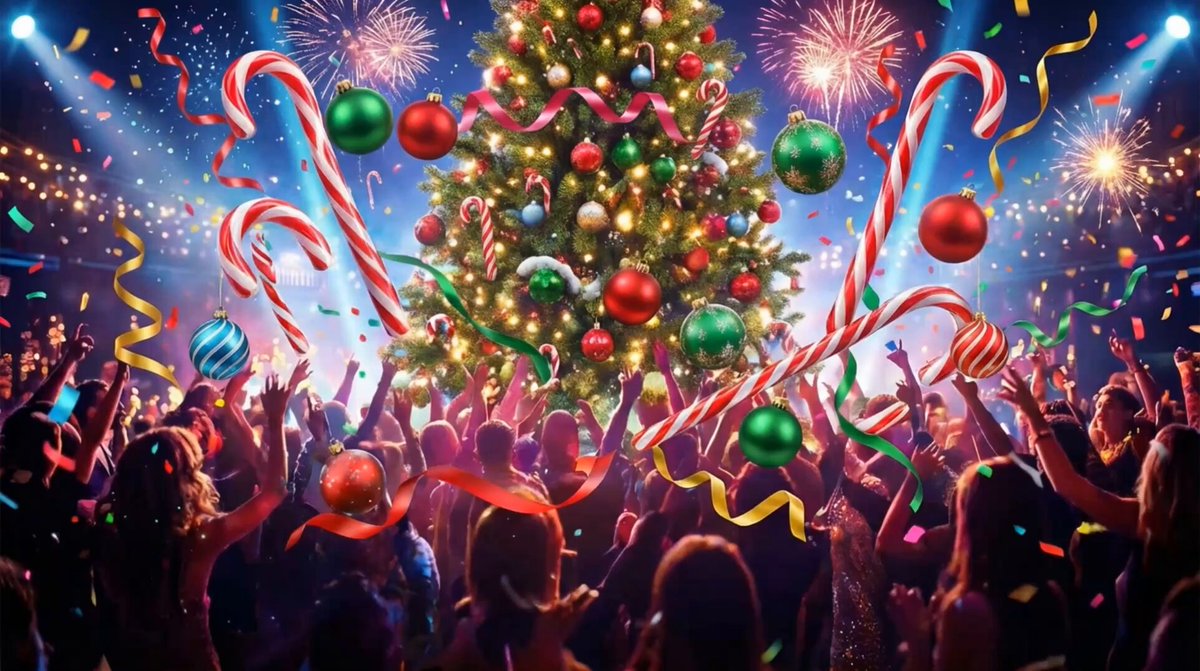
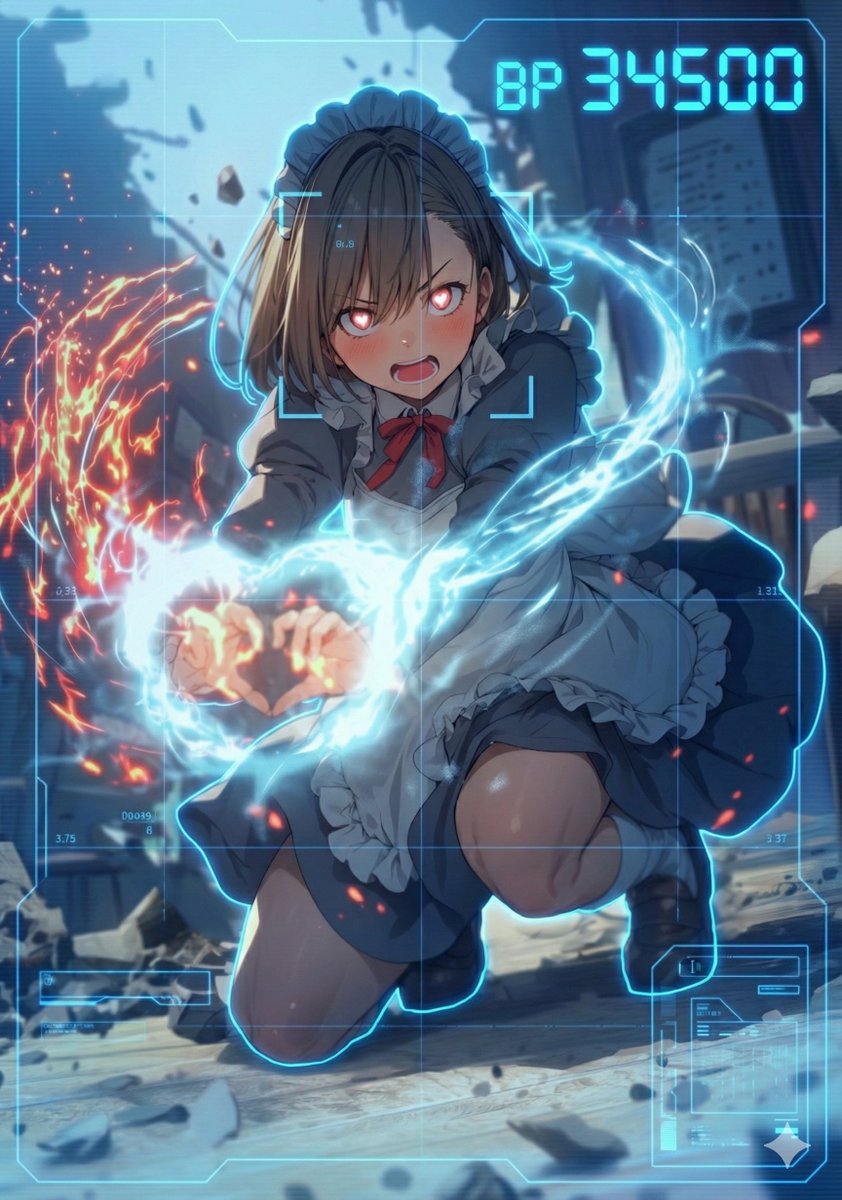
Use blue HUD color. task: "edit-image: add full-screen analysis HUD overlay only"
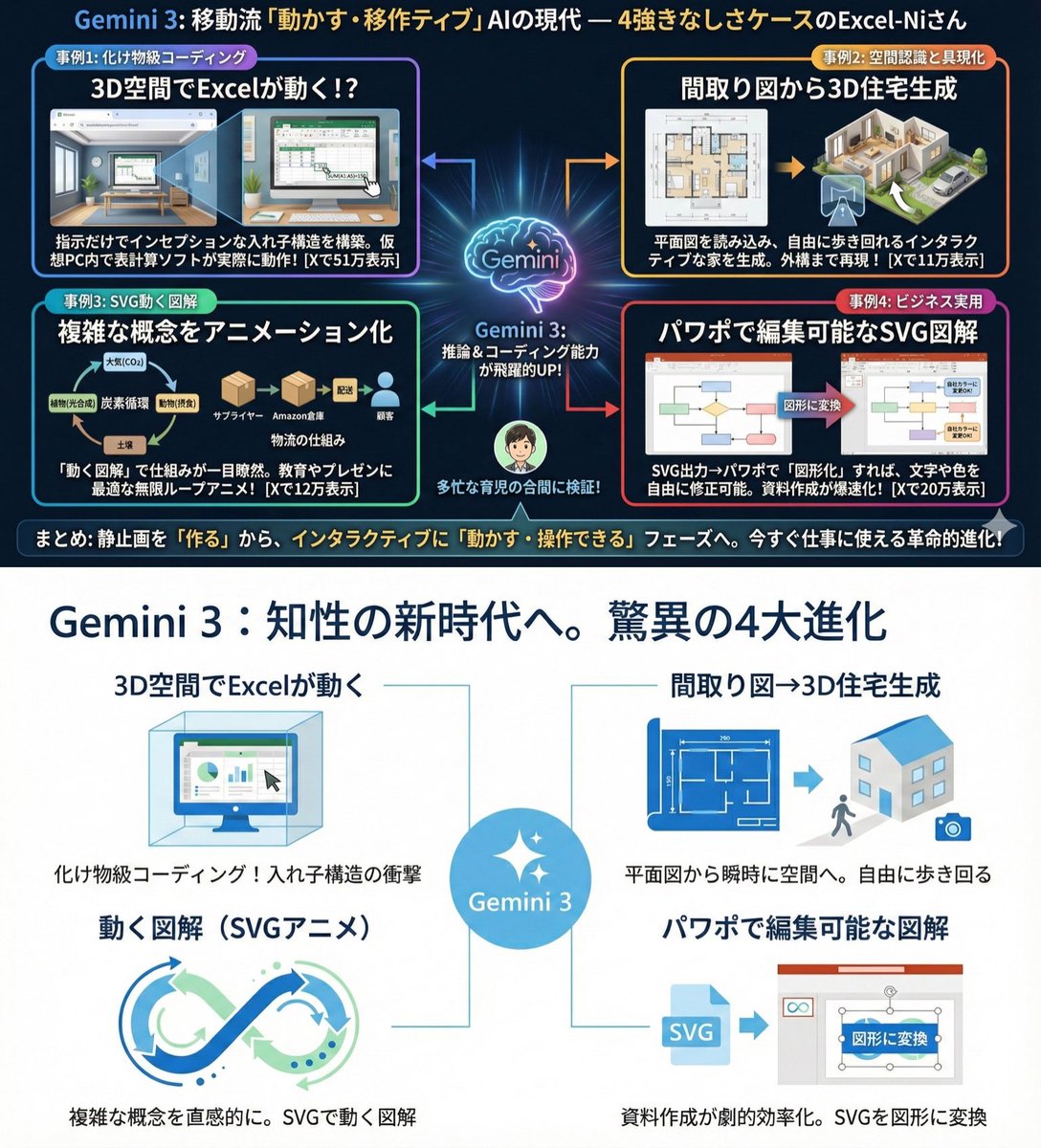
Use extremely little text and focus on graphical expression. Suppress Japanese character garbling. Use Hiragino Gothic as the main font. Keep the content as is, but make the colors and design similar to Microsoft 365. Use a flat and simple design.
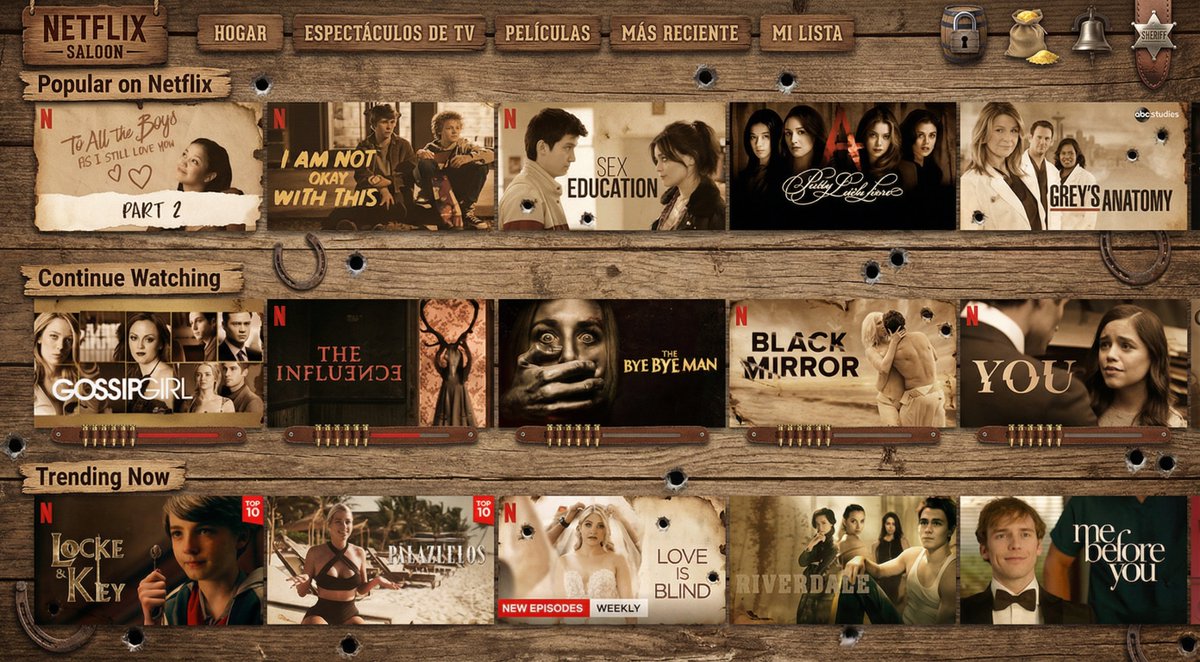
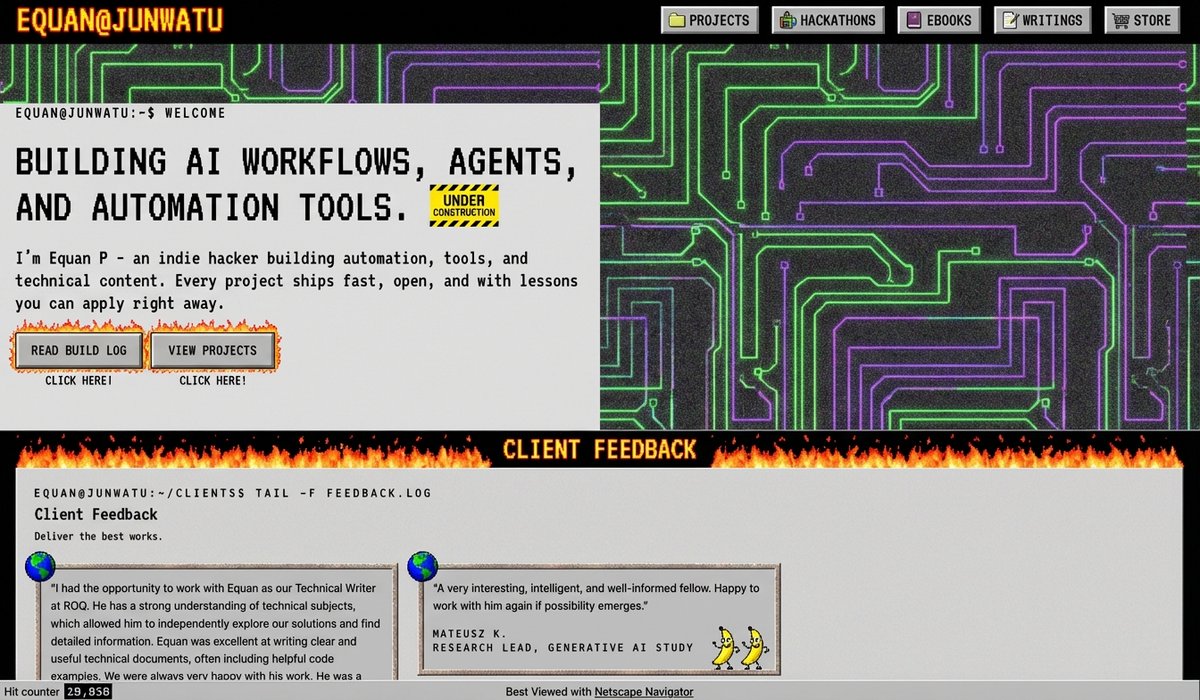
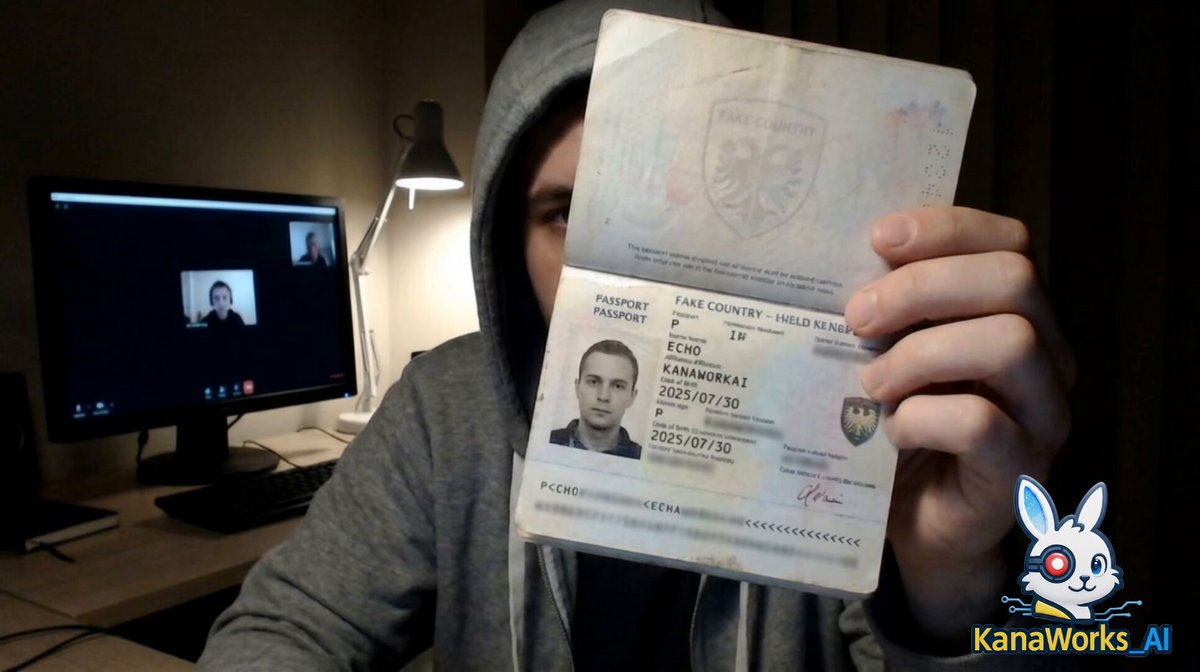
Make the character in the image hold their passport while sitting in front of a computer, showing the ID clearly to the camera to prove they are a real person. The ID information should be clearly visible, with the name {argument name="name_en" default="[NAME]"}, the affiliation {argument name="affiliation_en" default="[YOUR DATA]"}, and the birthday {argument name="birthday_en" default="[YOUR DATE]"}. All other details can be random and fictional.
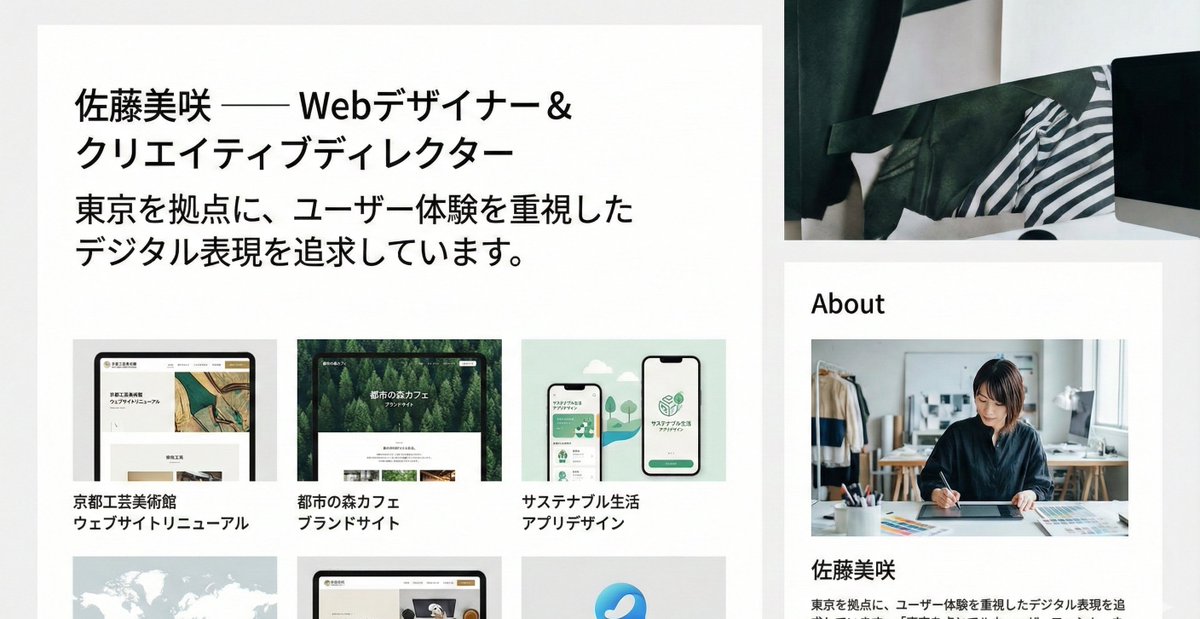
部分提示词收录自 X 平台创作者,版权归原作者所有。