图像需上传参考图
Sketch to CAD-Style Line Art Conversion Prompt
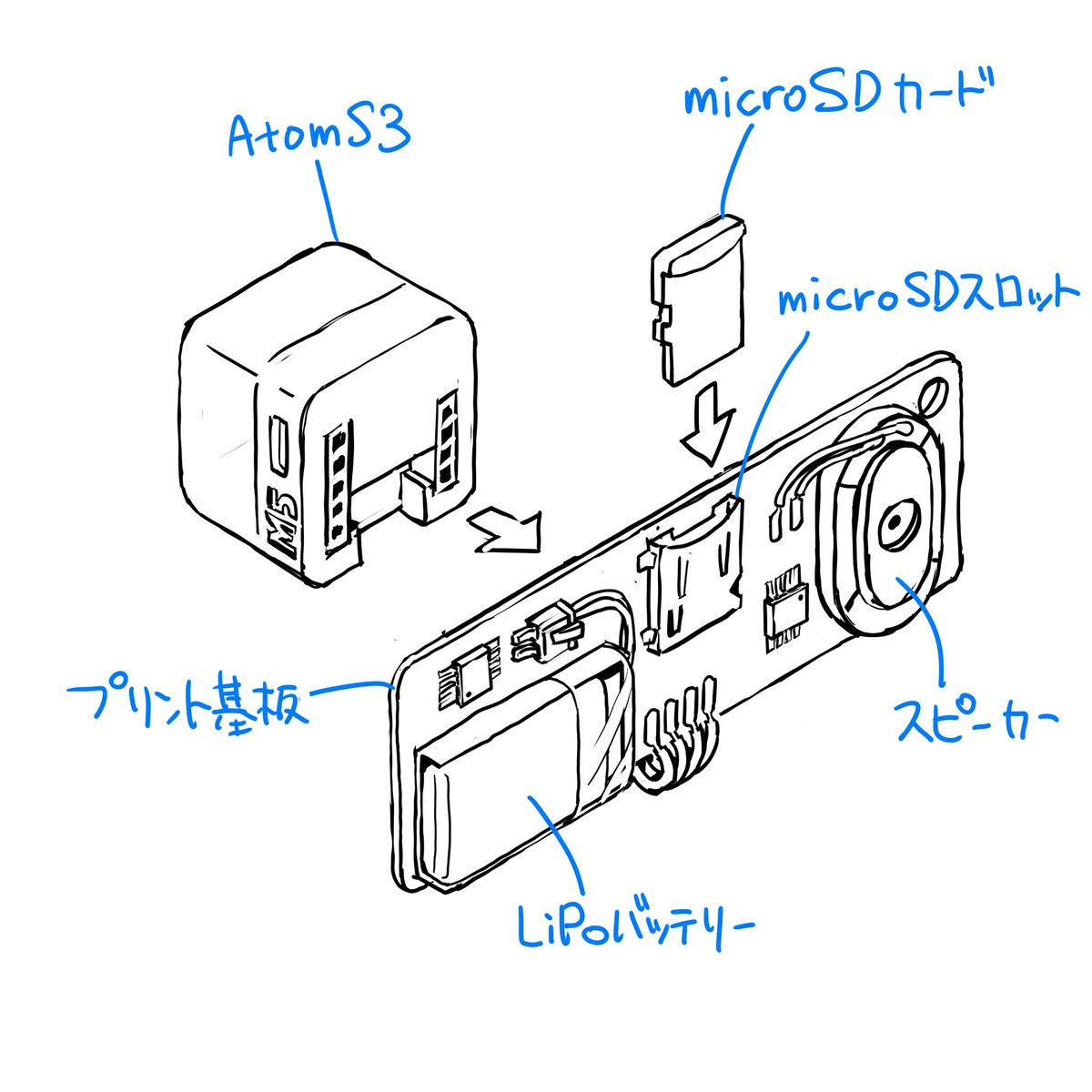
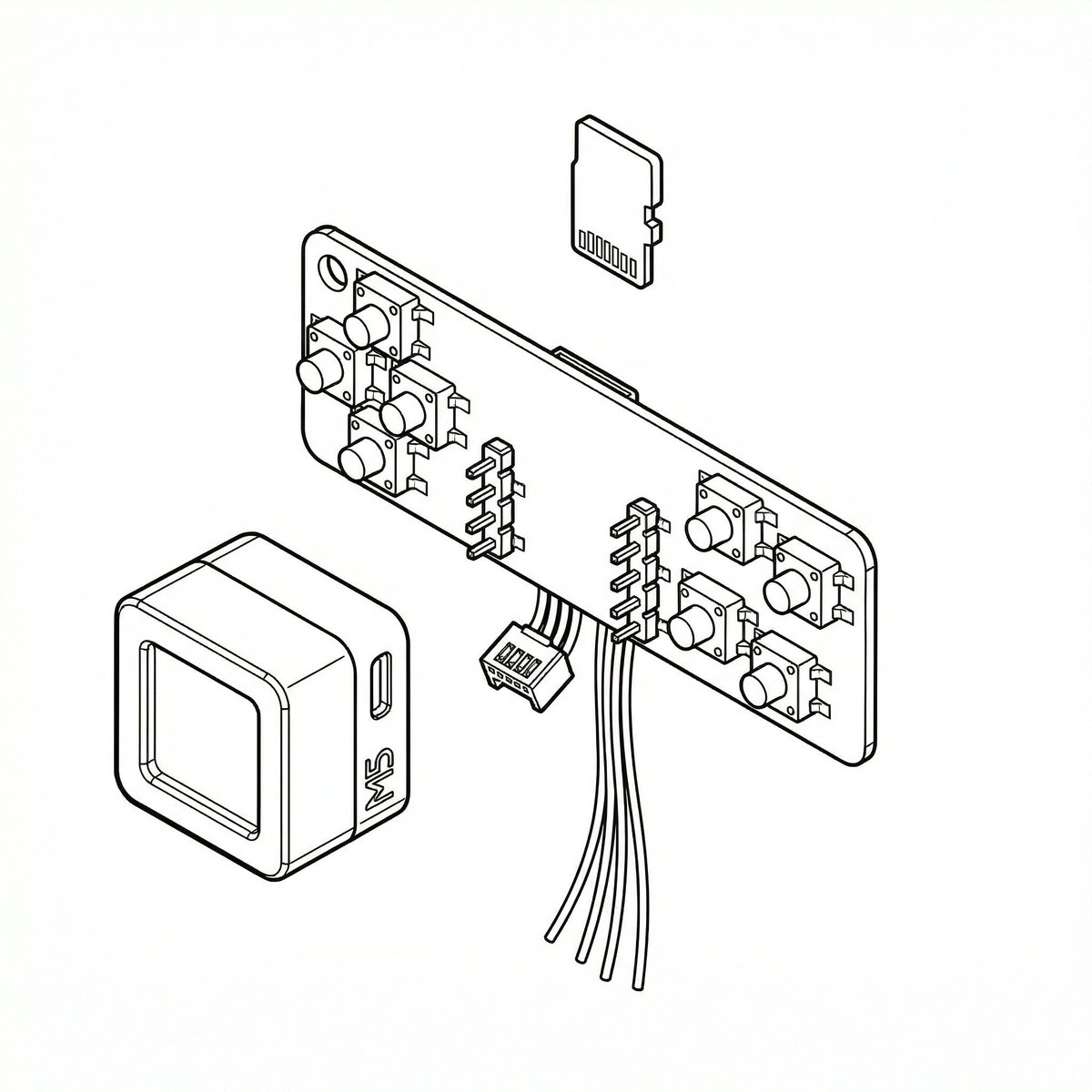
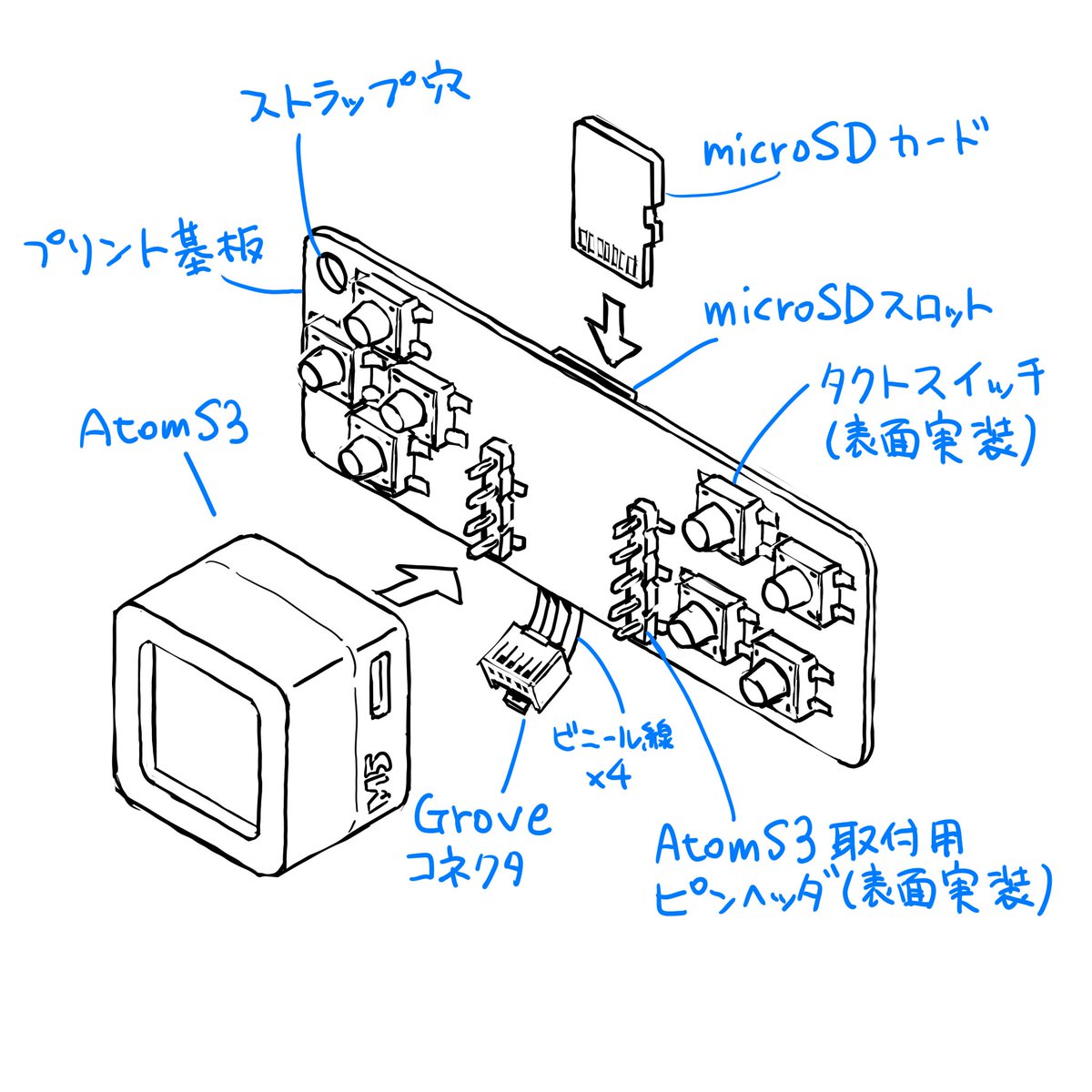
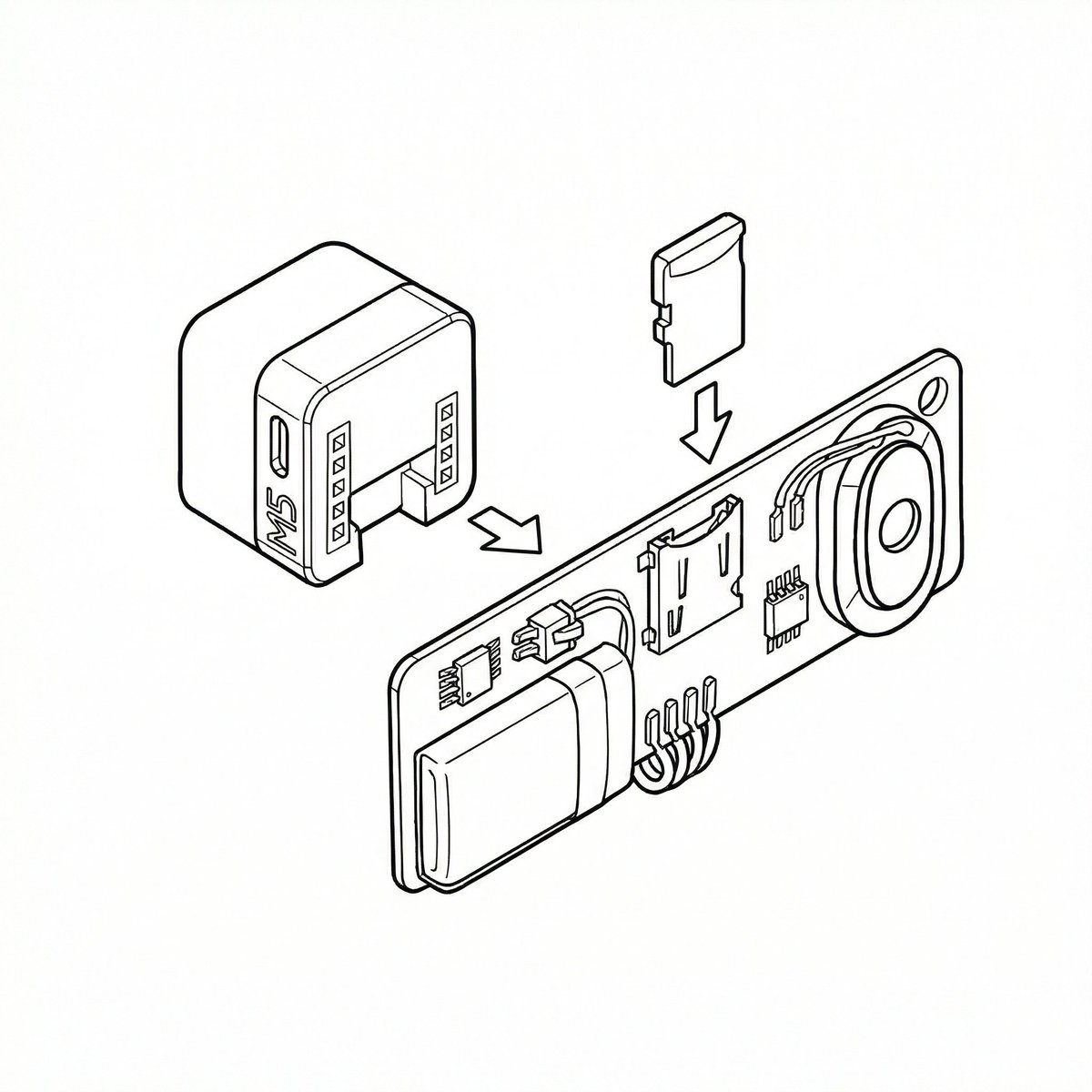
A two-part prompt sequence for Nano Banana Pro (using its 'Thinking Mode') to convert a rough sketch into precise, CAD-like line art. The first prompt instructs the model to finalize the rough sketch, referencing blue text annotations, removing ambiguity, and applying line weight variation. The second prompt is a follow-up instruction to apply the same style to subsequent rough sketches.
提示词
Please finalize this rough sketch and create line art. Read and refer to the blue text annotations, eliminate the ambiguity and roughness associated with handwriting, and create precise line art as if output from a CAD tool. Vary the line thickness, such as making ridge lines thicker. Delete the blue text and lines, and do not include them in the output image.

Please finalize this rough sketch in the same manner.
- 作者
- 社区创作者
- 发布时间
- 2026年1月21日
- 使用场景
- 信息图 / 教育视觉