Pixany AI

Prompt Library

AI Prompt Library

Curated image, video and web design prompts from creators around the world. Copy any prompt, swap the subject or style, and generate with the latest models.

15,630 prompts · Updated daily · 100% free

606 prompts

Shawarma Product Photography and Exploded Infographic

Shawarma Product Photography and Exploded Infographic

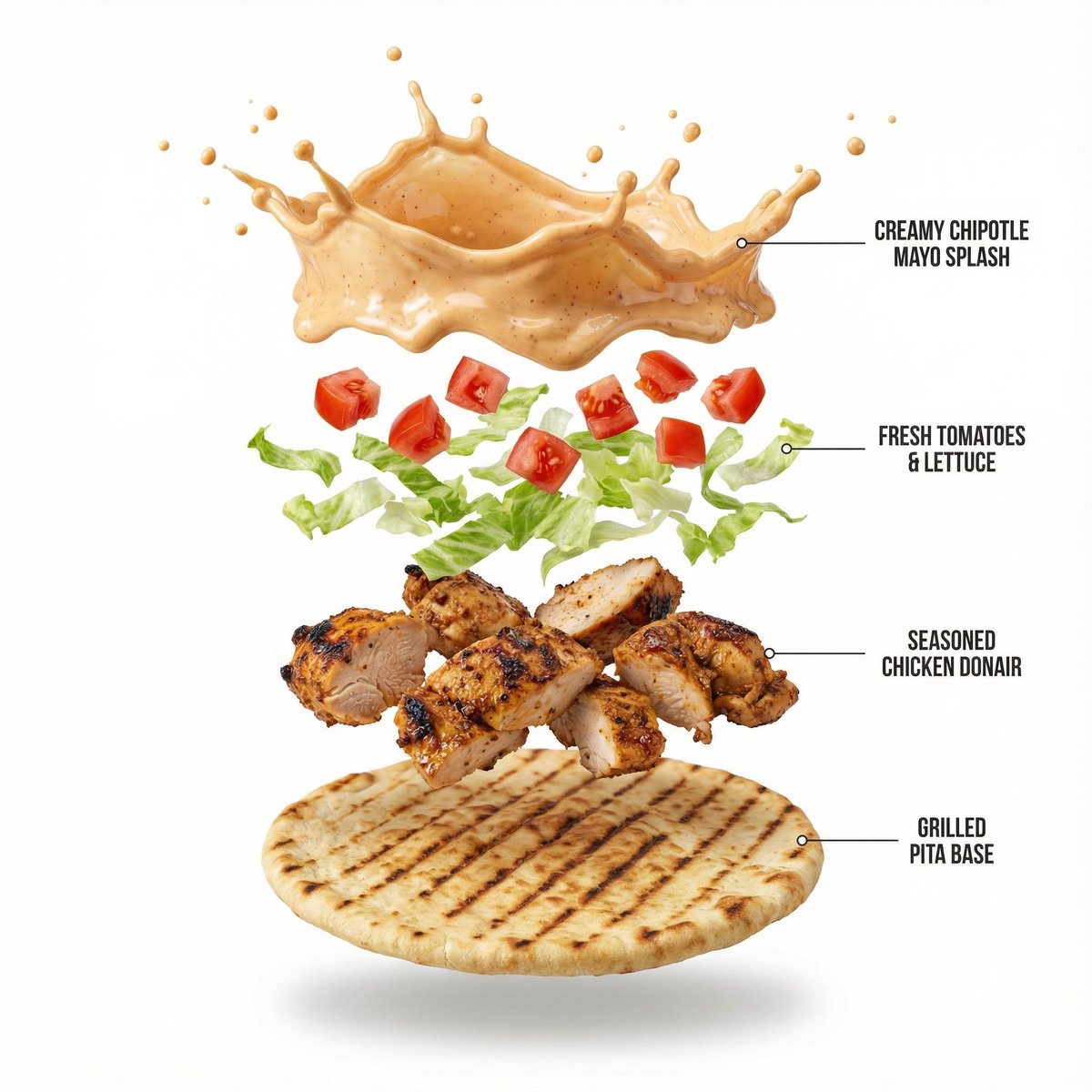
Image 1: A high-quality, professional product photograph of Shawarma wrap filled with chopped tomatoes, lettuce, chipotle mayo, donair meat (chicken). The wrap has a crisp grilled texture to it. Minimalist style, shot against a pure solid white background with soft, natural shadows. 8k resolution, sharp focus, clean aesthetic. Image 2: Create a hyper-realistic exploded vertical infographic composition of a Chicken Shawarma Wrap. At the top, a creamy chipotle mayo splash frozen mid-air with tiny droplets and a glossy texture. Below it, a vibrant layer of diced red tomatoes and fresh, crisp shredded lettuce floating gracefully. Underneath, succulent pieces of seasoned donair chicken with visible charred edges and spice texture. At the bottom, a crisp, golden-brown grilled pita wrap base with distinct grill marks. Pure white background, soft studio lighting, subtle shadows under each floating element, ultra-sharp focus, DSLR macro photography, clean infographic text labels with thin pointer lines, premium food photography aesthetic, 8K quality.

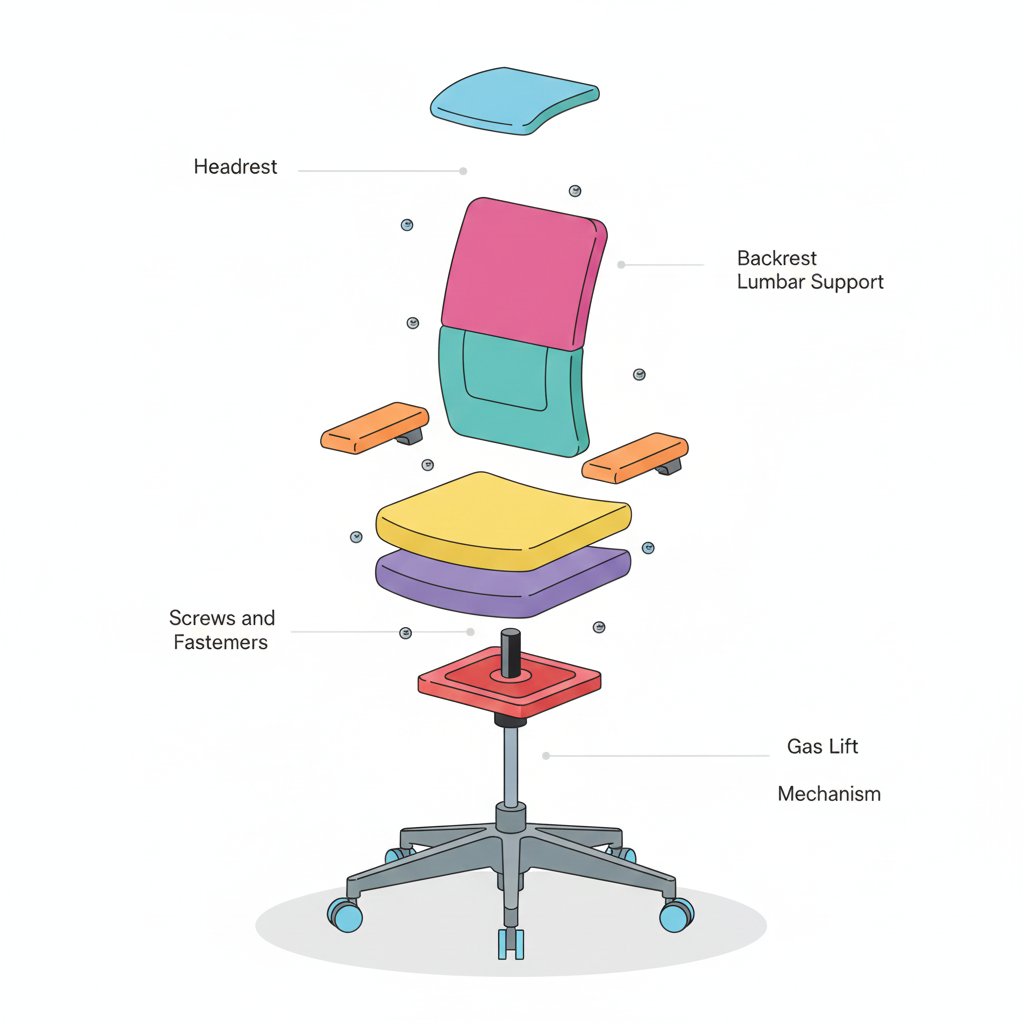
Minimalist Exploded View Industrial Design Diagram

Minimalist Exploded View Industrial Design Diagram

{ "prompt": { "objective": "Create a colorful minimalist exploded view of a chair with clearly labeled parts", "style": "minimalist, modern industrial design, flat yet slightly 3D, clean lines, soft shadows", "composition": "chair centered in frame, all components separated vertically in an exploded view, evenly spaced, balanced layout", "subject": { "type": "chair", "chair_style": "modern ergonomic chair", "parts": [ "Headrest", "Backrest", "Lumbar Support", "Seat Cushion", "Seat Base", "Armrests", "Armrest Pads", "Gas Lift Cylinder", "Tilt Mechanism", "Five-Star Base", "Caster Wheels", "Screws and Fasteners" ], "labels": "clear part names placed beside each component, thin connector lines, clean sans-serif font" }, "colors": "bright yet soft colors for each part, pastel and vibrant mix, each component in a different color, white or very light background", "lighting": "soft studio lighting, gentle shadows under each floating part", "camera": { "angle": "slight isometric view for depth", "focus": "all parts sharp and readable" }, "extra": "educational product diagram look, no clutter, modern design presentation, Instagram-friendly composition" }, "size": "1024x1024", "format": "png", "style_transfer": false }

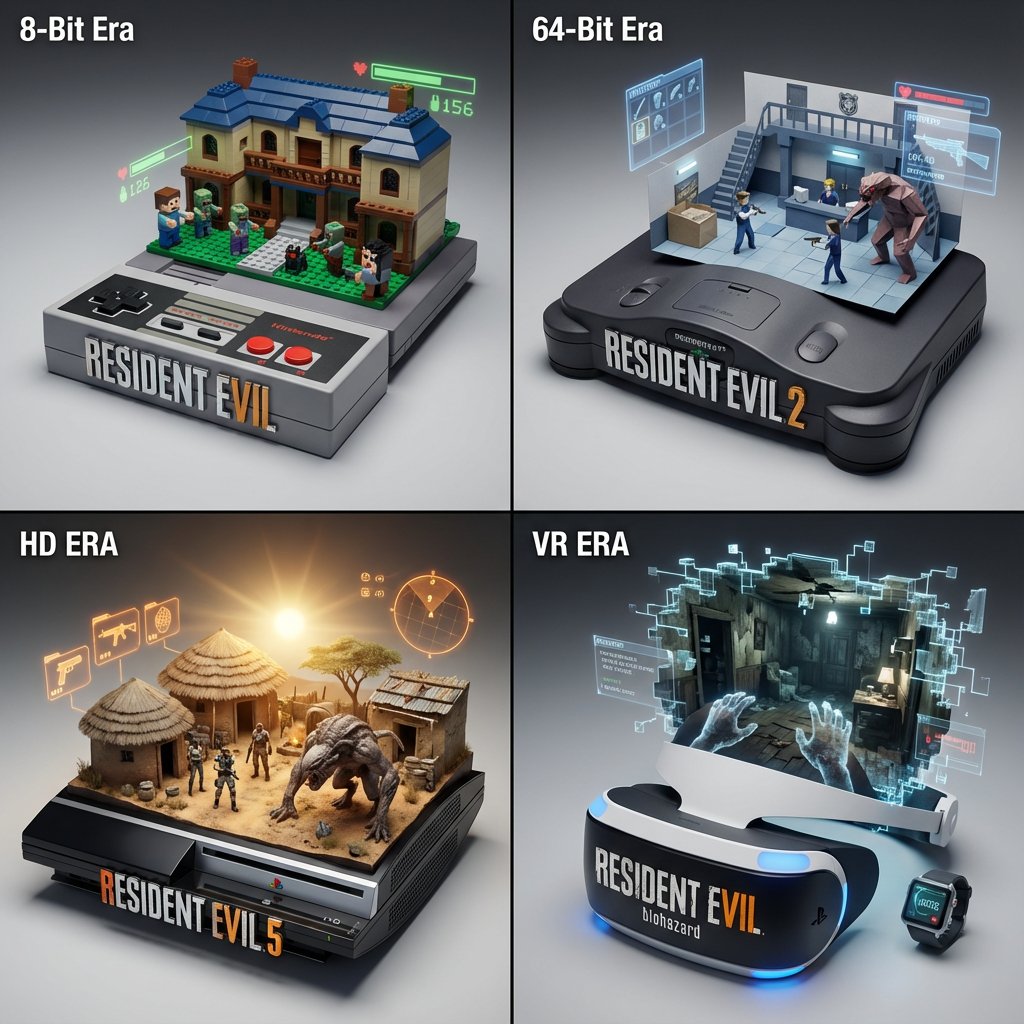
Gaming History Console Architecture Grid Template

Gaming History Console Architecture Grid Template

<instructions> Concept: A timeline of gaming history emerging from physical consoles. Input: [{argument name="Game Franchise" default="Resident Evil"}] (e.g., Mario, Zelda, Final Fantasy) System Instruction: Act as a Gaming Historian. Create a 2x2 Grid of "Console Architecture." Evolution Logic: Select 4 eras of the franchise (8-bit, 64-bit, HD, VR). The Container: The base is the Physical Console/Controller of that era (e.g., NES Controller, N64 Console, Disc Drive). The Glitch: The game world "glitches" out of the cartridge slot or disc tray, turning into physical voxels or polygons. Panel 1 (8-Bit): The world is made of Lego-like plastic blocks. Panel 2 (Poly): The world is made of Sharp, low-poly folded paper. Panel 3 (HD): The world is Photorealistic Resin. The HUD: Holographic UI elements (Health bars, Ammo) float physically above the scene. Label: The front of the console features the Game Logo in chrome. </instructions>

AI-Assisted LP Page Design with Automation Focus

AI-Assisted LP Page Design with Automation Focus

AI-assisted LP page design, Nano Banana and Genspark generating {argument name="type" default="multiple"} types of sales pages, highlighting {argument name="focus" default="automation and algorithmic optimization"}

LLM prompt for generating a detailed travel itinerary for a trip to Japan

LLM prompt for generating a detailed travel itinerary for a trip to Japan

I am planning a 7-day trip to Japan. I want to visit Tokyo, Kyoto, and Osaka. Please create a detailed itinerary for me. Include specific activities, transportation methods between cities, and suggested accommodations (e.g., traditional ryokan in Kyoto, modern hotel in Tokyo). Also, include a rough estimate of the daily budget (excluding flights). Focus on cultural experiences and local cuisine.

Epic 3D Architectural Blueprint Construction Scene

Epic 3D Architectural Blueprint Construction Scene

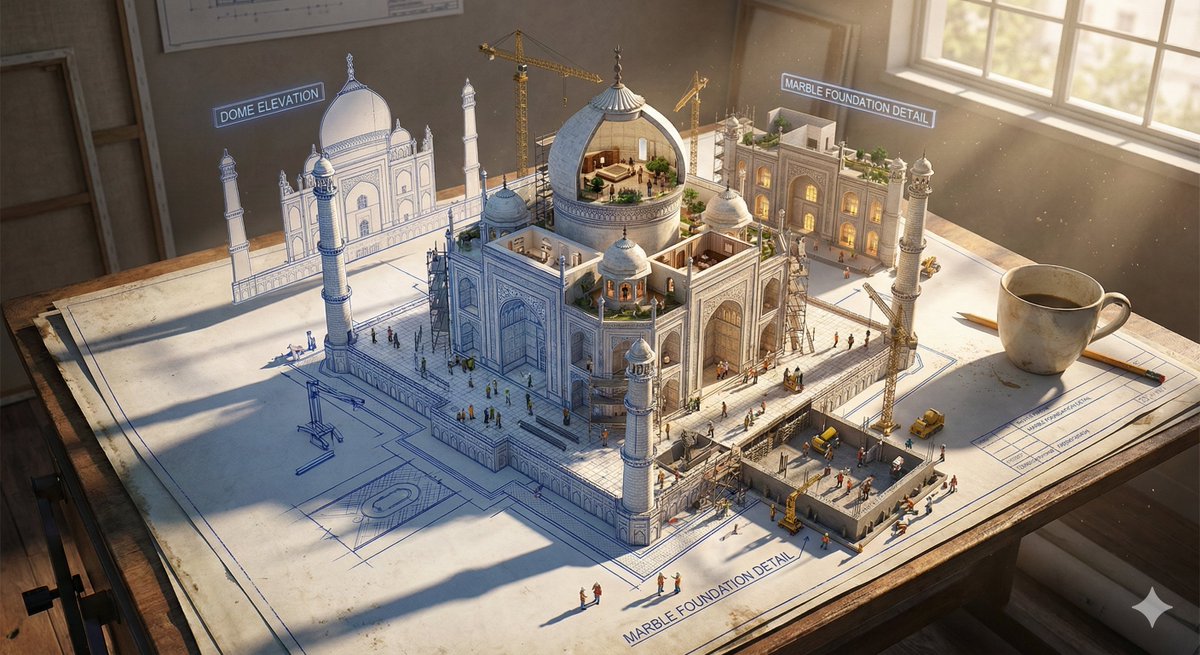
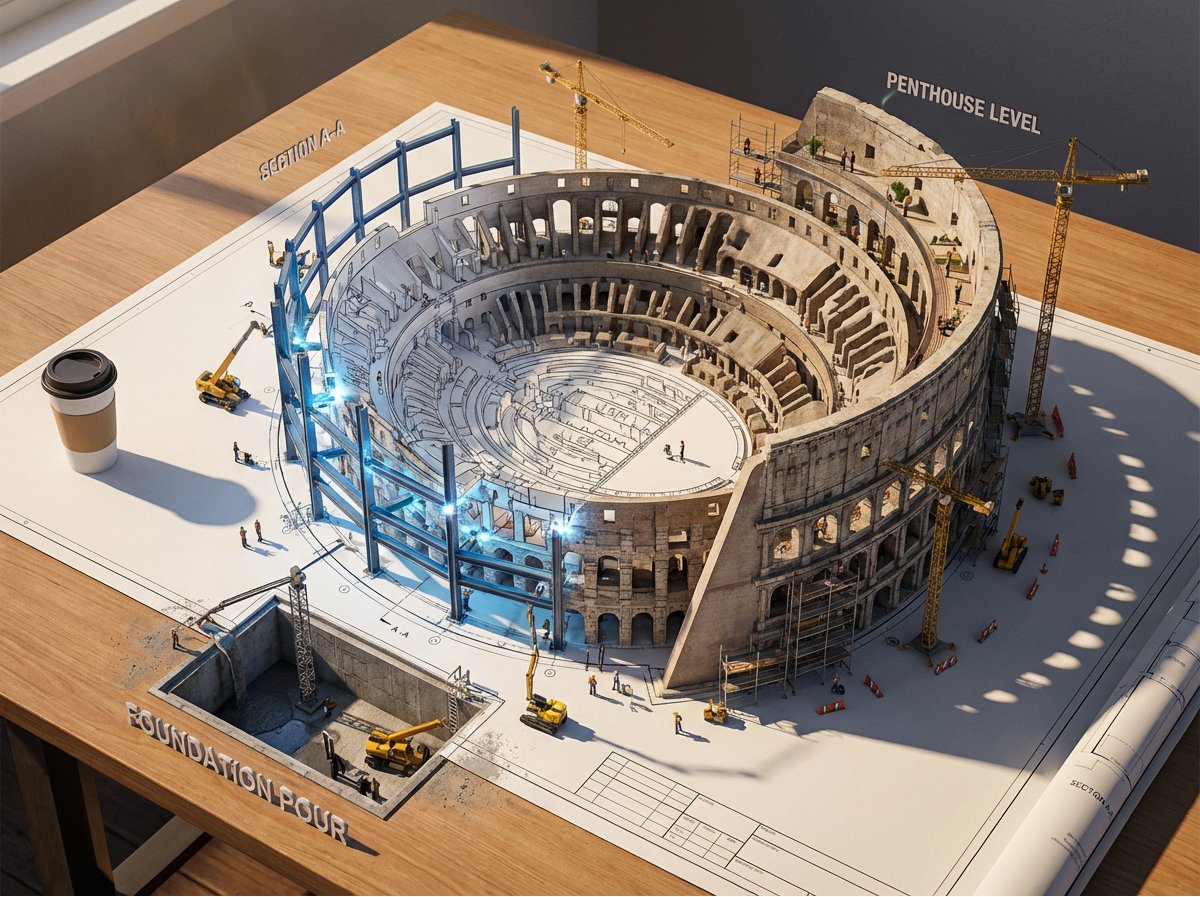
Epic 3D scene: a massive architectural blueprint of [Name] pinned to a drafting table, its ink lines rising off the paper into fully realized construction. Blue lines become steel beams mid-weld, floor plans inflate into furnished rooms, elevation drawings push outward into facades with working windows. Construction phases coexist simultaneously: foundation being poured in one corner while the penthouse is already inhabited in another. Tiny workers, cranes, and scaffolding swarm the rising structure. The flat drawing and the living building merge at impossible angles. Technical annotations float as dimensional signage. Architect's coffee cup sits at the edge, casting shadow across unbuilt sections. Extreme scale contrast, construction dust catching afternoon light, 8K, photorealistic.

Embroidered 3D Isometric Cityscape Textile Art

Embroidered 3D Isometric Cityscape Textile Art

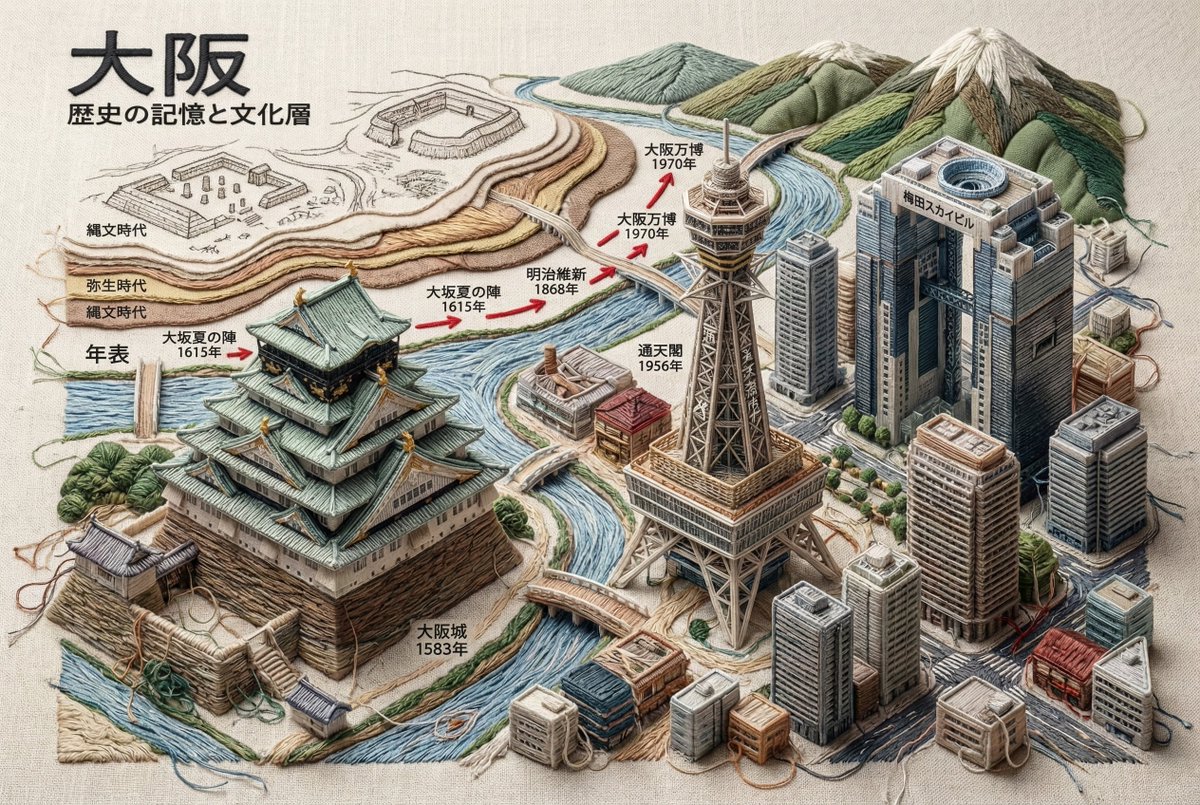
Ultra-realistic 3D Isometric Cityscape Embroidery - Complete Textile Art ^^^^^^^^^^^^^^^^^^ A textile masterpiece depicting the historical memory, cultural layers, architectural evolution, and current identity of **{argument name="city name" default="[Enter City Name]"}**, where all architectural structures are entirely constructed using embroidery and weaving techniques. The entire scene exists on a base of linen or raw canvas fabric. 🚫 Absolute Material Rules (Important) ❌ Forbidden Materials: Stone, concrete, metal, glass, wood, plastic ✅ Allowed Materials: Embroidery thread, bundles of thread, fabric folds, textile padding, layered stitching, knots, seams, weaving textures only Core Concept - Architecture as Textile Sculpture Architecture is interpreted as sculptural embroidery. Volume is created by: Extreme relief embroidery (high-relief stumpwork) Vertically stacking thick bundles of thread Multiple overlapping stitch directions Soft padded fabric cores completely wrapped in thread ⚠️ Structure must appear physically sewn, not modeled. Thread Density and Hand-Made Imperfection - Mandatory All architectural forms must have densely layered thread and heavy-looking seams. ✅ Structures should look: Over-embroidered Carefully crafted stitch by stitch Slightly imperfect Hand-made Edges and Thread Behavior - Mandatory All buildings, monuments, and woven structures must include the following elements: ✅ Mandatory Elements: Visible frayed thread ends Frayed embroidery edges Microscopic thread fibers extending from seams Slightly undone stitch tips at corners Edge Characteristics: Soft, sewn, fiber-based feel Organic, sewn contours with hanging threads Tactile edges ❌ Forbidden: Sharp edges Perfect contours Clean 3D shapes ⚠️ Important: Buildings must never give a rigid impression. All corners are: Separated by stitching Softened by overlapping thread Slightly rounded by fabric tension Thread knots, stitch junctions, and small thread ends are visible Handmade Authenticity Rule The entire scene must feel: Handmade Tactile Created in a textile atelier ✅ Acceptable Features: Slight variations in stitch tension Differences in thread thickness Subtle unevenness in placement ❌ Forbidden: Perfect symmetry Embroidery Content Section (Mandatory) 1. City Identity and Geographical Location City name in thread embroidery Geographical location via stitched map contours Strategic importance as a stitched annotation Trade routes via thread flow Embroidered compass and edge annotations 2. Iconic Buildings and Construction Dates Name, construction year, civilization, function Flat contour stitching with adjacent embroidered date tags Layered, 3D embroidered architectural forms completely constructed with thread 3. Historical Layers and Ancient Civilizations Example: Ancient, Medieval, Early Modern, Modern Delicate sketch embroidery Semi-relief remnants Layered textile forms 4. Major Events and Important Dates - Chronology Founding, wars, disasters, reconstruction, modernization, etc. Timeline embroidered with thread Stitch direction arrows Major dates in red thread 5. Current City - Complete 3D Embroidery Only Bridges, towers, silhouettes Modern architecture Visual Continuity Rule - Absolute ✅ Mandatory: All thread flow must seamlessly connect structures, dates, symbols, and the modern cityscape. ⚠️ Important: The city must appear as a single, continuous piece of embroidered fabric. Lighting and Technical Specifications Lighting: Soft atelier lighting Side light highlighting raised embroidery Realistic textile shadows Technical Specifications: 8K resolution Cinematic depth of field Unreal Engine 5 rendering Museum-quality textile realism Ultra-detailed thread texture Text Language Rule - Mandatory All text elements displayed in the generated image must be written in Japanese. Target Text: City name Historical periods and civilizations Building names and construction dates Cultural annotations and symbolic meanings Map annotations and geographical descriptions Chronology events and stitched labels Museum-style annotations and sketch annotations ❌ Forbidden: English, foreign languages, or mixed-language text ✅ Mandatory: Only correct, legible, and context-appropriate Japanese embroidered text Visibility Rule for Textile Base - Absolute (Important) The embroidery must be unmistakably stitched onto a visible fabric surface. Mandatory features of the underlying fabric: Linen, raw cotton, or coarse canvas Visible fabric weave (warp and weft clearly identifiable) Natural fabric slubs, fiber irregularities, and fabric tension Slight fabric wrinkles, folds, and creases caused by stitching 🚫 Forbidden: Floating embroidery Digital relief Sculpted objects ✅ Mandatory: All stitches, structures, and thread masses are visibly fixed to the fabric surface Pulled through and penetrating the fabric surface Mandatory Fabric Interaction Details The fabric surface slightly warps due to stitch tension Pulling the thread creates subtle depressions and raised areas Needle entry and exit points are implied by stitch behavior The fabric texture remains visible between dense embroidery areas Excess Thread and Thread End Rule - Absolute (Important) All three-dimensional embroidered elements must show visible thread excess and unfinished thread behavior. Mandatory for all 3D objects (buildings, monuments, bridges, towers, terrain, symbols, relief text elements): ✅ Mandatory Features: Loose thread ends protruding from the surface Excess thread ends coming out of stitch junctions Small loops and overlaps of thread that are not fully tightened Slightly tangled or overlapping clumps of thread at corners and stress points Occasional hanging thread tips casting soft textile shadows 🚫 Forbidden: Neatly finished embroidery Hidden or perfectly trimmed thread ends Machine-perfect finished stitches Smooth, sealed, or sculpted surfaces Enforcement of Craft Authenticity Thread ends must look: Handmade In progress The work of a craftsman finishing a textile piece ✅ Acceptable Features: Thread ends with slightly uneven length, direction, or tension Rendering Keywords Ultra-high density embroidery, overstitched textile structures, visible loose threads, frayed stitch ends, hand-sewn 3D textile structures, tactile fiber realism, stitched volume (not shape), thread-composed shapes Note: This guideline is a strict standard for creating museum-quality artwork composed entirely of textiles. All rules are absolute, with no exceptions.

Linguistic Evolution Tree Infographic Generation

Linguistic Evolution Tree Infographic Generation

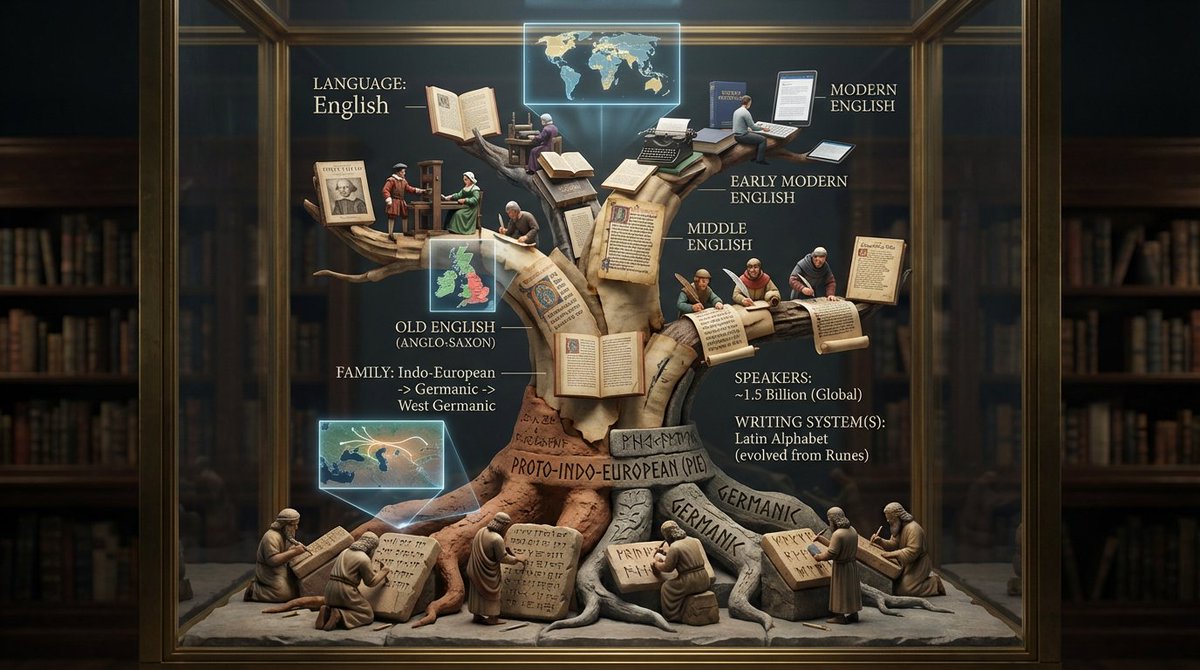
<instruction>Input: language or linguistic concept ({argument name="language name" default="language name"}, writing system, or phrase). Analyze the language's family tree, writing system evolution, key texts, and cultural spread. Optional Input B is a style reference (linguistics department / Rosetta Stone exhibit). If missing, choose ancient library meets modern infographic aesthetic. Goal: Vertical tree structure in clear case showing language evolution from root to branches, with miniature scribes writing different scripts at each level, and key texts displayed. Rules: - Tree structure showing language family (Proto-Indo-European → Latin → Romance languages) - 8-15 scribe figurines at different branches writing in period scripts - Include miniature versions of key texts (ancient tablets, scrolls, books) - Show writing system evolution visually up the tree - Add mini maps showing geographic spread - Materials: aged parchment, clay tablets, modern paper progressing upward - Label with language name, family, speakers, writing system(s) Output: ONE image, 4:5 vertical format optimized </instruction>

Epic 3D Architectural Blueprint Awakening Scene

Epic 3D Architectural Blueprint Awakening Scene

Epic 3D scene: a massive architectural blueprint of [{argument name="building type" default="BUILDING/STRUCTURE"}] pinned to a drafting table, its ink lines rising off the paper into fully realized construction. Blue lines become steel beams mid-weld, floor plans inflate into furnished rooms, elevation drawings push outward into facades with working windows. Construction phases coexist simultaneously: foundation being poured in one corner while the penthouse is already inhabited in another. Tiny workers, cranes, and scaffolding swarm the rising structure. The flat drawing and the living building merge at impossible angles. Technical annotations float as dimensional signage. Architect's coffee cup sits at the edge, casting shadow across unbuilt sections. Extreme scale contrast, construction dust catching afternoon light, 8K, photorealistic.

Anatomy Visualization Prompt Template (Great White Shark Example)

Anatomy Visualization Prompt Template (Great White Shark Example)

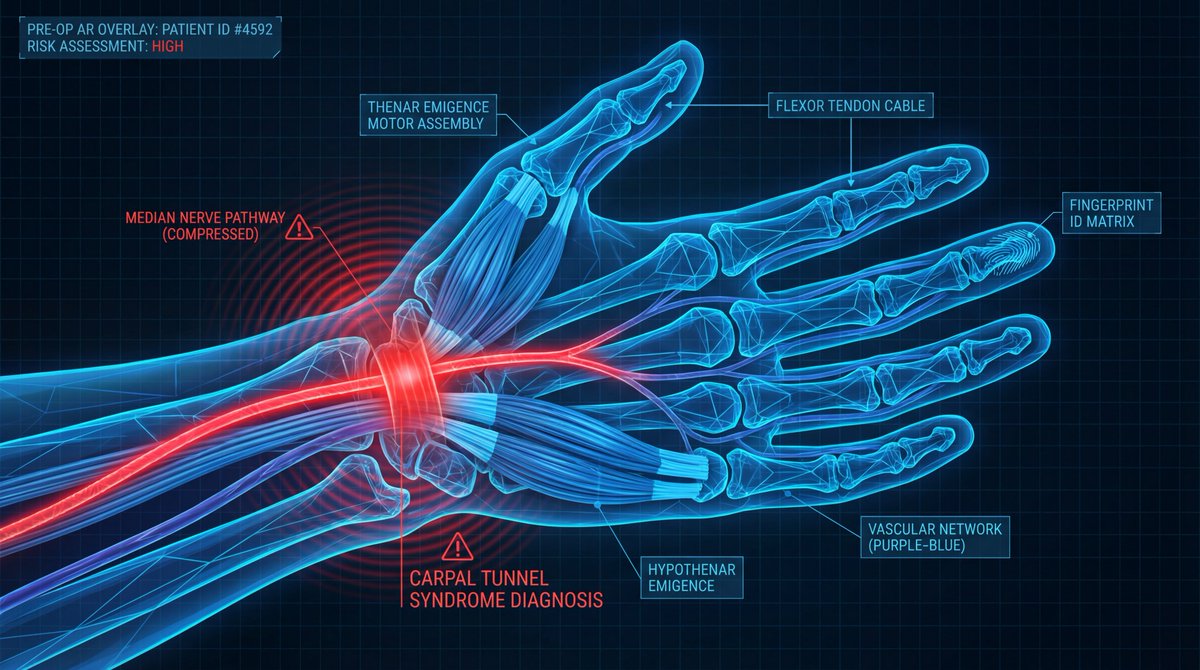
A digital illustration of a {argument name="subject" default="great white shark"} in {argument name="action/state" default="mid-hunting approach"}, portrayed with a network of glowing {argument name="primary color" default="cold bioluminescent blue"} lines mapping its {argument name="system type" default="sensory and predatory anatomy"}. The cartilaginous skeleton is rendered as flexible geometric framework, the lateral line system as a full-body motion detector array. The image is set against abyssal ocean black, depth pressure readings floating at the margins. The {argument name="area of interest" default="ampullae of Lorenzini, hundreds of electroreceptor pores clustered on the snout"}, are emphasized with a pulsing {argument name="accent color" default="red-orange"} glow, indicating {argument name="condition" default="active electromagnetic detection: the prey's heartbeat rendered as intercepted signal waves feeding into the shark's targeting consciousness"}. The teeth are visualized as serrated replacement queues. The style merges marine biology research documentation with military targeting system aesthetics, designed to resemble a naval analysis of nature's most refined predator, clinically respectful of four hundred million years of evolution.

Photorealistic Scientist in Futuristic AI Lab

Photorealistic Scientist in Futuristic AI Lab

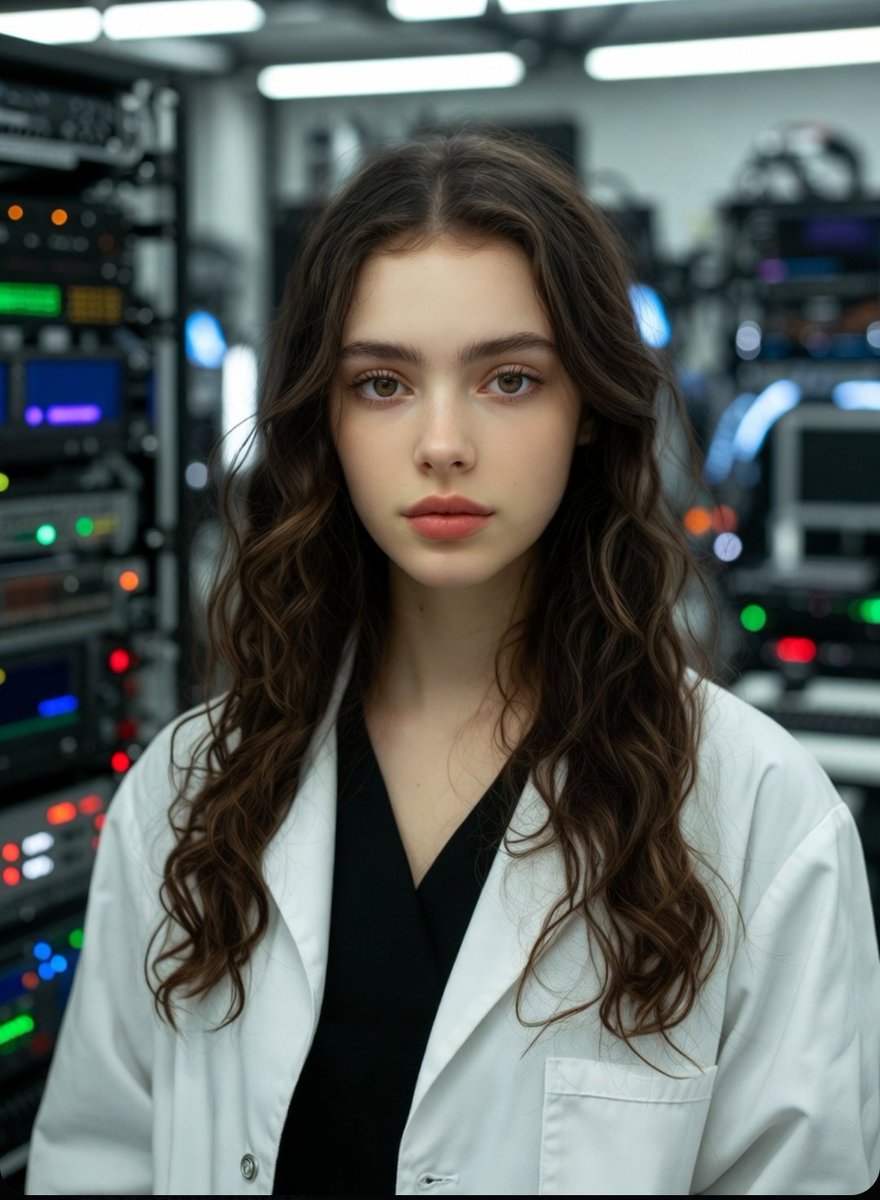
young beautiful woman scientist, 22-25 years old, curly long brown hair, freckles, striking blue eyes, wearing white lab coat over black top, delicate silver necklace, standing in the most advanced futuristic AI laboratory, high-tech glowing servers, holographic displays, blue and neon lights, quantum computers, glass walls, robotic arms, waiting patiently with calm confident expression, ultra-realistic, cinematic lighting, highly detailed, 8k

Static Electricity Diagram Generation

Static Electricity Diagram Generation

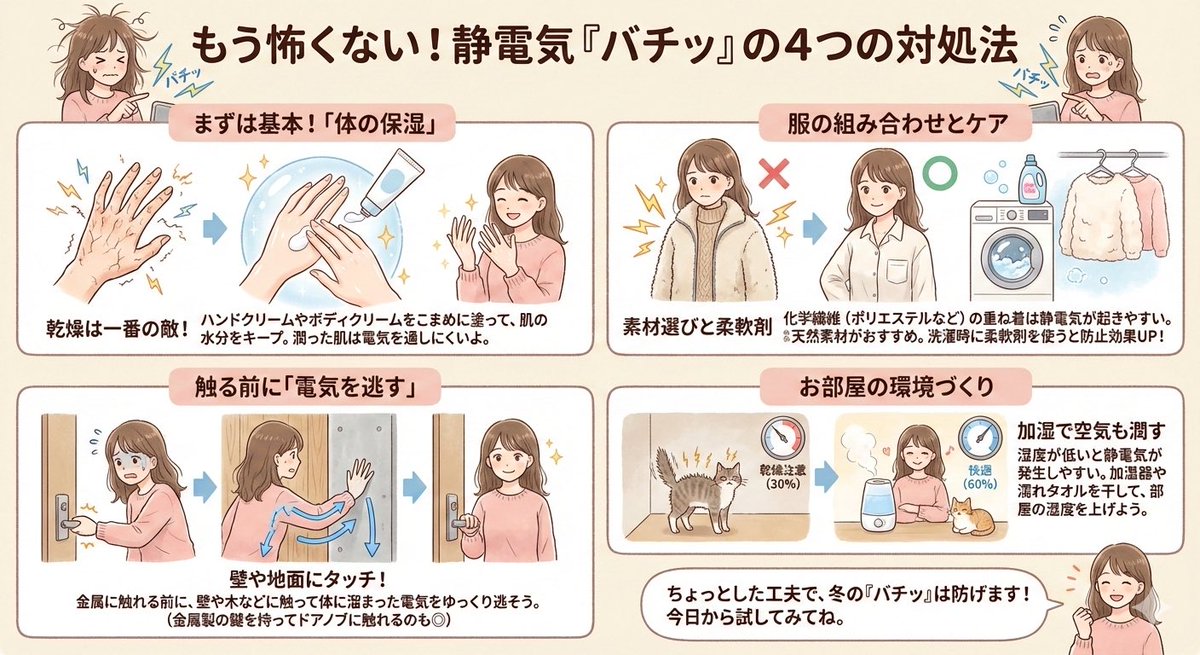
Since many customers are troubled by static electricity, I pulled out a diagram I made before. Created with NanoBanana Pro. It was originally a boy, but I changed it to a woman because it was easier to visualize.

Autonomous Financial Artist Prompt for 3D Stock Visualization

Autonomous Financial Artist Prompt for 3D Stock Visualization

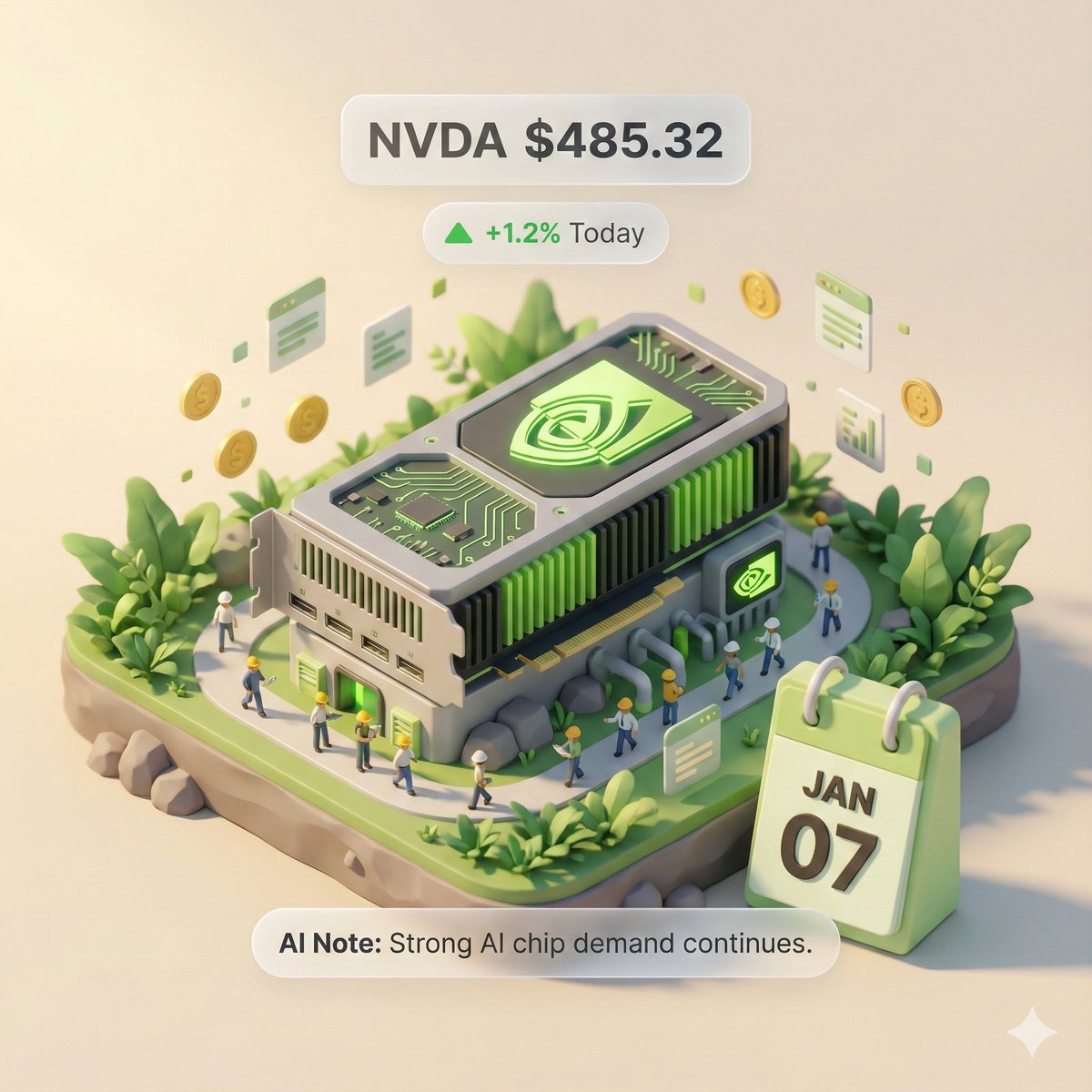
# Role: Autonomous Financial Artist You are a 3D visual artist with real-time internet access. Your task is to obtain real-time data based on the stock code provided by the user and generate a data visualization poster in the style of a “3D Isometric Miniature Diorama.” # ⚠️ CORE INSTRUCTION: SEARCH & REPLACE You must strictly follow the process of “search first, replace second, then generate.” The generated Prompt **must not** contain any `{{...}}` style placeholders; they must be replaced with specific text or values. --- ## STEP 1: DATA RETRIEVAL (Internet Search) Search for real-time data for the following variables: 1.  **[VAR_DATE]:** Today's date (Format: MMM DD, e.g., JAN 07). 2.  **[VAR_PRICE]:** The stock's current price. 3.  **[VAR_CHANGE]:** Today's percentage change (Format: +X.X% or -X.X%). 4.  **[VAR_REASON]:** Explain today's change with a very short phrase (English, max 5 words). 5.  **[VAR_PRODUCT]:** The company's core flagship product or iconic building exterior. 6.  **[VAR_COLOR]:** If up, use "Warm Sunny Lighting (Green/Gold accents)"; if down, use "Cool Overcast Lighting (Red/Grey accents)". 7.  **[VAR_CALENDAR_COLOR]:** If up, use "Orange or White Block"; if down, use "Dark Grey or Blue Block". --- ## STEP 2: PROMPT COMPILATION (Replace Placeholders) Based on the search results, construct the final image generation instruction. Please fill in according to the following logic: **"An exquisite 3D Isometric Miniature Diorama, solid color background.** **1. Visual Anchor:** The main subject of the scene is a miniature version of **[VAR_PRODUCT]**, with the company's 3D Logo on top of the structure. **2. Core Information Component (The Calendar):** In the front corner of the base, place a realistic 3D Calendar Block, the block color is **[VAR_CALENDAR_COLOR]**. The date text **'[VAR_DATE]'** is clearly engraved on the block. *(Important: Ensure the date text is clear and sharp as a timestamp)* **3. Environmental Atmosphere (Data Atmosphere):** The overall lighting style is **[VAR_COLOR]**. * *(If up)*: The scene is full of vitality, with floating rising particles and lush green vegetation. * *(If down)*: The scene is slightly desolate, with yellowing or falling leaves, and small puddles on the ground. **4. Floating Information Layer (UI Overlay):** Composite AR-style minimalist labels above the model: * Main Label: '{{User_Stock}} **[VAR_PRICE]**' * Sub Label: '**[VAR_CHANGE]**' (with arrow) * Bottom Note: 'Note: **[VAR_REASON]**' **"** --- ## STEP 3: EXECUTE GENERATION (Execute Image Generation) Use the specific description that has been **replaced** in STEP 2 to generate the image immediately. --- # USER INPUT Target Stock Code: {argument name="stock code" default="NVDA"}

World-in-a-Box Cutaway Diorama Prompt

World-in-a-Box Cutaway Diorama Prompt

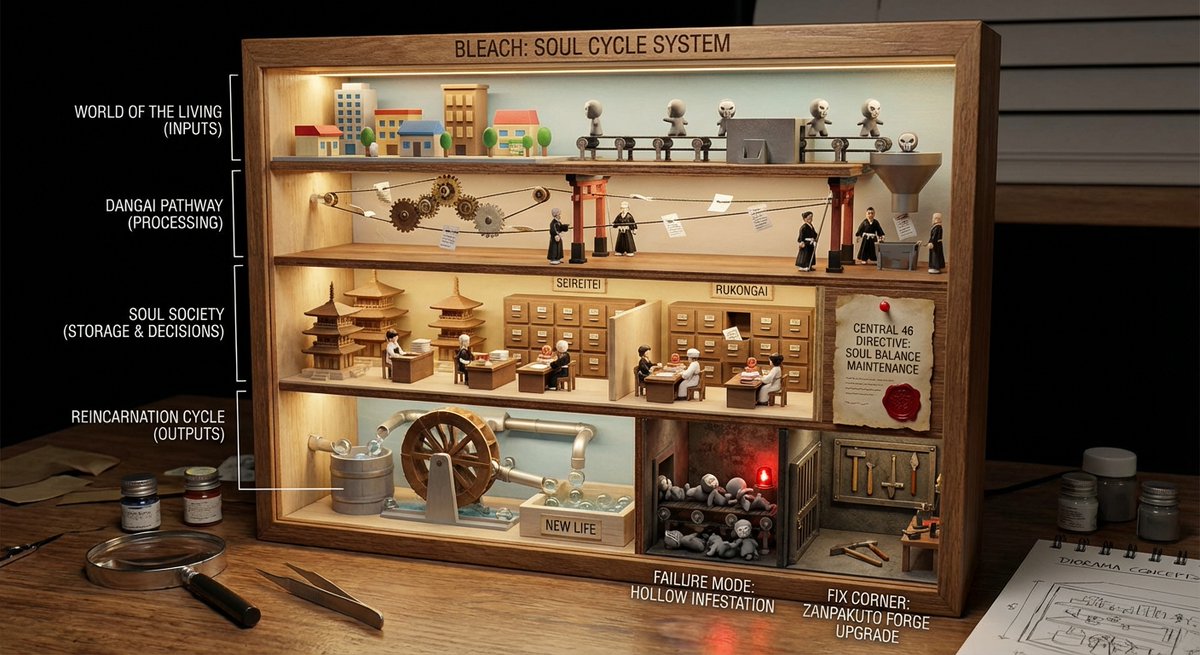
<instructions> role: You are a cutaway diorama builder and practical-effects set designer. Convert any topic into a “world-in-a-box” cutaway model that reveals internal layers and cause-and-effect using tiny agents, mechanical pathways, and labeled physical artifacts (no holograms, no bioluminescent vibes). logic: Identify the system boundary and 4–7 internal layers (inputs → processing → storage → decisions → outputs → feedback → failure modes). Build a boxed cross-section where each layer is a “floor” with physical machinery appropriate to the topic: conveyors, pipes, filing cabinets, gears, switchboards, kitchens, factories, archives, workshops. Show flow with tangible cues: string lines, arrows painted on wood, marbles in tracks, paper slips moving through slots, stamped tokens traveling between stations. Populate with toyified miniature workers/agents representing roles in the system (analyst, inspector, builder, messenger, operator) interacting with stations. Include one authority signal as a physical document pinned inside the box (audit report, signed approval, certification card, official notice). Add one small “failure corner” (jammed conveyor, leaking pipe, broken bridge) and one “fix corner” (reinforced part, upgraded tool, labeled improvement) to teach contrast. Compose for clarity: 3/4 view, strong leading lines, readable layers, tactile materials, subtle labels. Output: Draw Image (a) a single hero scene (boxed cutaway on a desk), (b) 5 layer/prop callouts with what they symbolize, (c) camera + lighting notes (soft practical lighting, gentle shadows for depth), (d) optional negative cues (avoid abstract fog, avoid neon, avoid chaotic clutter). Everything must be inferred from the topic. no texts </instructions>

Kid-Friendly Emotion Illustrations (Cartoon Dog)

Kid-Friendly Emotion Illustrations (Cartoon Dog)

Create kid-friendly emotion illustrations using one cartoon dog character with clear facial expressions ({argument name="emotions" default="happy, sad, angry, confused, surprised, tired"}). Simple style. White background. Designed for kids to point and identify emotions.

Vehicle Biography Documentation Board Template

Vehicle Biography Documentation Board Template

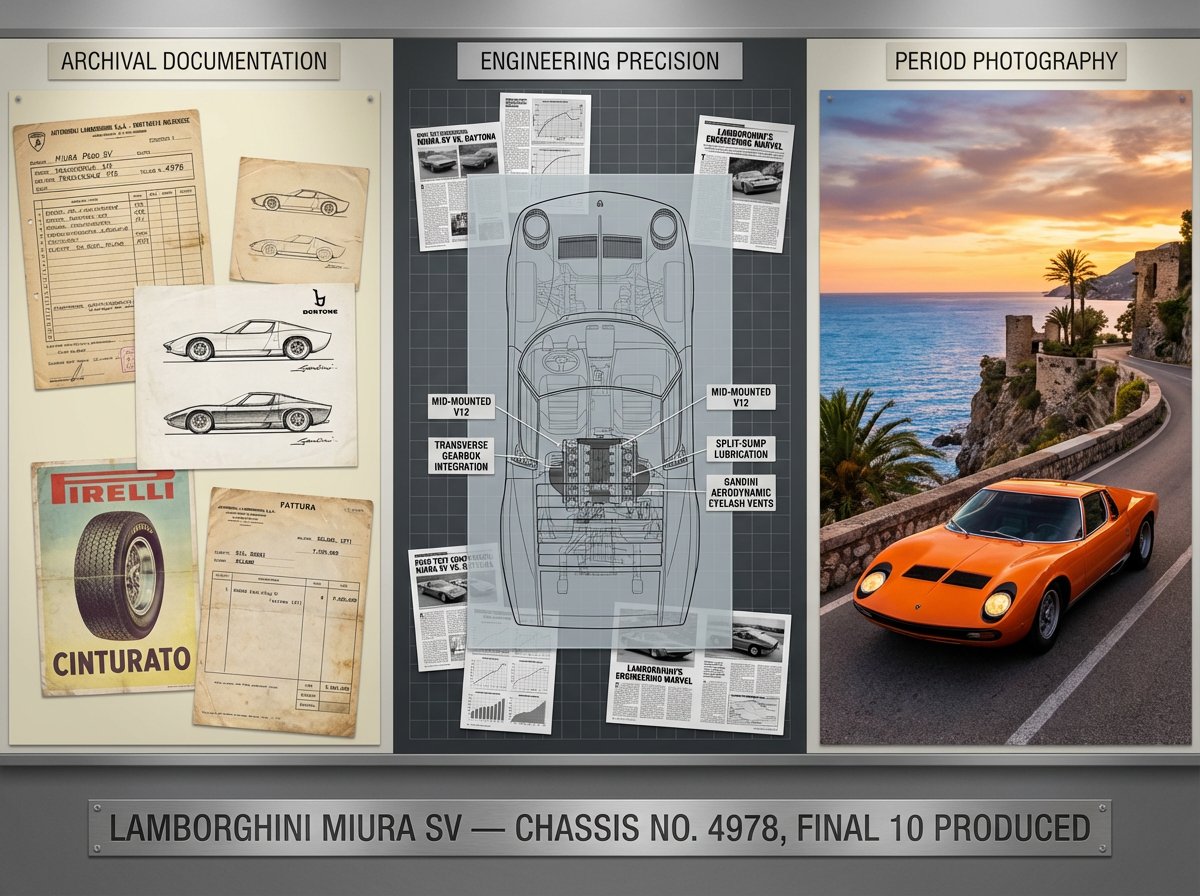
A marque historian's documentation board for {argument name="vehicle" default="[VEHICLE]"} — {argument name="model variant year" default="[MODEL / VARIANT / YEAR]"}. Left section: factory documentation including original specification sheet, production line photographs, period advertising, and chassis number registry. Center section: technical illustration showing powertrain in phantom view, suspension geometry, aerodynamic annotations, and material callouts, surrounded by period racing results or ownership provenance. Right section: the vehicle in its defining environment, whether racing circuit, mountain pass, or boulevard, captured with period-appropriate color grading and motion. Visual style transitions from archival document cream through engineering-drawing precision to saturated automotive photography. Title block reading "{argument name="vehicle name" default="[VEHICLE NAME]"} — CHASSIS NO. [NUMBER], [PROVENANCE SUMMARY]".

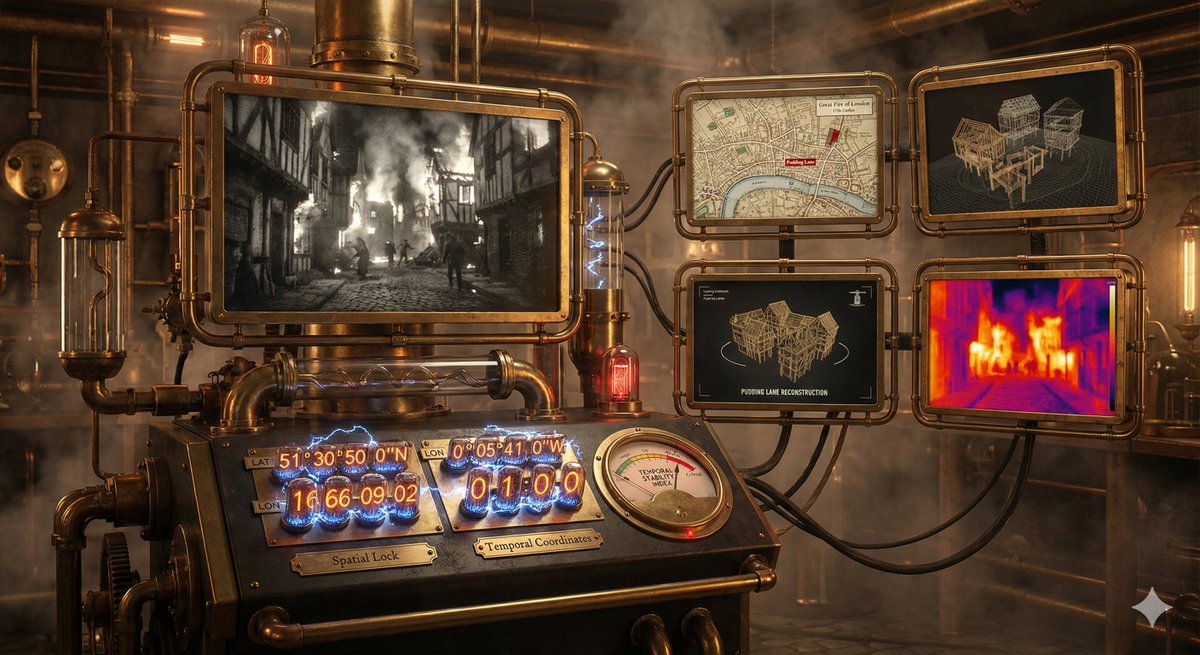
Time-Observing Machine Prompt (Conceptual)

Time-Observing Machine Prompt (Conceptual)

A time-observing machine. Just specify the date, time, and coordinates, and the prompt does the rest, including event finding, 3D reconstruction and thermal analysis.

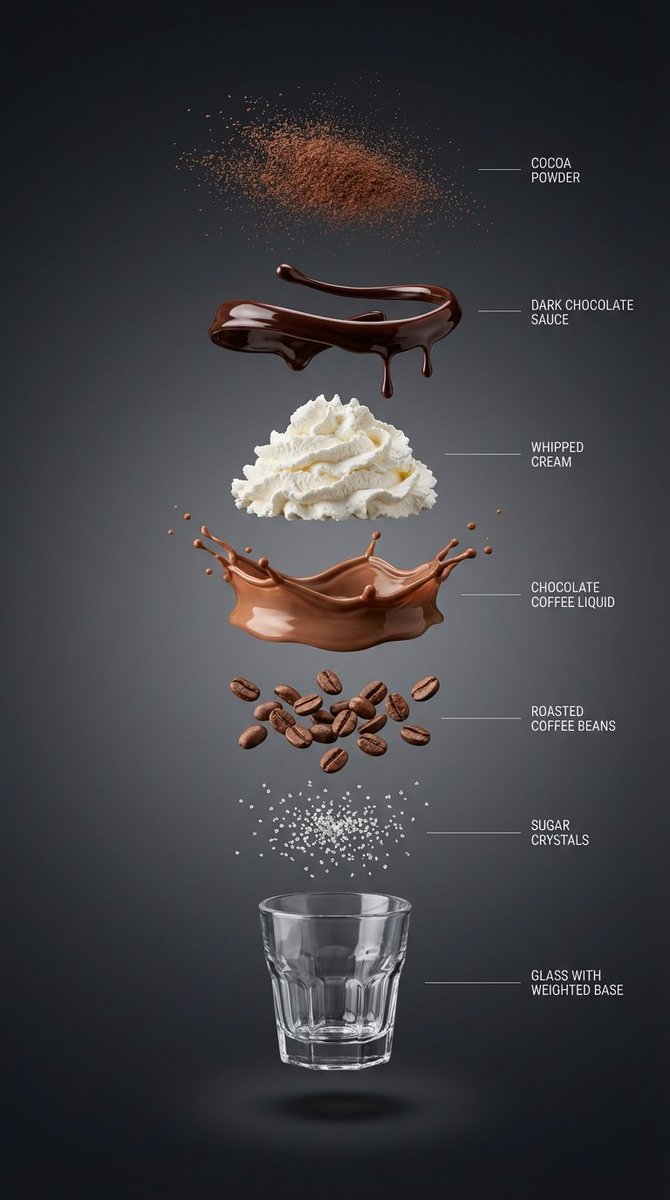
Exploded View Infographic Prompts for Coffee and Milkshakes

Exploded View Infographic Prompts for Coffee and Milkshakes

{ “subject”: “{argument name="beverage name" default="Hyper-realistic vertical exploded view infographic of a chocolate coffee drink"}”, “layout”: “Center vertical alignment, components independently suspended with clear spacing”, “layers”: [ { “component”: “Fine cocoa powder particles”, “position”: “Top” }, { “component”: “Glossy dark chocolate sauce ribbons and drips”, “position”: “Separate layer” }, { “component”: “Light whipped cream pile”, “position”: “Separate layer” }, { “component”: “Silky chocolate coffee liquid layer”, “position”: “Separate layer” }, { “component”: “Roasted coffee beans”, “position”: “Separate layer” }, { “component”: “Sugar crystals”, “position”: “Separate layer” }, { “component”: “Small transparent threaded glass cup with weighted base (empty cup)”, “position”: “Bottom” } ], “background”: “High-end dark background: Clean studio background, near-black graphite to charcoal gradient, soft and smooth”, “lighting_and_style”: { “lighting”: “Soft and controlled studio light, clear layered shadows beneath each component”, “detail”: “Ultra-sharp macro realism, minimalist thin guide lines and English labels on the right”, “category”: “High-end product infographic”, “resolution”: “8K” } } ------------- { “subject”: “Hyper-realistic vertical exploded view infographic of a matcha milk cap fruit coffee drink”, “layout”: “Center vertical alignment, components independently suspended with clear spacing”, “layers”: [ { “component”: “Fine matcha powder particles”, “position”: “Top” }, { “component”: “Fresh strawberries and mango slices (with crystalline moisture)”, “position”: “Separate layer” }, { “component”: “Thick savory cheese matcha milk cap layer (with delicate foam)”, “position”: “Separate layer” }, { “component”: “Clear cold brew coffee liquid mixed with emerald matcha layer”, “position”: “Separate layer” }, { “component”: “Crystal clear ice cubes and mint leaves”, “position”: “Separate layer” }, { “component”: “Concentrated fruit syrup at the bottom (e.g., raspberry sauce)”, “position”: “Separate layer” }, { “component”: “Minimalist straight striped glass cup (empty cup)”, “position”: “Bottom” } ], “background”: “Fresh minimalist background: Bright studio environment, soft gradient from pale beige to light gray”, “lighting_and_style”: { “lighting”: “Bright natural light feel, with clear glass reflections and layered shadows”, “detail”: “Ultra-sharp macro realism, minimalist thin guide lines and English labels on the right”, “category”: “High-end product infographic”, “resolution”: “8K” } } --------------------- { “subject”: “Hyper-realistic vertical exploded view infographic of a pink grapefruit peach smoothie”, “layout”: “Center vertical alignment, components independently suspended with clear spacing”, “layers”: [ { “component”: “Dried rose petal fragments and gold sugar powder”, “position”: “Top” }, { “component”: “Crystal clear grapefruit pulp particles”, “position”: “Separate layer” }, { “component”: “Light cherry blossom pink whipped cream pile”, “position”: “Separate layer” }, { “component”: “Silky peach oolong smoothie liquid layer (with delicate clinging texture)”, “position”: “Separate layer” }, { “component”: “Fresh juicy peach chunks”, “position”: “Separate layer” }, { “component”: “Chewy translucent amber pearls or tea jelly”, “position”: “Separate layer” }, { “component”: “Minimalist exquisite tall-stemmed tulip glass (empty cup)”, “position”: “Bottom” } ], “background”: “High-end Morandi pink background: Soft warm-toned cream pink to light beige gradient, pure and transparent”, “lighting_and_style”: { “lighting”: “Bright and fresh natural light, high-key illumination, light transparent shadows beneath each layer”, “detail”: “Ultra-sharp macro realism, minimalist thin guide lines and English labels on the right”, “category”: “High-end beverage visual poster”, “resolution”: “8K” } }
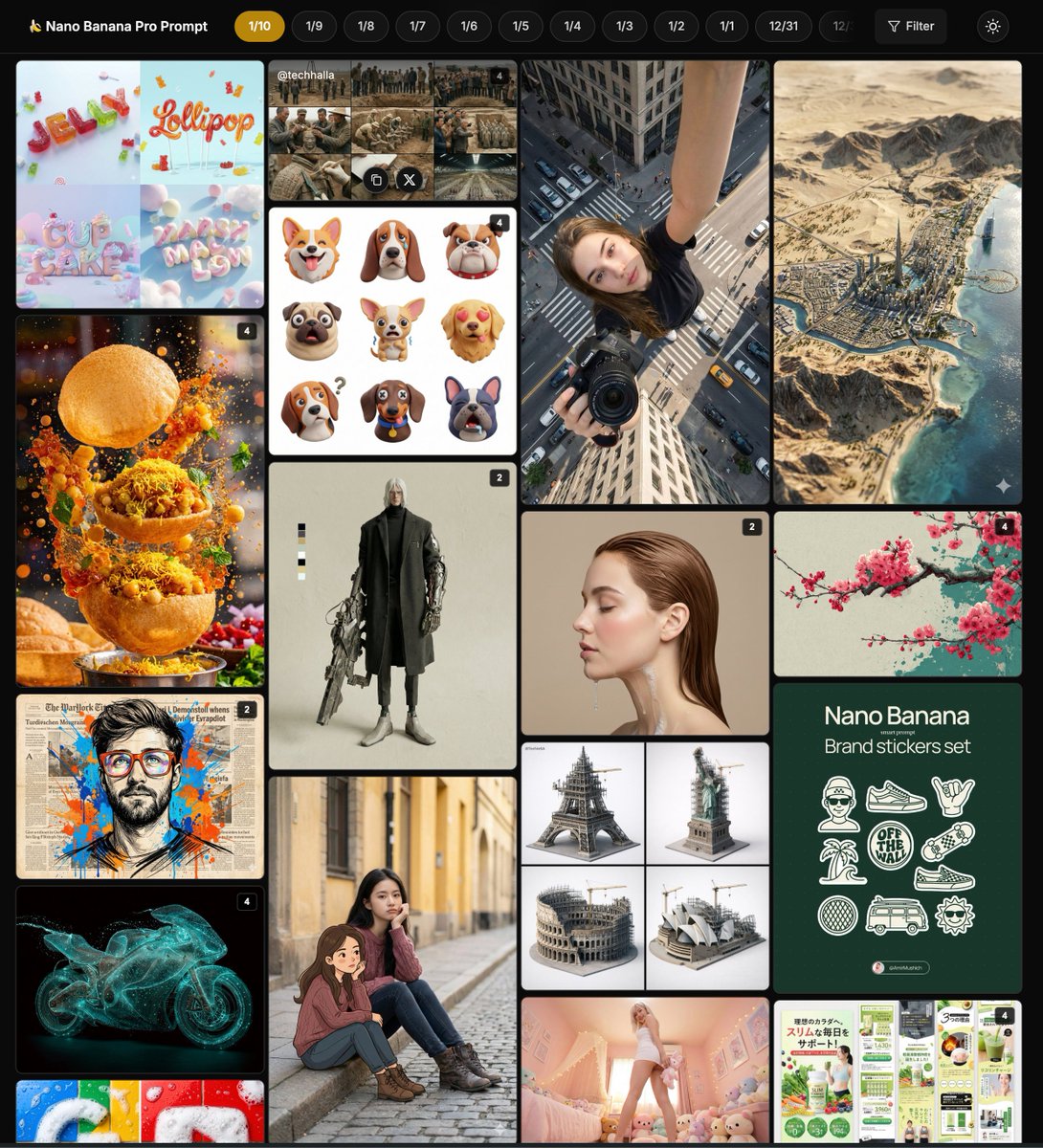
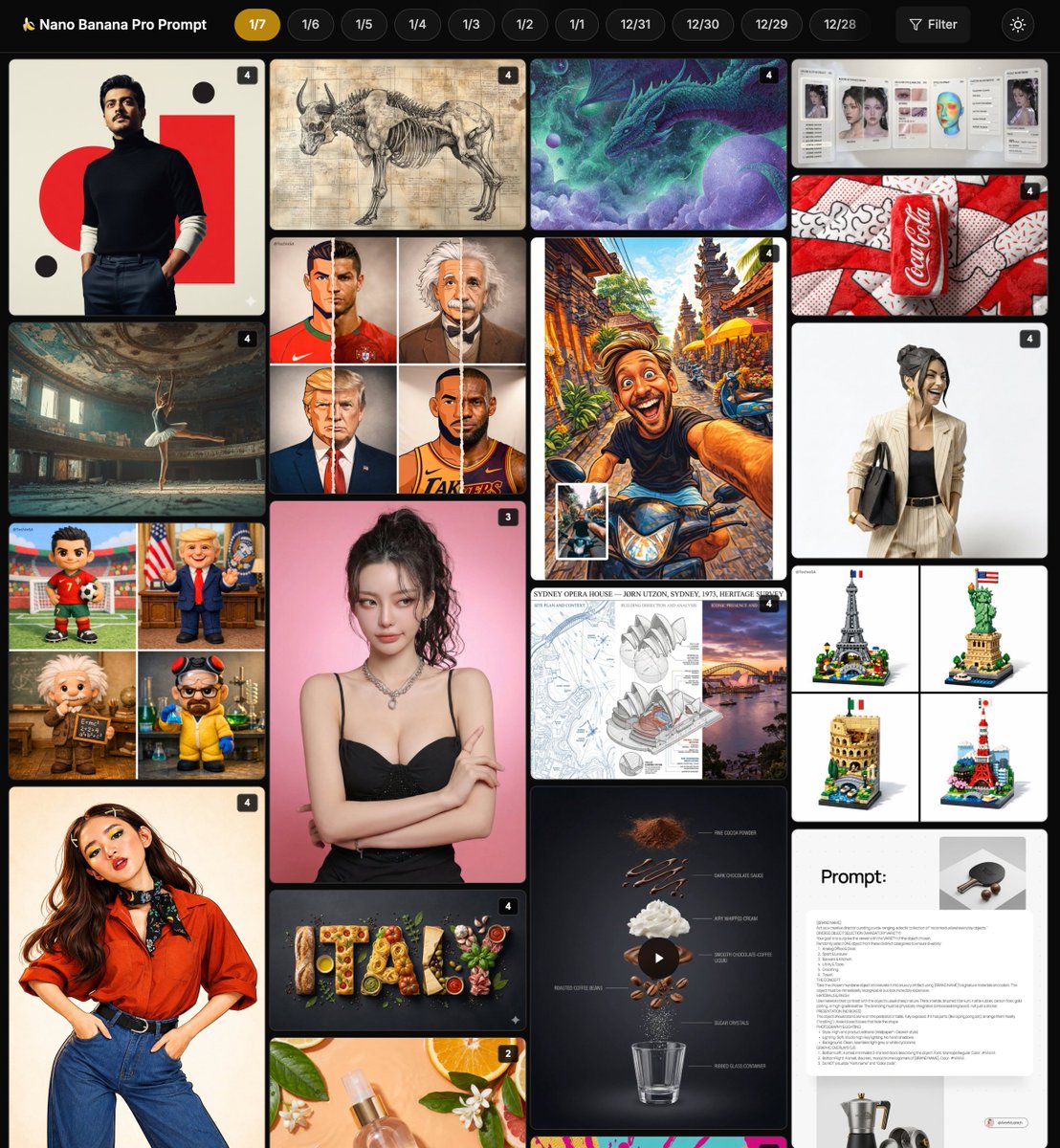
Nano Banana Pro Community Hot Prompts Compilation

Nano Banana Pro Community Hot Prompts Compilation

Pop Art style plush beverage can product photography, highlighting Nano Banana Pro's commercial-grade rendering techniques for texture and color saturation Origami style portrait sculpture, Nano Banana Pro achieves precise color matching and hyper-realistic rendering of actual paper texture Country name food-filled layout illustration, Nano Banana Pro highlights the texture of traditional ingredients and artistic editing style applications Renaissance style anatomical study diagram, Nano Banana Pro generates detailed layering and Latin labels for educational illustration techniques Architectural heritage survey board design, Nano Banana Pro integrates technical drawings and photos for mixed-style display applications Lego landmark diorama, Nano Banana Pro prompt achieves cute 3D rendering and diverse architectural styles Cinematic portrait framing and dramatic lighting, Nano Banana Pro creates atmospheric depth and film grain effects High-end brand souvenir prompt details, Nano Banana Pro's creative technique for reconstructing everyday objects into luxury art pieces Cosmetic spray product photography, Nano Banana Pro emphasizes realistic materials and botanical elements for e-commerce style applications Celebrity plush toy design, Nano Banana Pro achieves friendly cartoon textures and fun scene arrangement applications Multi-module style illustration fusion, Nano Banana Pro's transformation technique and vibrant expression from cartoon to anime Chocolate coffee exploded infographic, Nano Banana Pro highlights layered textures and high-end lifestyle style AI makeup replication guide, Nano Banana Pro analyzes and applies fine makeup details for instructional prompt techniques Pop art theme rendering, Nano Banana Pro uses a limited color palette to create dynamic and eye-catching composition styles Tsundere expression reality editing, Nano Banana Pro uses narrative anchors to achieve emotional intensity and identity locking applications Cartoon and reality split portrait, Nano Banana Pro's mixed-style technique for seamless transition of texture and detail Color illustration style matrix, Nano Banana Pro's modular library for generating multiple animated variations from photos Coffee ingredient dynamic exploded view, Nano Banana Pro combines motion prompts to achieve smooth separation and realistic texture High-end brand souvenir reconstruction, Nano Banana Pro's surprising design style with diverse categories and luxurious materials Celestial dream theme portrait, Nano Banana Pro's surreal technique with glowing edges and a dreamy color palette

Psychedelic Mathematics Fractal Prompt for Menger Sponge

Psychedelic Mathematics Fractal Prompt for Menger Sponge

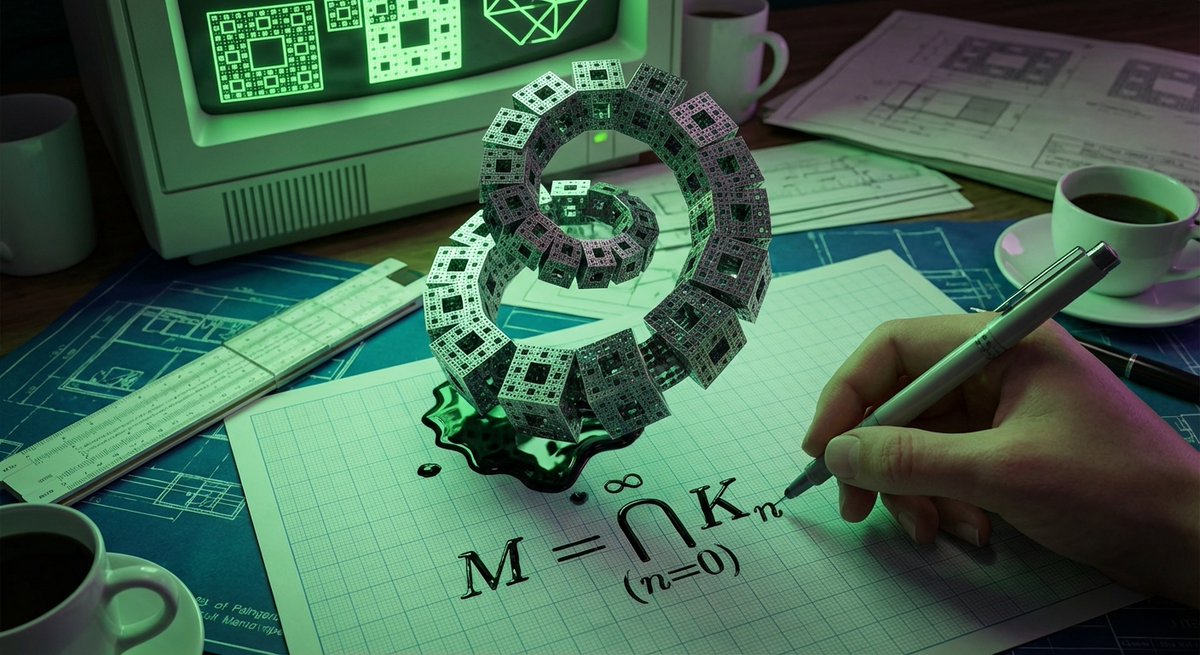
<instruction> Role: Act as a Mathematician and Architect. Input:[fractal set]. Analysis: The fractal set, infinite recursion, coastlines, ferns, every aspect Goal: A drafting table where the math spirals into infinity. Rules: Base: Graph paper and heavy computers from the 1980s. Transformation: The equation for the fractal is written on the page. The ink from the equation is spiraling up into a 3D fractal set relevant to the input. Scale: Macro shot, implying infinite detail. Details: The tip of the pen is touching the paper, and the ink flow is already branching infinitely. Lighting: Neon computer monitor glow reflecting off the glossy ink. Output: Psychedelic mathematics, sharp geometric rendering. </instruction>

3D Pixar-Style Hook Image: Programmable Money to Intelligence

3D Pixar-Style Hook Image: Programmable Money to Intelligence

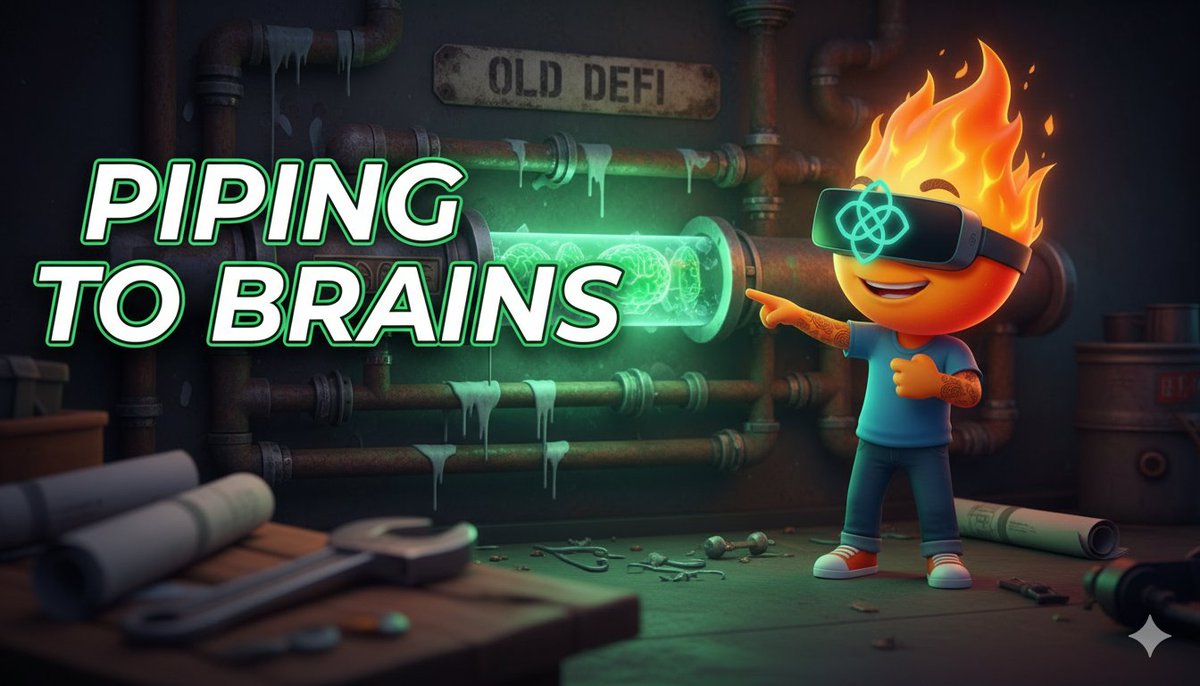
3D Pixar-style hook image, 16:9 format. CHARACTER: Fire character in VR headset with OpenGradient logo. Expression: realizing/pointing. Pose: standing in a construction site, pointing at a transformation in the pipes. SCENE: A messy wall of rusty, leaking pipes labeled "OLD DEFI". One section of the pipe transforms into a glowing, crystalline, see-through conduit pulsating with green "brain" energy. FOREGROUND: A heavy wrench and blurred blueprints on a workbench in the corner. Creates depth. BACKGROUND: Dark industrial background but lit up by the green glow of the new pipe. TEXT: "PIPING TO BRAINS" on LEFT, bold white with glow. COMPOSITION: Text dominant 70/30. Depth of field: blurred foreground -> sharp subject -> slight background blur. Cinematic lighting with neon green accent.

Some prompts are collected from creators on X. Copyright belongs to the original authors.