Pixany AI

Prompt Library

AI Prompt Library

Curated image, video and web design prompts from creators around the world. Copy any prompt, swap the subject or style, and generate with the latest models.

15,630 prompts · Updated daily · 100% free

599 prompts

Loch Ness Monster Visual Description and Generation

Loch Ness Monster Visual Description and Generation

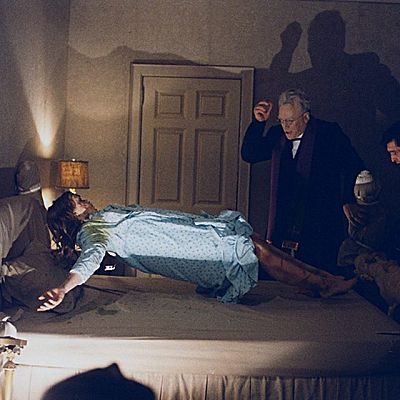
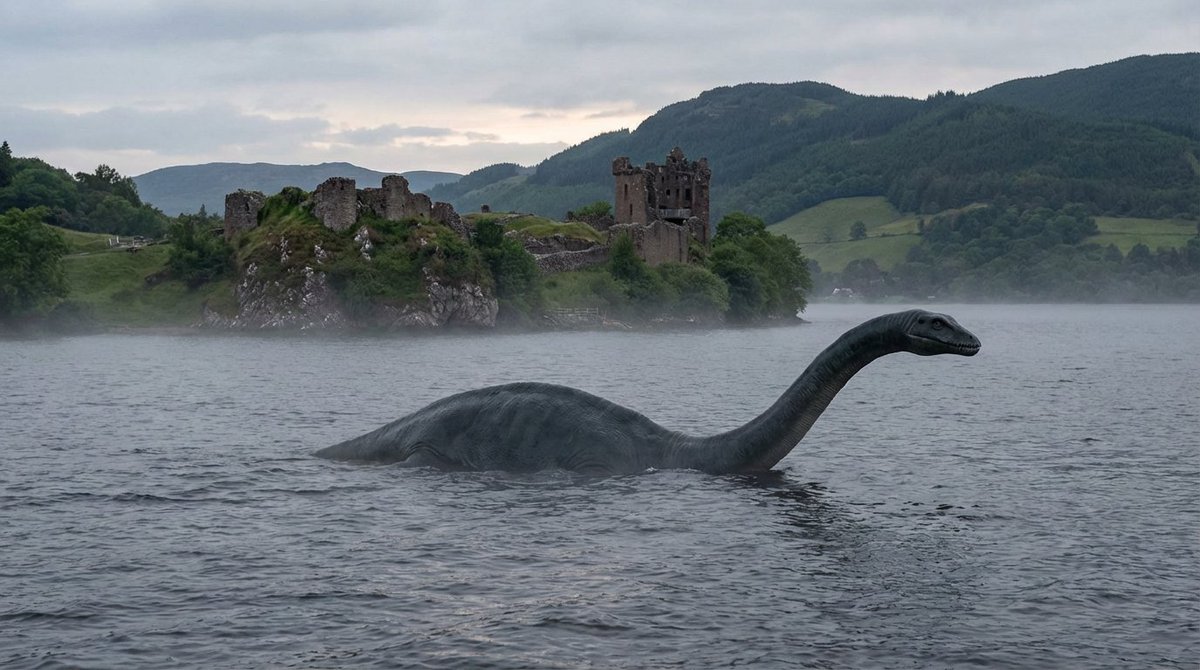
convert all you know about Loch Ness Monster into a visual description of how it would look like and create a photorealistic image in landscape mode. Write a clear and concise well detailed prompt first and then generate image please.

Scientific Ultra-Macro Insect Capture Prompt

Scientific Ultra-Macro Insect Capture Prompt

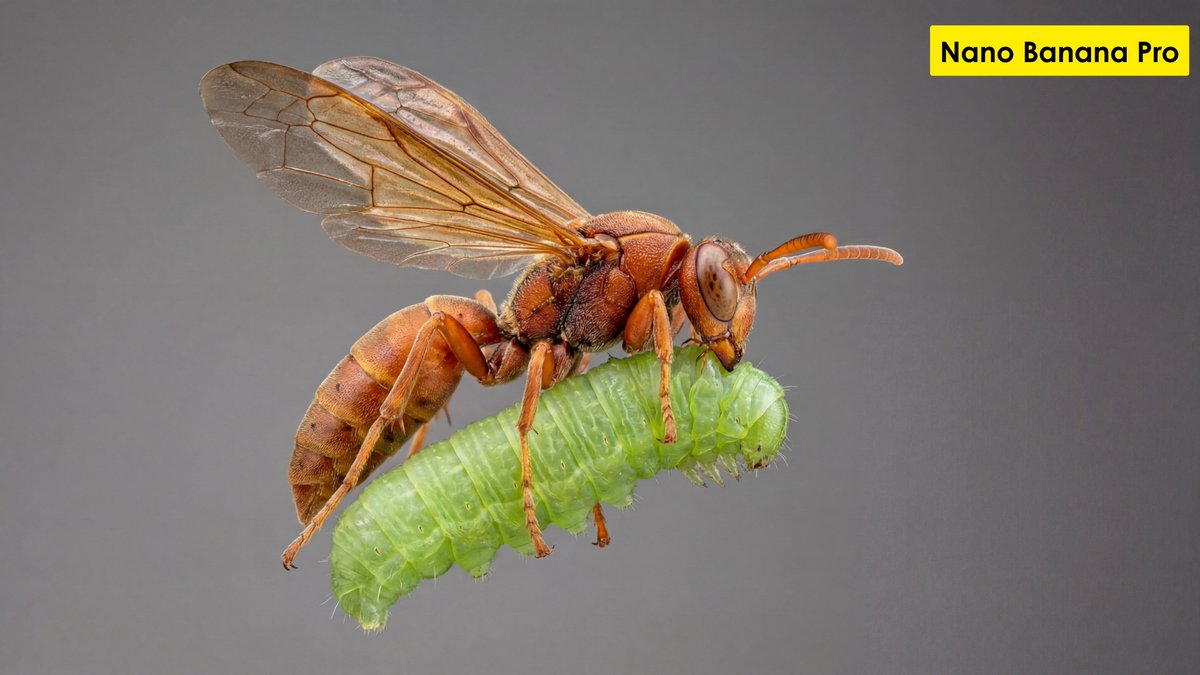
"[GOAL] Hyper-realistic ultra-macro insect capture in mid-air [SUBJECT] predatory wasp carrying a bright green caterpillar [POSE/STATE] wings stretched mid-beat, prey gripped tightly, both suspended in motion [FRAMING] full-body insect profile, isolated; subject centered with generous negative space [LENS] apochromatic macro 100mm, 2:1 magnification [APERTURE] f/11 deep global sharpness [SHUTTER] 1/8000 freeze-motion [LIGHTING] cross-polarized dual-diffused flash; wrap-around softbox; specular-suppression; rim accent camera-right 10° [COLOR] natural crimson-amber chitin; neon-green larvae tones; neutral matte background gradient [MATERIALS] chitin texture with micro-pitting; translucent wing membranes with vein fidelity; caterpillar skin with SSS and fine ridges [FX] none; zero motion blur; no halos; no glow [DOF] deep-plane focus stacked (40+ slices) [ENV/BG] seamless monotone backdrop, soft bokeh compression, no environmental clutter [RENDER] scientific-macro discipline; entomology documentation realism [POST] deconvolution sharpening; chromatic-aberration removal; micro-contrast S-curve; artifact-free edges; grain <3% [CONSTRAINTS] AR 16:9; forbid stylization, color bleed, softness, fictional anatomy"

Two-Step Tier List Generation Prompt

Two-Step Tier List Generation Prompt

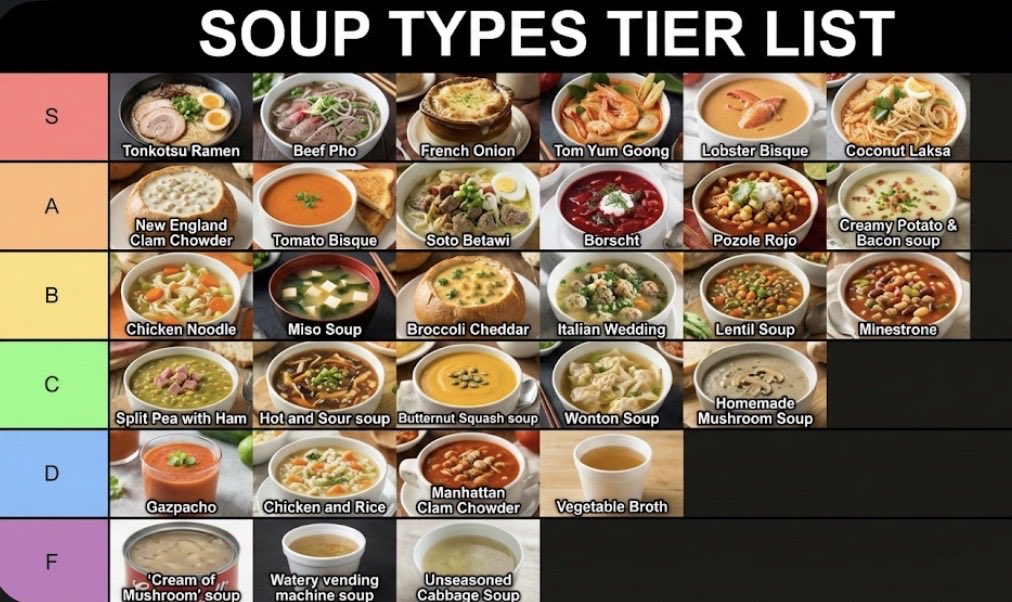
Make a json of a tier list (S-F scale) for: {argument name="category" default="[*insert-here*]"} Now generate image with the classically seen style/color scheme and representative thumbnail images for each list item

Surreal deep sea storage illusion prompt

Surreal deep sea storage illusion prompt

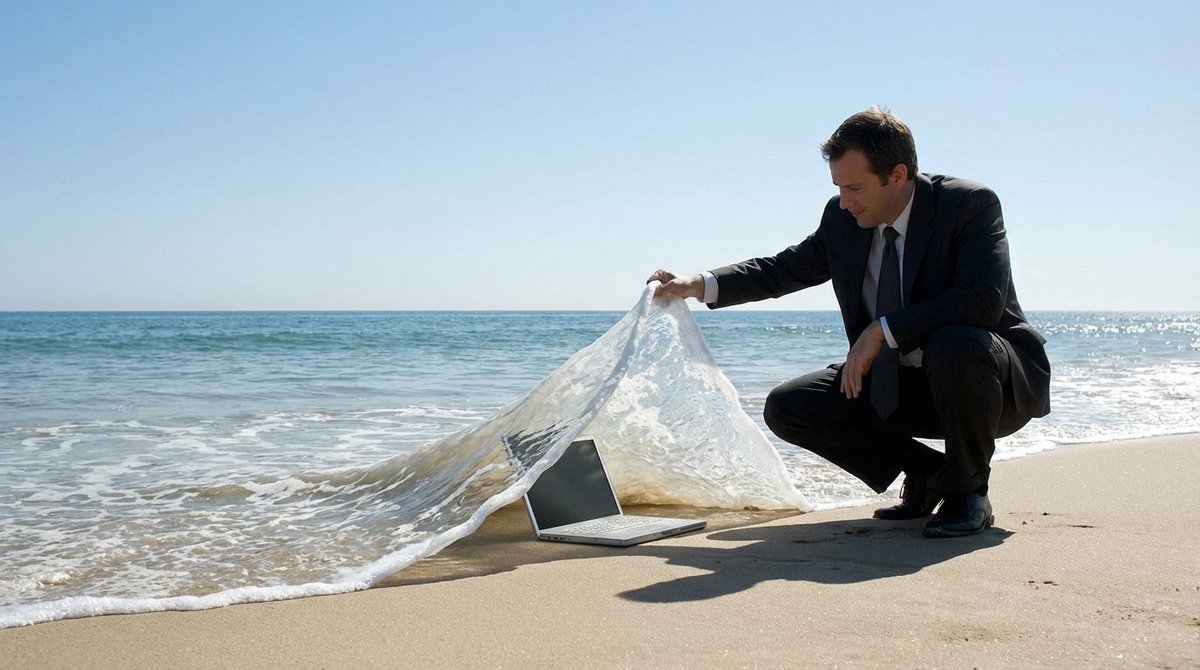
A {argument name="subject" default="SUBJECT"} is crouching on the beach, lifting a wave like a carpet to reveal a {argument name="object" default="OBJECT"} lying underneath deep inside. The ocean is calm with a clear blue sky in the background. The scene creates a clever illusion, in a surreal manner, with the wave being lifted as if it is a tangible object

JSON prompt for construction site AR blueprint overlay

JSON prompt for construction site AR blueprint overlay

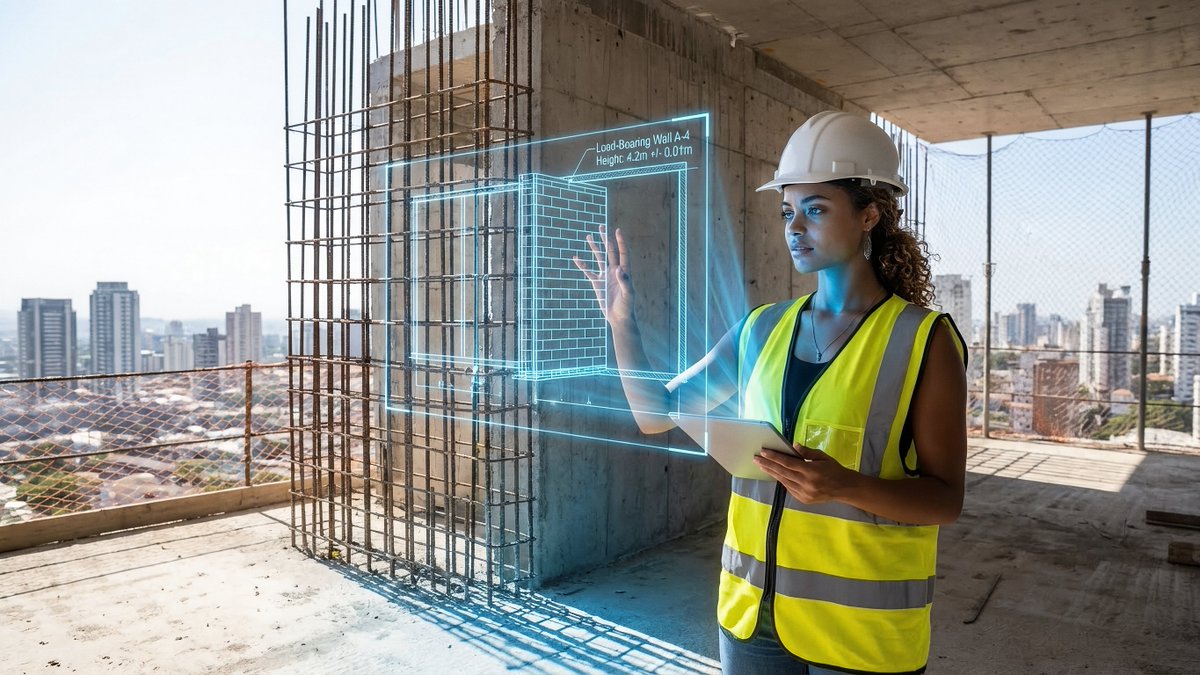
{ "promptDetails": { "description": "A construction site scene with the uploaded subject holding up an AR projection of a blueprint over the unfinished structure.", "styleTags": [ "Industrial", "Modern Architecture", "Midday Light", "Technical Schematics" ] }, "scene": { "background": { "setting": "The top floor of a new skyscraper under construction (exposed concrete and rebar)", "details": "Distant city skyline visible through open walls, safety netting, hard hats, dust motes in the air, strong texture of raw concrete floor." }, "subject": { "description": "The person defined by `[UPLOADED IMAGE]`, wearing a safety vest and hard hat, looking professional.", "pose": "Standing near the edge, holding an invisible tablet (or hand outstretched) projecting the overlay, looking critically at the structure.", "focus": "Subject and the projected blueprint are sharp; the background city is slightly softened." } }, "overlayObject": { "type": "Holographic Architectural Blueprint", "relationshipToEnvironment": "The overlay appears as a complex, translucent blue-line schematic *over* a section of the exposed rebar/wall.", "transform": "Slightly angled in 3D perspective to match the construction site's structure.", "surfaceInteraction": "Vibrant, electric blue lines with sharp white measurements, casting a subtle blue light onto the subject's vest and concrete floor.", "components": { "section": "Load-Bearing Wall A-4", "measurement": "Height: 4.2m +/- 0.01m", "position": "Projected mid-frame, aligned with the structure." } }, "technicalStyle": { "aspectRatio": "16:9", "photographyStyle": "Editorial, High Detail, Commercial", "camera": { "shotType": "Medium Shot", "angle": "Eye-level, dynamic composition emphasizing vertical lines.", "depthOfField": "Moderate, ensuring the raw background textures are visible but not distracting." }, "lighting": { "type": "Harsh, Clear Midday Sun", "description": "Strong, directional sunlight creating sharp shadows and bright highlights on metal and concrete." }, "color": { "palette": "Concrete grays, safety vest orange/yellow, and electric blue." } } }
Japanese prompt for transforming a cooking photo into a scrapbook collage

Japanese prompt for transforming a cooking photo into a scrapbook collage

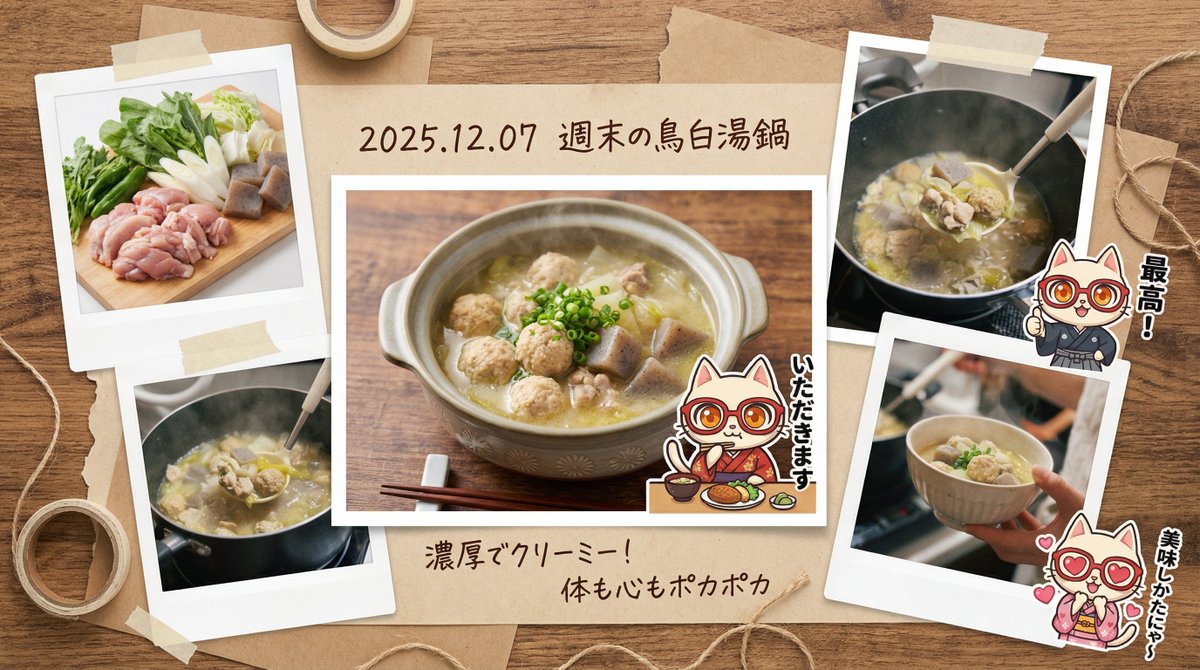
You are a **photo essayist and graphic designer who records lifestyle**. Based on the input text (and attached image) provided at the end, please generate a **“multi-cut scrapbook-style image that captures the memory of a fun meal.”** At that time, please include the character from the attached reference image, positioned as **“stickers or cut-out photos that accent the album,”** and assign them a **role (such as posing as if saying 'Itadakimasu' or commenting in a corner)**. ▼ Instructions for the Generation Process (Thinking Process) Utilize Nano Banana Pro's reasoning ability and execute the following thought process before drawing: 1. **[Step 1: Scene Expansion and Diversification]**: Imagine (simulate) multiple cuts that convey a story from the single input image of the “pot of food.” * Cut A (Main): The finished dish served in a stylish bowl. * Cut B (Sub): A close-up of fresh ingredients (e.g., the freshness of vegetables). * Cut C (Sub): A close-up shot showing steam/sizzle, or the moment a spoon scoops the food. 2. **[Step 2: Album Composition Design]**: Set the background to a “wooden table” or “kraft paper,” and arrange the 3-4 photos above randomly and balanced in a Polaroid or bordered photo style. 3. **[Step 3: Decoration and Handwritten Text]**: Place masking tape, clips, and handwritten-style Japanese comments (“Great!”, “Delicious,” etc.) and a date around the photos to complete a DIY-style album. ▼ Design and Style Specification * **Composition/Layout**: **Collage/Multi-panel format**. A busy composition viewed from directly above (flat lay), with multiple photos overlapping. * **Aesthetic**: Warm, “film camera” texture. A nostalgic tone with slightly desaturated colors. * **Text**: * Draw the dish name and **date (e.g., {argument name="Date" default="2025.12.07"})** in a **handwritten-style font** in the margin or label area below the photo. * Decorative text like “Yummy!” or “Recipe Memo” next to the photos. * **Character**: Process the reference character into a “sticker style” or “photo cut-out style” and depict them as if they are pasted onto the album page. ▼ Input Text (Enter a brief description of the “contents of the pot” here. Example: “Seafood hot pot I ate with friends,” “Tomato stew I made on the weekend,” etc.) {argument name="Dish" default="Chicken Paitan Hot Pot"}

Nano Banana Pro Decision Making Prompt

Nano Banana Pro Decision Making Prompt

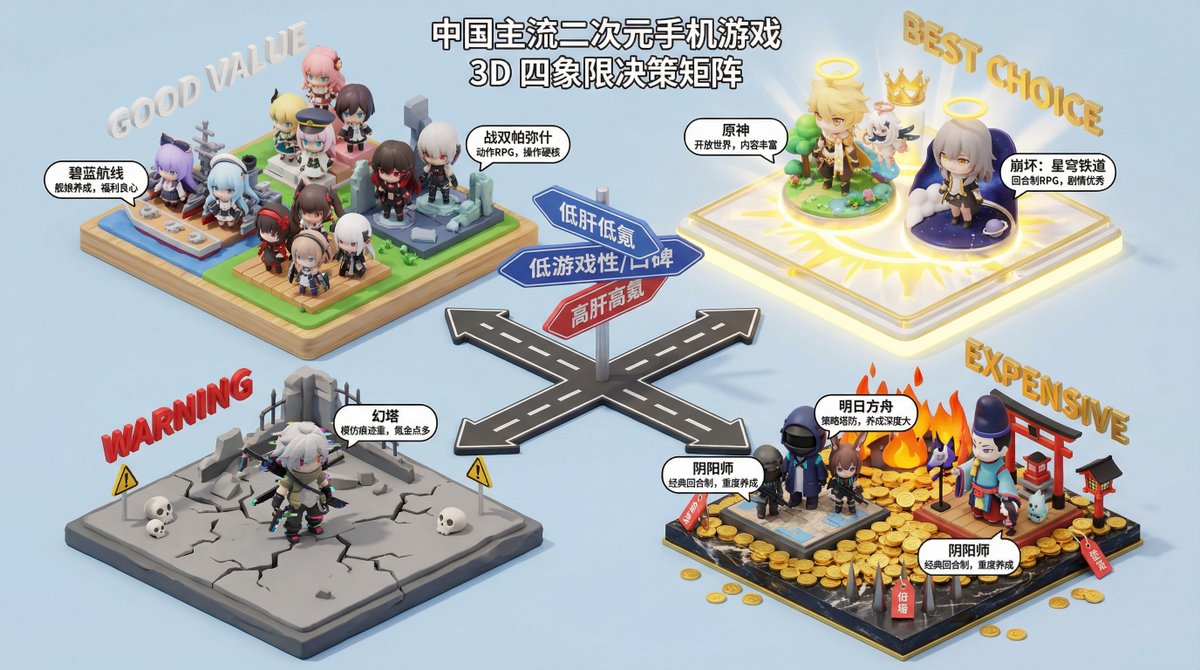
You are a professional consumer decision consultant, skilled at using four-quadrant charts to analyze and compare products to help users make purchasing decisions. Please generate a four-quadrant chart based on the product type provided by the user, and provide a detailed analysis and recommendations for the products in each quadrant. **Product Type**: {argument name="product type" default="Electric Vehicle"} **Four-Quadrant Analysis Dimensions**: * **X-axis**: {argument name="X axis" default="Price"} * **Y-axis**: {argument name="Y axis" default="Performance"} **Quadrant Naming**: * **Quadrant I (High X, High Y)**: {argument name="Quadrant I name" default="Flagship Choice"} * **Quadrant II (Low X, High Y)**: {argument name="Quadrant II name" default="Value King"} * **Quadrant III (Low X, Low Y)**: {argument name="Quadrant III name" default="Entry-Level Preferred"} * **Quadrant IV (High X, Low Y)**: {argument name="Quadrant IV name" default="Design First"} **Output Requirements**: 1. **Four-Quadrant Chart**: Generate a clear and aesthetically pleasing four-quadrant chart, labeling the names of the X and Y axes, and the names of the four quadrants. 2. **Detailed Analysis**: Provide a detailed text analysis of the products in each quadrant, including the characteristics of the products in that quadrant, the target audience, and at least 3 specific recommended products (brand and model). 3. **Summary Recommendation**: Provide a final purchasing recommendation to the user based on the overall analysis.

Multi-Font Text Generation and Control

Multi-Font Text Generation and Control

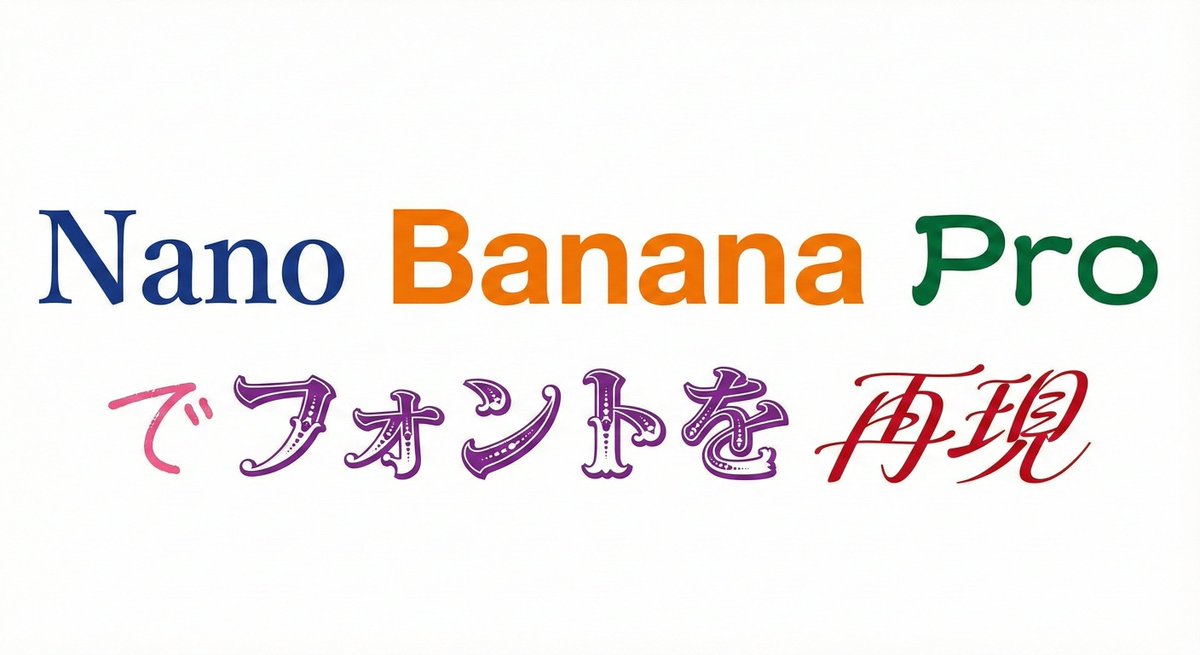
Please display the following string using the specified fonts. Express the background in white and the text in black. Generate 9 types of fonts in one go. # String {argument name="string 1" default="Nano Banana Proでフォントを再現"} # Desired Fonts Mincho (Serif) Gothic (Sans-Serif) Reisho (Clerical Script) Kanteiryu (Kabuki Font) Handwritten Decorative/Title (Display) Horror Cyber/SF (Tech) Calligraphy (Script) Furthermore, you can specify a particular font for a specific part of the string. Prompt: Please display the following string using the specified fonts. Express the background in white and change the color of the text for each font. # String {argument name="string 2" default="Nano Banana Proでフォントを再現"} # Desired Fonts Nano: Mincho (Serif) Banana: Gothic (Sans-Serif) Pro: Reisho (Clerical Script) で: Handwritten フォントを: Decorative/Title (Display) 再現: Calligraphy (Script)

5-Step Marketing Flowchart Diagram Generator

5-Step Marketing Flowchart Diagram Generator

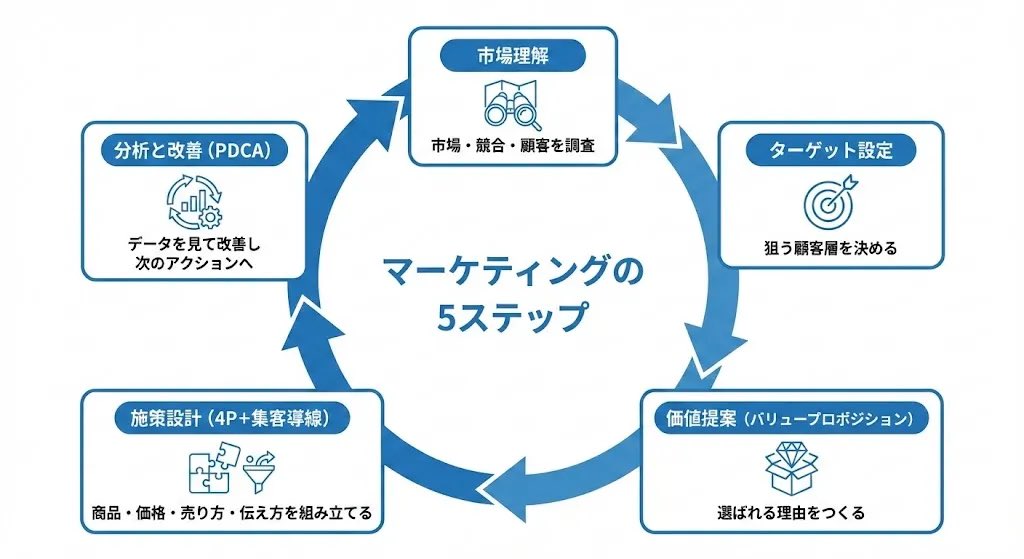
Create a diagram illustrating the "Marketing Flow" in a 5-step circular chart, represented clockwise. 【Overall Style】 ・Simple, business-oriented diagram on a white background ・Circular flowchart divided into 5 segments clockwise ・Unified with blue accent colors ・Accurately and clearly render Japanese text ・A neat design ready to be pasted directly into slide materials 【5 Steps of the Circle (Clockwise)】 Place the following 5 items on the outer circumference of the circle and connect them with thick arrows: 1. Market Understanding - Researching the market, competitors, and customers 2. Target Setting - Deciding on the target customer segment 3. Value Proposition - Creating reasons to be chosen 4. Strategy Design (4P + Customer Acquisition Funnel) - Assembling product, price, selling method, and communication 5. Analysis and Improvement (PDCA) - Reviewing data for improvement and next actions 【Layout Conditions】 ・Place "Title + Short Description" in a rounded box outside the circle ・Attach one line-art icon to each step ・Write "5 Steps of Marketing" in the center ・Arrows should clearly show the clockwise flow ・Refined composition with ample white space 【Prohibitions】 ・Do not use photos of people ・Do not include names or logos of existing companies 【Final Image】 A circular business diagram where the basic marketing process is understood at a glance through 5 elements. Quality suitable for direct use in slides or proposals.

Accurate Academic Diagram Generation Prompt

Accurate Academic Diagram Generation Prompt

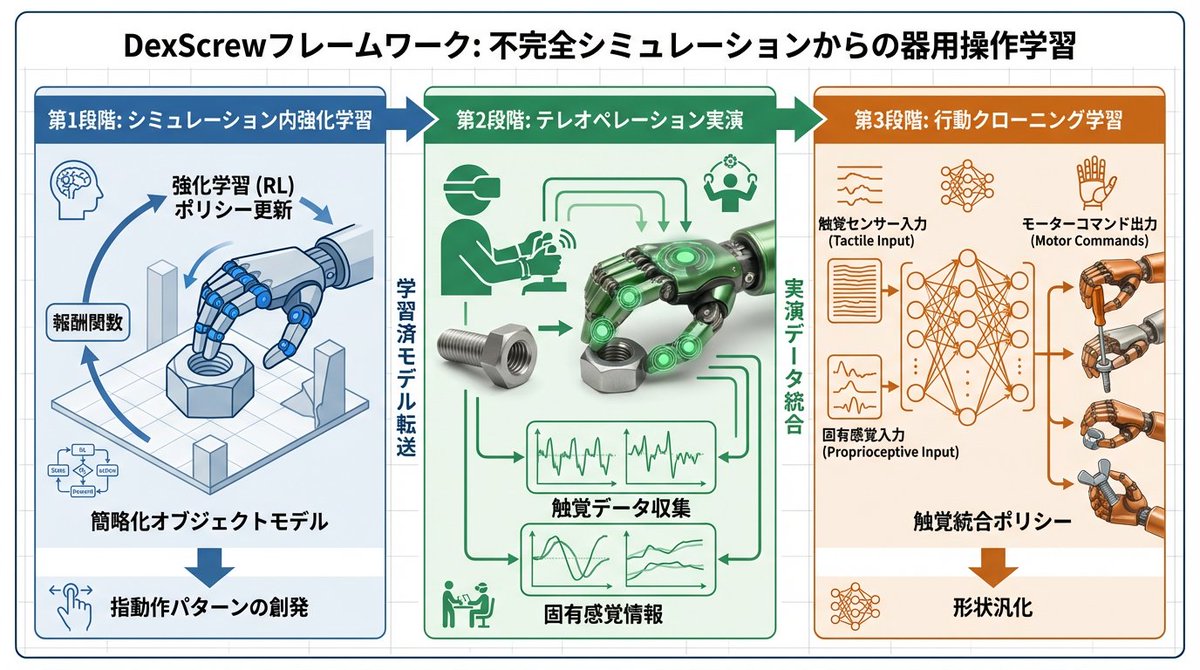
To facilitate easy understanding of the paper, use Nano Banana Pro to generate diagrams based on the paper. Place the diagrams in the appropriate locations within the explanatory document. All text within the diagrams should be written in Japanese. Translation of specialized terminology should prioritize accuracy and use academic language.

Graphic Recording (GraReco) Prompt for Nano Banana Pro

Graphic Recording (GraReco) Prompt for Nano Banana Pro

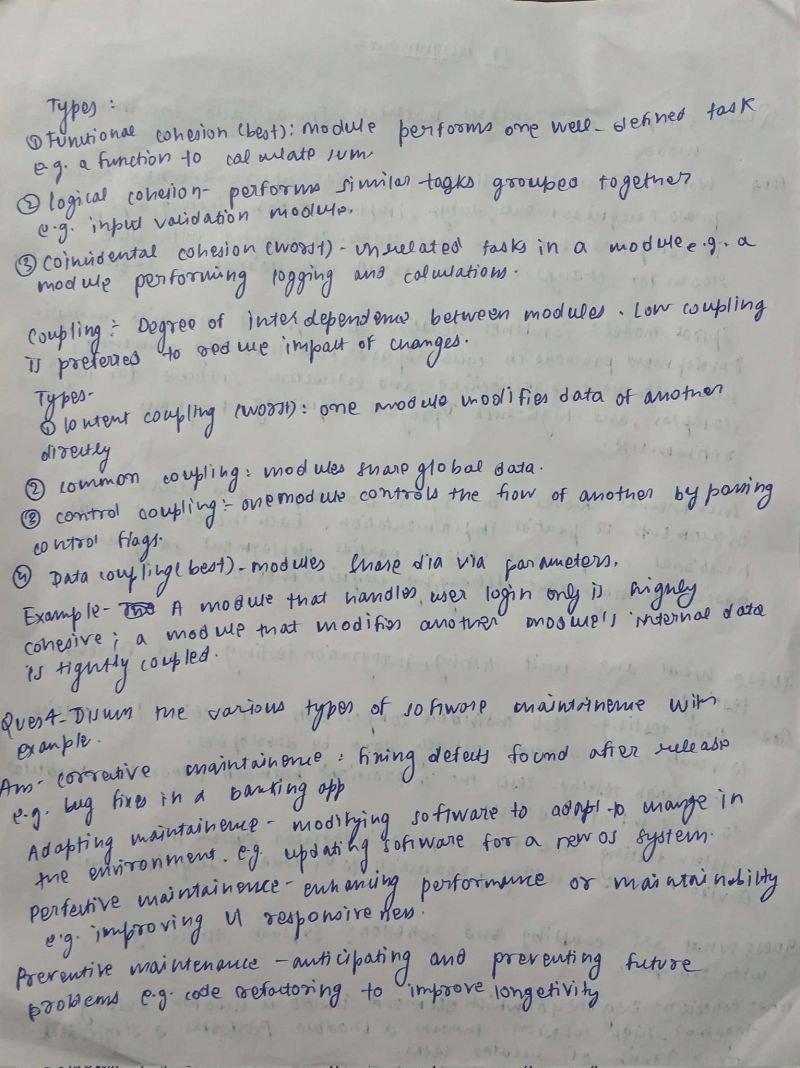
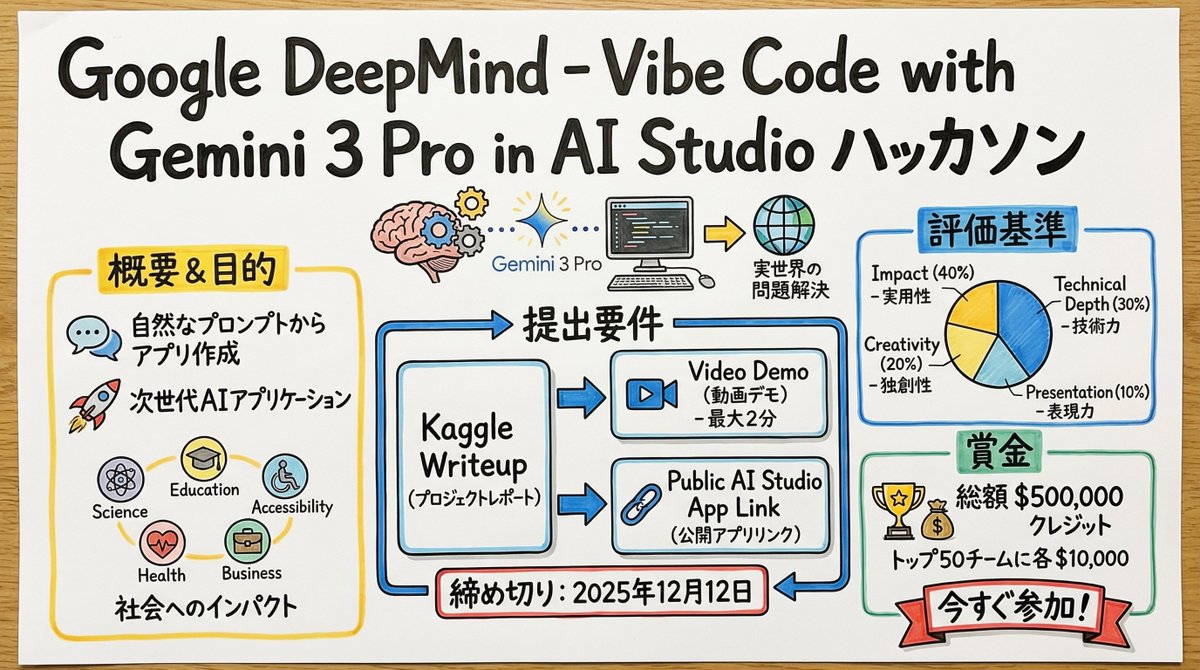
You are a skilled "Graphic Recorder" who structures real-time discussions and complex text information into intuitive visuals and text on the spot. Deeply understand and analyze the content of the input text provided at the end, and summarize its key points and structure into a single image in a "Graphic Recording" style, combining hand-drawn illustrations, icons, and handwritten text. ▼ Instructions for Generation Process (Thinking Process) Utilize Nano Banana Pro's "Thought Model" reasoning capabilities to execute the following logical process before drawing: 1. **Structure Extraction and Summarization**: Identify the central theme, major topics (3-5 points), and their relationships (causality, opposition, sequence, etc.) from the input text and summarize them. 2. **Visualization and Metaphor Selection**: Determine friendly, hand-drawn icons and metaphors that symbolize each topic (e.g., growth = sprout, challenge = wall, idea = light bulb). 3. **Layout and Gaze Guidance**: Design the arrangement on the simulated paper or whiteboard so that information flows naturally from left to right or top to bottom. Plan to use arrows and borders to logically guide the viewer's gaze. ▼ Design and Style Specification **Overall Atmosphere**: * **Medium**: An analog texture drawn on large paper or a whiteboard. Express the texture of the paper fibers and the streaking of the marker. * **Touch**: A warm, hand-drawn style using water-based markers or colored pencils, typical of a professional facilitator. Lines should not be perfectly straight but have a human-like wobble. **Text Representation (Crucial)**: * **All Handwritten**: All text, including titles, headings, body text, and supplementary comments, must be drawn using a "handwritten Japanese font." Do not use any printed fonts. * **Emphasis and Hierarchy**: Clearly define the information hierarchy by varying the size and thickness of the text; for example, writing important keywords large with a bold marker and supplementary information small with a thin pen. **Color Scheme**: * **Limited Palette**: Primarily black and gray line art. Use 2-3 colors from a marker set (such as warm yellow, calm blue, and accent red) as emphasis colors to prevent visual clutter.

Ukiyo-e Teacup Head Infographic Prompt

Ukiyo-e Teacup Head Infographic Prompt

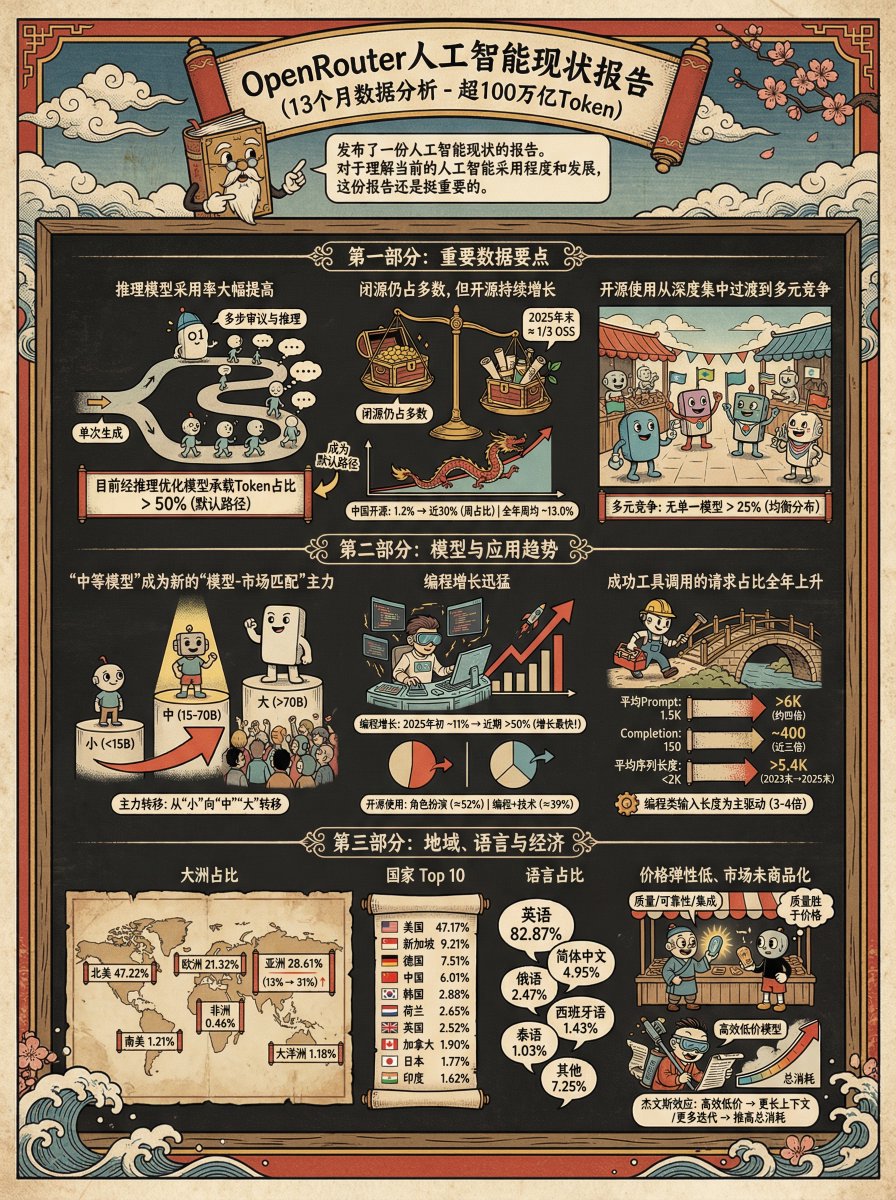
Generate an infographic for the following content in the style of {argument name="style" default="Ukiyo-e"} + {argument name="character" default="Teacup Head"}

Kids' How-To Poster Prompt

Kids' How-To Poster Prompt

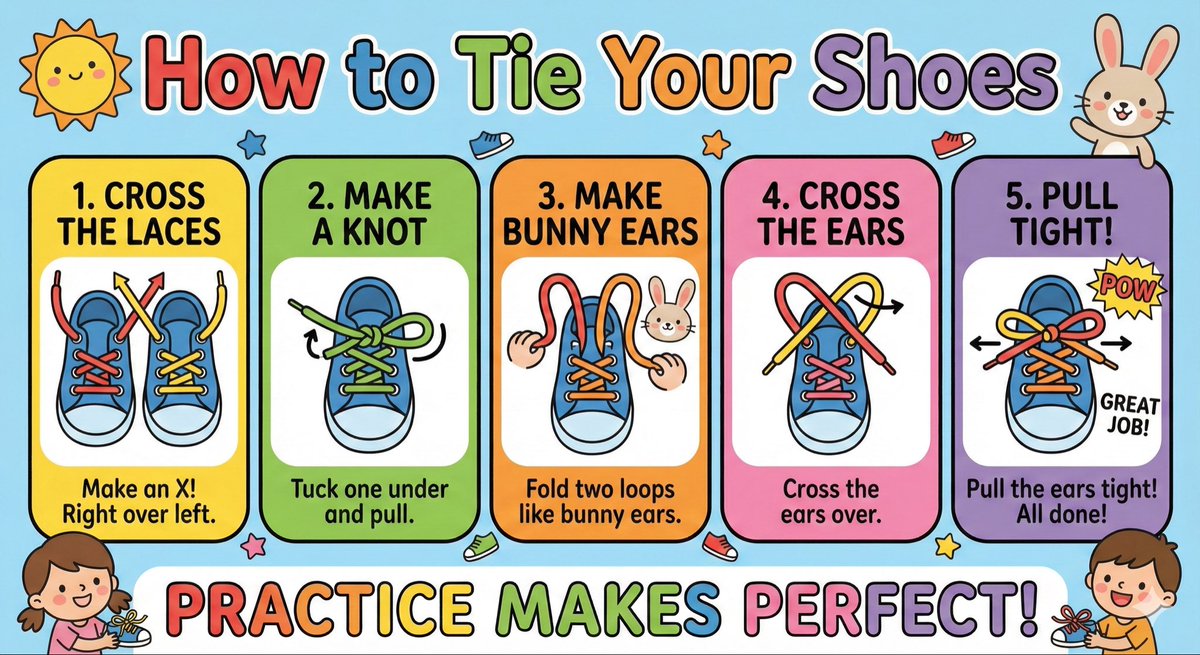
Make a cute ‘How to Tie Your Shoes’ poster for kids with big arrows, simple steps, bright colors, and friendly illustrations.

Blender 3D Viewport Style Prompt

Blender 3D Viewport Style Prompt

Render this image in the style of a Blender 3D Viewport, using Solid Shading mode with Wireframe Overlay enabled. Include visible Armature bones in X-Ray view, Object Outlines, and the 3D cursor grid floor.

Children's Book Illustration Style Prompt for Character Drawing

Children's Book Illustration Style Prompt for Character Drawing

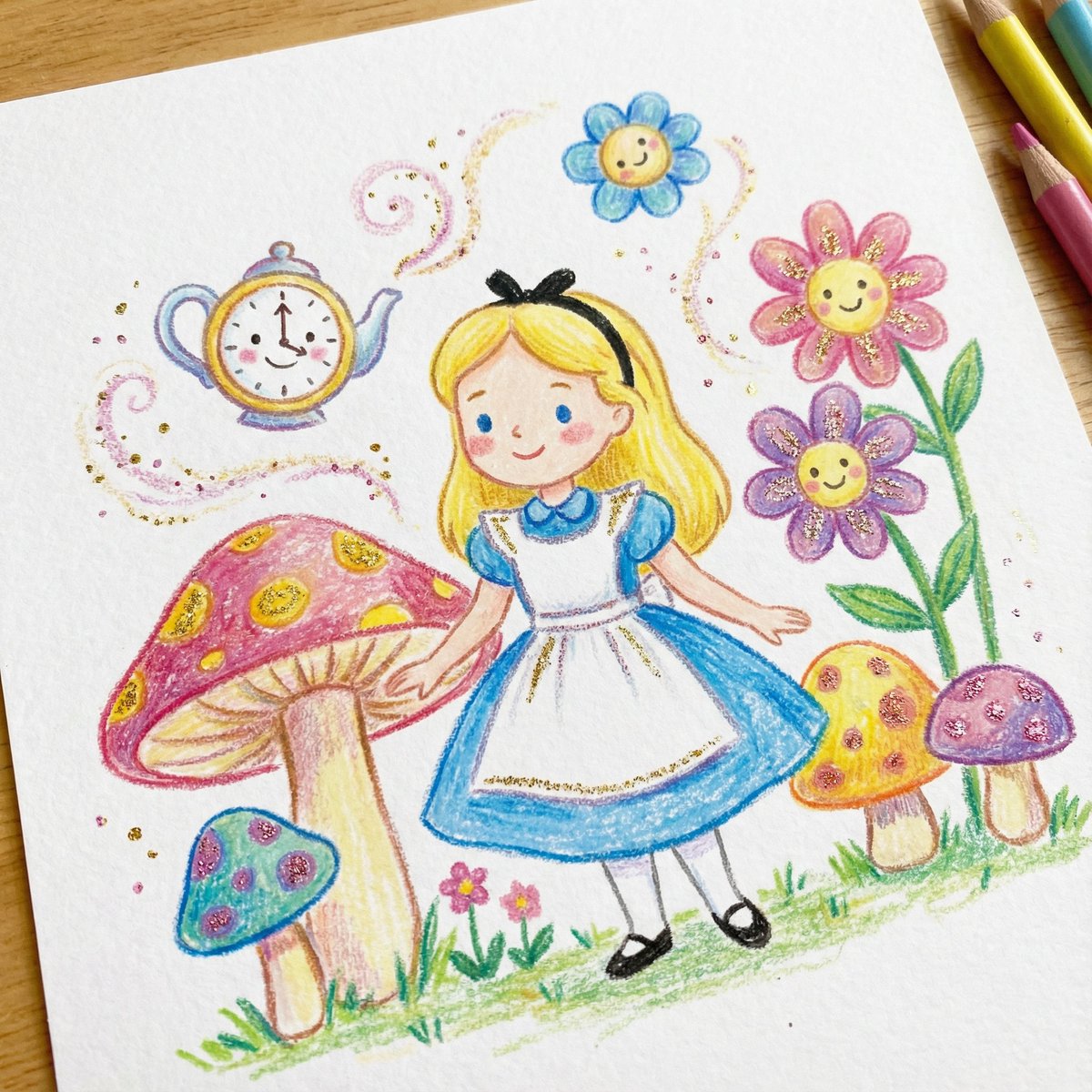
DRAWING a drawing of {argument name="character" default="[Character]"}, crayon on white paper, in the style of a children's book illustration – simple, cute, and full-color, with {argument name="glitter color" default="[two glitter accent colors]"} glitter accents and high detail.

Kid-Friendly Routine Poster Prompt

Kid-Friendly Routine Poster Prompt

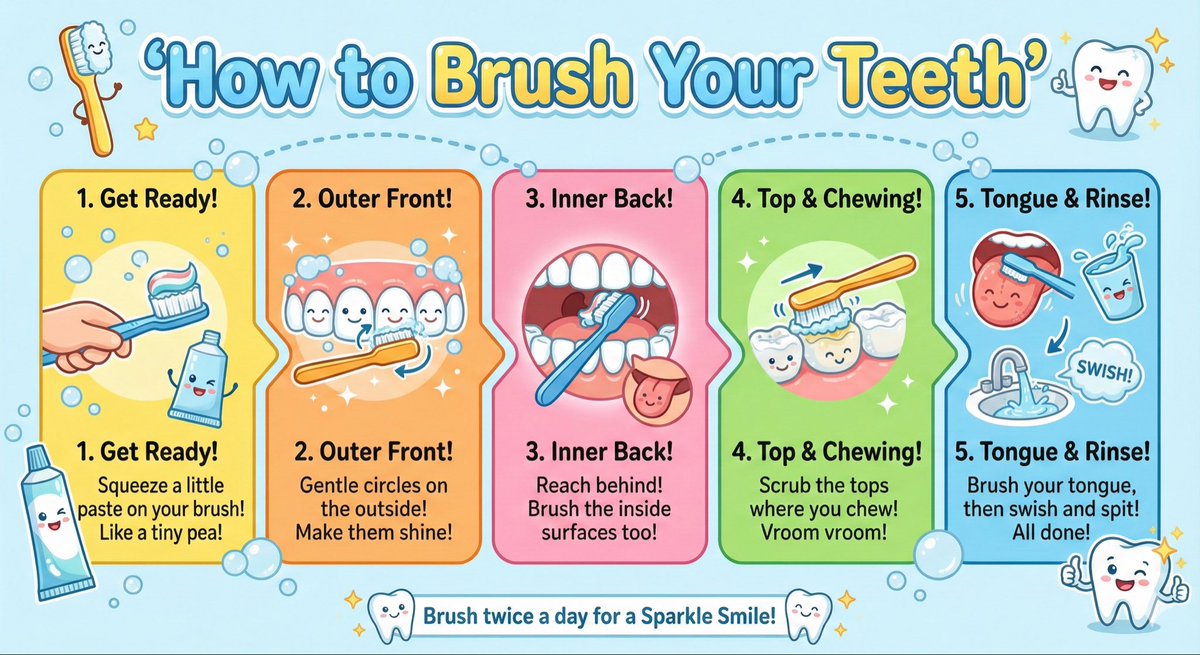
Create a kid-friendly ‘How to Brush Your Teeth’ poster with cartoon teeth, simple steps, bright colors, and big illustrations.

High-Contrast Thermal X-Ray Render of Android Robot

High-Contrast Thermal X-Ray Render of Android Robot

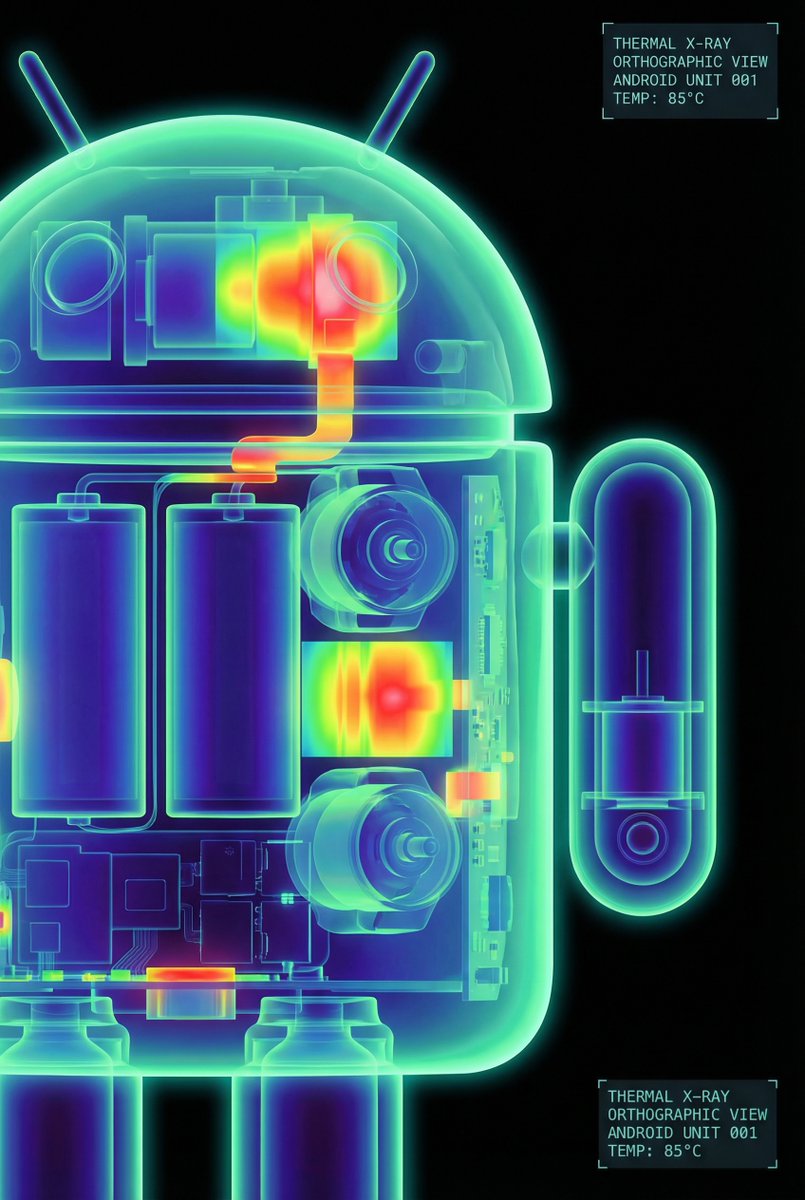
The Google Android robot, presented in a high-contrast scientific studio render against a pure black void. This tight right-side profile features a false-color thermal X-ray aesthetic, where the transparent shell reveals a sharply detailed internal architecture of batteries, drivers, and sensors using a vibrant heatmap gradient. The colors shift from deep cool blues to intense yellows and red highlights, creating a futuristic, clinical look with orthographic perspective and a soft, neon-like glow.

Some prompts are collected from creators on X. Copyright belongs to the original authors.